
Why Apple’s On‑Device AI Strategy Could Redefine the Future of Personal Computing
After sitting out the earliest wave of the generative AI boom, Apple has launched an aggressive AI push centered on private, on-device models tightly integrated into iOS, iPadOS, and macOS. Rather than chasing maximum model size or open-ended chatbots, Apple is positioning AI as an invisible, system-level assistant that enhances everyday tasks—drafting messages, editing images, summarizing documents—while keeping personal data under stringent privacy controls.
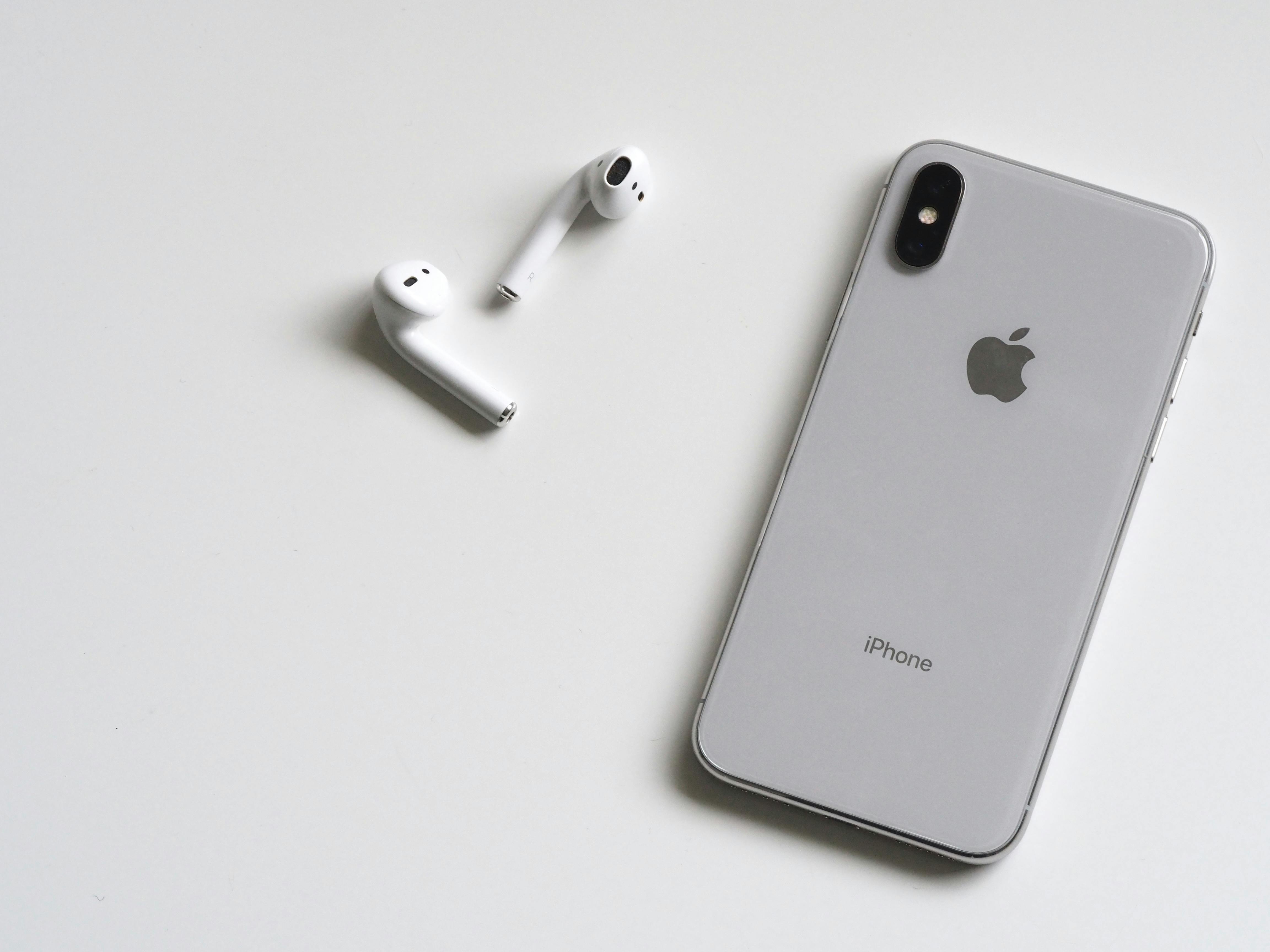
Across tech media, from The Verge to TechCrunch, Apple’s AI strategy is being framed as a platform-defining shift on par with the App Store or Apple Silicon. The next 12–18 months of iPhone, iPad, and Mac releases will be dominated by a single question: can Apple deliver AI that feels magical, useful, and private—without sacrificing performance or openness for developers?
Mission Overview: Apple’s Vision for Private, Ambient AI
Apple’s AI mission is not to build the “smartest chatbot” in the abstract. Instead, the company is targeting three interlocking goals:
- Ambient assistance: AI woven into system experiences—Mail, Messages, Safari, Photos, Keynote—rather than just a standalone app.
- Privacy by design: Defaulting to on-device processing, with carefully constrained and anonymized cloud usage when absolutely necessary.
- Hardware-accelerated intelligence: Exploiting the Neural Engine and GPU blocks in A‑series and M‑series chips to run compact but capable models locally.
“Our goal isn’t to collect more of your data; it’s to make the data already on your device radically more useful—without it ever leaving your control.”
Practically, this means features like:
- One-tap summarization for long emails and web pages.
- Context-aware writing suggestions across apps using your own documents as a reference—without uploading them.
- Image and video editing driven by natural-language prompts (“make the sky more dramatic,” “remove reflections”).
- A more capable Siri that can understand follow-up questions and act across apps using on-device context.
Why Now? Competitive, Hardware, and Privacy Drivers
Apple’s sudden acceleration in generative AI is driven by three converging pressures: competition, silicon, and regulation-level privacy expectations.
Competitive Pressure from OpenAI, Google, and Microsoft
Products like ChatGPT, Google Gemini, and Microsoft Copilot have reshaped user expectations. Consumers now assume their devices can:
- Draft and refine text in natural language.
- Generate or alter images and presentations on the fly.
- Act as research assistants across email, documents, and web content.
Without strong AI features, iPhones and Macs risk feeling “dumber” than cloud-first competitors—even if the underlying hardware is superior.
Apple Silicon as a Foundation for On‑Device Models
Apple’s A‑series (iPhone/iPad) and M‑series (Mac) chips include dedicated Neural Engine units optimized for matrix operations crucial to deep learning. This enables:
- Small and medium language models (typically in the 3–20B parameter range) to run entirely on-device.
- Low latency inference for tasks like autocomplete, summarization, and translation.
- Efficient power usage, critical on smartphones and laptops.
Benchmarks from independent developers and channels like MLX on YouTube show that recent M‑series chips can host multiple quantized models locally while staying responsive for everyday work.
Privacy and Regulatory Expectations
Apple is leaning hard into the narrative that “AI can be a privacy feature, not a surveillance engine.” By keeping inference on-device whenever possible, Apple:
- Reduces the attack surface for data breaches and misuse.
- Makes compliance with privacy regulations (GDPR, upcoming AI acts) more straightforward.
- Builds trust with users already wary of ad-driven ecosystems.
“On-device AI, when done correctly, has the potential to give users powerful tools without normalizing indiscriminate data collection.”
Technology: How Apple’s On‑Device Models Work
Under the hood, Apple’s AI stack combines model architecture work, silicon optimization, and new developer frameworks. While exact model details are evolving rapidly, the broad outlines are clear.
Model Classes: Language, Vision, and Multimodal
Apple is deploying multiple model families, each tuned for specific on-device tasks:
- Language Models (LLMs): For summarization, rewriting, code suggestions, and conversational assistance.
- Vision Models (ViTs and CNNs): For object detection, scene understanding, and image editing.
- Multimodal Models: Combining text, image, and potentially audio input to enable richer experiences (e.g., describing what’s on screen and drafting an email about it).
To fit these models on end-user devices, Apple heavily uses:
- Quantization: Reducing precision (e.g., from 16‑bit to 4‑ or 8‑bit weights) to shrink memory and compute requirements.
- Distillation: Training smaller “student” models to mimic larger “teacher” models while retaining most of their performance.
- Mixture-of-Experts: Activating only a subset of model parameters for a given input, reducing compute while keeping capacity.
Frameworks: Core ML, Create ML, and MLX
For developers, Apple exposes AI capabilities through a layered toolchain:
- Core ML: The system framework that runs models on-device, routing workloads to CPU, GPU, or Neural Engine depending on what’s most efficient.
- Create ML: Higher-level tools for training and fine-tuning models using macOS, often via no-code or low-code interfaces.
- MLX: A newer open-source framework from Apple’s machine learning research group designed for efficient array programming on Apple Silicon, popular among researchers running transformer-based models locally.
In practice, developers can:
- Train or fine-tune a model in PyTorch or TensorFlow.
- Convert it to Core ML format.
- Integrate it into iOS or macOS apps using Swift and Apple’s ML APIs.
“Private Cloud Compute” for Heavy Tasks
Not all tasks can be served on-device—very large models or complex multimodal queries may exceed local limits. For these cases, Apple is rolling out a concept often described as “private cloud compute.” Key ideas include:
- Specialized Apple data center hardware using the same security primitives as Secure Enclave.
- End-to-end encryption such that Apple cannot inspect user content even while processing it.
- Strict minimization and deletion policies for temporary cloud inference data.
This hybrid approach lets Apple layer “cloud muscle” on top of an on-device foundation while maintaining a strong privacy story.

Developer Experience: System APIs and New Workflows
Developers and power users are intensely focused on how Apple will surface these AI capabilities. Apple is introducing:
- System-wide text APIs for summarization, translation, and rewrite.
- Image manipulation APIs that accept natural language prompts.
- Enhanced SiriKit and App Intents so AI can orchestrate actions across multiple apps.
Example: Context-Aware Writing Assistance
Imagine a note-taking app on iOS:
- You draft a rough project plan.
- You invoke the system AI API with a “polish and structure this for an executive audience” instruction.
- The on-device model:
- Rewrites the text for clarity and tone.
- Identifies action items and converts them into a checklist.
- Suggests a summary paragraph and possible slide headings.
None of this requires sending your notes to the cloud; the model runs entirely on your device using the Neural Engine.
Tools for Learning and Experimentation
Developers who want to go deeper into LLMs on Apple hardware are increasingly using:
- Apple MLX on GitHub for custom transformer experimentation.
- Community tutorials on YouTube showing how to deploy quantized models locally on M‑series Macs.
- Fine-tuning workflows using tools like Hugging Face and then converting to Core ML.
Recommended Hardware for Local AI Development
For developers in the U.S. looking to prototype on-device models efficiently, a high-memory Apple Silicon Mac is ideal. One of the most popular configurations is:
Apple 2023 MacBook Pro Laptop with M2 Pro chip (16GB RAM, 512GB SSD)
This class of machine offers:
- Fast Neural Engine and GPU acceleration for running local LLMs.
- Excellent thermals for sustained training or fine-tuning workloads.
- Battery life suitable for mobile AI development and demos.
Scientific Significance: Pushing the Frontier of Efficient AI
Apple’s pivot has implications that reach beyond commercial strategy into core AI research.
From Bigger Models to Smarter Deployment
Much of the early LLM race emphasized ever-larger parameter counts. Apple’s constraints—billions of devices with limited power and memory—force renewed emphasis on:
- Model compression without catastrophic loss of capability.
- Edge inference and federated learning designs.
- Energy-efficient architectures that respect thermal envelopes.
“Pushing high-capacity models onto edge devices is a grand challenge for efficient AI—solutions here will define what ‘everyday intelligence’ looks like.”
Human–Computer Interaction (HCI) and Trust
Embedding AI deeply into the OS raises new HCI questions:
- How should the system explain when it uses on-device vs. cloud processing?
- What UI patterns best communicate uncertainty and potential errors?
- How do you give users granular control over which data is used for personalization?
Apple’s approach, if transparent and well-designed, could set patterns that regulators and researchers later formalize as best practices.
Accessibility and Assistive Technologies
On-device generative AI can significantly enhance accessibility:
- Real-time captioning and summarization of audio content.
- Screen descriptions for visually impaired users using multimodal models.
- Adaptive reading and writing support tailored to individual needs, processed entirely locally.

Milestones: How Apple’s AI Push Is Rolling Out
While Apple’s roadmap continues to evolve, several clear milestones define this AI era.
1. System-Level AI Features in iOS, iPadOS, and macOS
Recent OS releases and betas showcase:
- AI-powered writing tools integrated into Mail, Notes, and Messages.
- Smart editing and generative fill in Photos and third-party creative apps.
- Intelligent notifications that summarize and prioritize content.
2. Upgraded Siri with Deeper Context
Siri is gradually moving from rigid, template-based responses to more conversational interactions powered by on-device language models. Key improvements include:
- Better follow-up question handling.
- Context carry-over between tasks (e.g., from a web search to a calendar entry).
- Richer actions within and across supported apps via App Intents.
3. AI-Native Hardware Cycles
Apple’s chip and device launches increasingly highlight AI metrics:
- Neural Engine TOPS (trillions of operations per second).
- Memory bandwidth relevant for LLM inference.
- On-device model size and latency benchmarks across devices.
Independent benchmarks from reviewers like Marques Brownlee and Linus Tech Tips increasingly test AI workloads—summarization, local image generation, and more—alongside traditional performance metrics.
Challenges and Skepticism
Despite the excitement, Apple faces serious technical and strategic challenges that critics frequently highlight.
Gap with Frontier Cloud Models
Even aggressively optimized on-device models may lag behind frontier cloud models in:
- Complex reasoning and multi-step problem solving.
- Open-ended creative tasks (e.g., long-form fiction, intricate code generation).
- Handling very long context windows (lengthy documents, multi-hour transcripts).
This is part of why Apple leans on a hybrid model—on-device by default, cloud-assisted when needed—but that hybrid must be transparent and trustworthy.
Ecosystem Control vs. Experimentation
Apple’s historical tight control over its platforms raises questions for power users and researchers:
- Will developers be able to bring their own models easily, or primarily rely on Apple APIs?
- How restrictive will App Store policies be around experimental AI features?
- Can Apple balance security with the kind of rapid experimentation the AI field thrives on?
User Understanding and Consent
Generative AI’s power comes from using personal context—emails, photos, documents. Apple must ensure:
- Clear, accessible explanations of what data is used and where it is processed.
- Granular opt-in and opt-out controls per feature and data type.
- Strong on-device logging and visibility into AI-driven actions.
“AI that touches people’s most private data has to be not only secure, but legible—people must understand what it is doing and why.”
Regulatory and Ethical Scrutiny
Regulators are closely watching:
- How AI models are trained, including data sourcing and copyright issues.
- Bias and fairness in system-level features, especially for accessibility and safety.
- Handling of minors’ data and content moderation on AI-generated media.
Practical Impacts: Workflows, Creativity, and Productivity
On-device AI can reshape everyday workflows for students, professionals, and creatives.
Knowledge Work and Office Productivity
Typical use cases include:
- Email triage: Summaries, suggested replies, and automatic extraction of action items.
- Document drafting: Turning bullet notes into structured reports or presentation outlines.
- Meeting support: Local transcription and summarization of audio recordings.
Creative Workflows
Photographers, designers, and video editors benefit from:
- Prompt-based image adjustments (“golden hour lighting,” “remove background clutter”).
- Local style transfer and filters that don’t require cloud upload.
- Storyboard and script-assist tools integrated into creative suites.
Education and Personal Learning
Students can leverage:
- On-device tutoring that explains concepts using their own notes and textbooks.
- Private question answering across personal study materials.
- Adaptive practice questions generated from a course’s specific content.

Conclusion: A Pivotal Bet on Private Intelligence
Apple’s on-device AI strategy is more than a late entry into the generative AI race—it is a distinct bet on how intelligence should live inside personal computing. By anchoring AI in local models, custom silicon, and a strong privacy narrative, Apple aims to:
- Deliver AI that feels fast, integrated, and personal.
- Avoid the surveillance concerns associated with ad-driven platforms.
- Push the broader field toward efficient, trustworthy, edge-first AI.
Whether this bet succeeds will depend on execution over the next few OS and hardware cycles. If Apple can close the capability gap with frontier cloud models while preserving its privacy and UX advantages, the company could once again redefine what mainstream computing looks like—this time, by making powerful AI feel as natural and invisible as multitouch or Retina displays.
Extra: How Users and Developers Can Prepare
For Everyday Users
- Keep your devices updated to the latest OS versions to access new AI features.
- Review privacy and AI-related settings to control what data features can use.
- Experiment with system suggestions in Mail, Messages, and Photos to understand where AI adds real value.
For Developers and Tech Enthusiasts
- Explore Apple’s official machine learning resources on the Apple Developer Machine Learning portal.
- Prototype with MLX and Core ML on Apple Silicon Macs to understand performance constraints.
- Follow AI-focused coverage from outlets like WIRED AI and Engadget AI for evolving best practices.
References / Sources
Further reading and sources for deeper exploration:
