
Why Spatial Computing and Mixed Reality Are About to Replace Your Screens
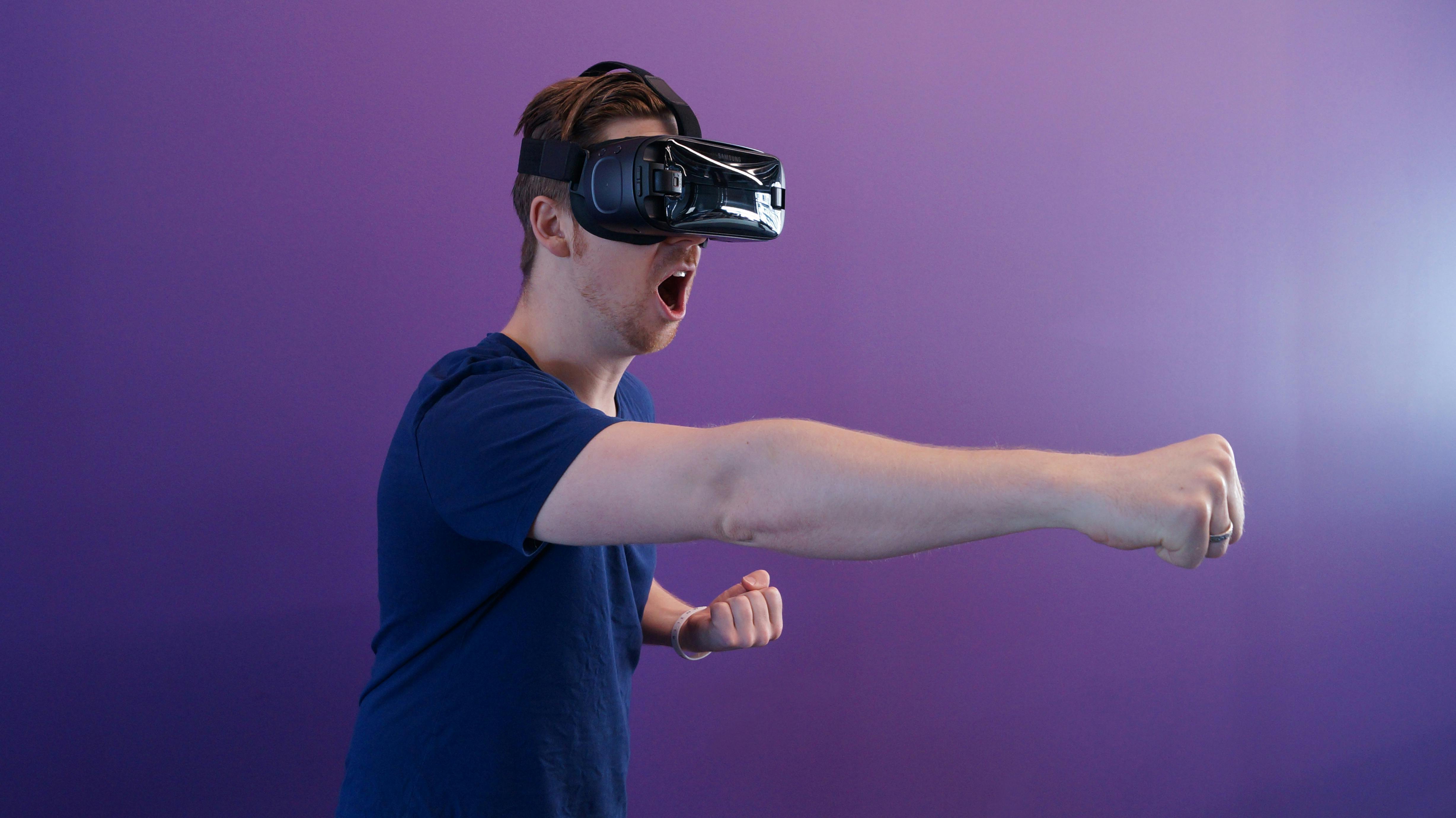
Image: Professional using a mixed reality headset to interact with spatial interfaces. Credit: Pexels (royalty-free).
Mission Overview: From Niche Headsets to Everyday Interfaces
Spatial computing refers to digital systems that understand and respond to the geometry of the physical world. Mixed reality (MR) headsets, which combine high‑resolution displays with depth sensors and pass‑through video, are currently the flagship devices for this paradigm. Instead of staring at flat monitors, users see virtual windows, 3D objects, and information anchored to their real environments.
Since 2023, major launches from companies like Apple, Meta, and others have shifted mixed reality from an experimental curiosity into a serious candidate for the “next interface after the smartphone.” Reviews and analyses from outlets such as The Verge, Engadget, and TechRadar now track MR headsets the way they track laptops and phones: by evaluating productivity, comfort, and real‑world workflows.
“Spatial computing is not just about putting 3D graphics in front of your eyes; it’s about understanding the world so well that computing disappears into the background.”
What Is Spatial Computing?
At its core, spatial computing is the ability of a computer system to:
- Perceive the 3D structure of the environment (walls, tables, people, objects).
- Track the user’s head, eyes, hands, and controllers with high precision.
- Anchor digital content to the real world so it appears stable and physically present.
- Respond contextually—changing what you see based on where you look or move.
Mixed reality sits between augmented reality (AR) and virtual reality (VR):
- AR: Lightweight glasses or phone-based overlays that add 2D/3D content to your view of the world.
- VR: Fully immersive digital environments that block out reality.
- Mixed Reality (MR): Combines pass‑through video with depth sensing so you see your real space plus precise, occlusion-aware 3D content. A virtual monitor can sit “behind” your coffee mug or be hidden when you walk behind a wall.
This spatial understanding is made possible by simultaneous localization and mapping (SLAM), depth cameras, inertial sensors, and advanced computer vision algorithms running on-device, often assisted by dedicated neural processing units (NPUs).

Image: Close-up of mixed reality headset optics and sensors. Credit: Pexels (royalty-free).
Technology: Inside Modern Mixed Reality Headsets
The latest wave of MR headsets, launched between 2023 and late 2025, represents a major leap over early VR and AR devices. Several core technologies have matured in parallel:
High‑Resolution Displays and Optics
Modern headsets combine:
- High‑pixel‑density micro‑OLED or LCD panels with low persistence to reduce blur.
- Advanced lenses (often pancake optics) to slim down the headset while improving clarity.
- Wide field of view to avoid the “tunnel vision” feeling of older devices.
Precision Tracking: Head, Hands, and Eyes
Mixed reality requires accurate six‑degree‑of‑freedom (6DoF) tracking:
- Inside‑out tracking via cameras and IMUs embedded in the headset.
- Hand tracking for direct manipulation of virtual controls without controllers.
- Eye tracking for:
- Foveated rendering (rendering only what you’re looking at in full resolution).
- Gaze-based interaction and predictive UI adjustments.
On‑Device AI and Scene Understanding
Newer devices incorporate NPUs or AI accelerators that can run:
- Real‑time object recognition and labeling.
- Semantic segmentation (distinguishing floors, walls, furniture, people).
- Gesture recognition and user-intent inference.
Combined with generative AI models—often running locally or on nearby edge servers—headsets can generate 3D assets, summarize documents pinned to virtual screens, or provide context-aware assistants that “see what you see.”
Comfort, Ergonomics, and Battery
By late 2025, leading MR headsets have:
- Material and weight optimizations that bring total mass closer to high‑end headphones.
- Balanced designs to reduce neck strain.
- Battery life approaching a typical work session (2–4 hours) with external packs or hot‑swappable options for longer use.
Mission Overview in Practice: Key Spatial Computing Use Cases
Tech outlets increasingly describe spatial computing as being where smartphones were around 2005: obviously promising, but still hunting for its “iPhone moment.” Several use cases are emerging as front‑runners.
Infinite Desktops and Spatial Productivity
One of the most discussed applications is the “infinite desktop”—virtual monitors that float in 3D space, anchored to your room. Developers, writers, and analysts can:
- Open multiple resizable virtual displays around them.
- Pin documentation to the side while coding or designing.
- Combine traditional apps with 3D visualization panels.
Reviews on platforms like TechRadar’s MR coverage and The Verge’s VR/MR section often evaluate whether these virtual setups can replace dual‑monitor rigs for tasks like software development, video editing, or data science.
Collaborative Workspaces and Telepresence
Spatial computing reimagines remote work by placing lifelike avatars or volumetric representations of colleagues in a shared virtual or mixed space:
- Teams can co‑edit documents pinned to a virtual wall.
- Architects can walk around a 3D building model at real scale.
- Engineers can inspect exploded views of complex machinery.
Design, Visualization, and Digital Twins
Industrial use cases revolve around digital twins—high‑fidelity virtual models of real‑world systems. Mixed reality enables:
- Overlaying diagnostics onto physical machines for maintenance.
- Training operators on simulated systems before they touch the real hardware.
- Visualizing logistics flows, energy grids, or factory layouts in situ.
Education, Training, and Medical Applications
Medical schools, surgery training programs, and universities are exploring MR for:
- Interactive anatomy lessons using volumetric models.
- Simulated surgeries with haptic feedback and real‑time guidance.
- Visualization of molecular structures, astronomical scales, or fluid dynamics.
“Immersive mixed reality has the potential to shorten learning curves and improve retention by engaging spatial memory and active exploration.”
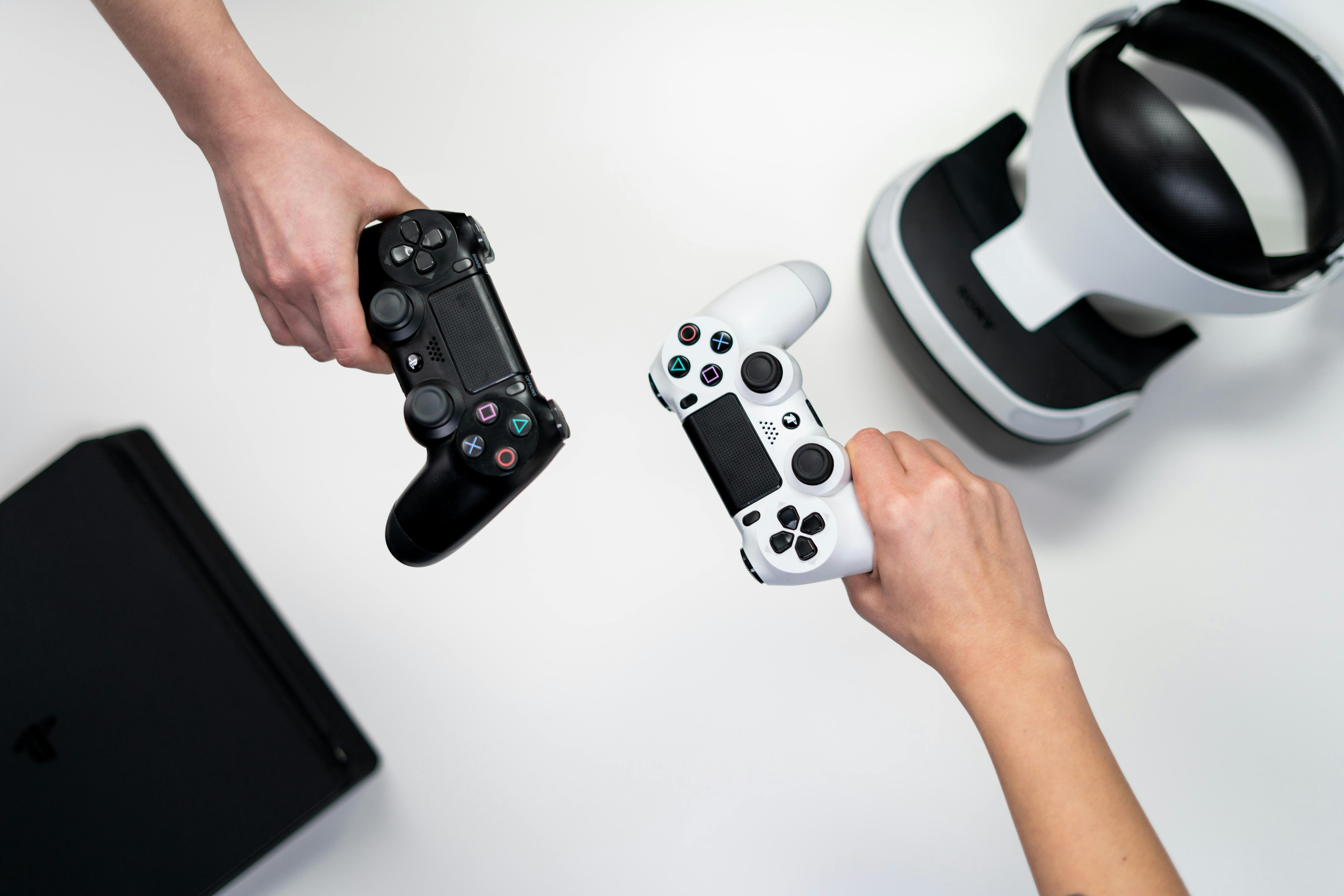
Image: Casual home use of immersive headsets for work and entertainment. Credit: Pexels (royalty-free).
Why Spatial Computing Is Trending in Late 2025
Several converging trends explain why mixed reality and spatial computing dominate late‑2025 tech coverage.
- Maturing Hardware
Headsets are:- Lighter and noticeably more comfortable for multi‑hour sessions.
- Offering improved lenses and panels that reduce eye strain.
- Priced closer to high‑end laptops, rather than exotic enterprise gear.
- Productivity and “Daily Driver” Experiments
Creators on YouTube and TikTok run week‑long experiments using only MR setups for work. Popular videos demonstrate:- Building a spatial home office with virtual monitors.
- Mixing MR with fitness, like guided workouts overlaid on your living room.
- Combining MR with traditional peripherals such as physical keyboards and pointing devices.
- Developer Ecosystems and SDKs
Major platforms offer robust spatial computing SDKs, encouraging:- Native MR experiences for note‑taking, brainstorming, and code review.
- Immersive data visualization dashboards.
- Cross‑platform frameworks targeting both flat screens and headsets.
- AI as a Force Multiplier
Generative AI and spatial interfaces complement one another:- Point to an object and request real‑time explanations, documentation, or repair steps.
- Generate 3D scenes or design variations on demand.
- Automatically rearrange virtual workspaces based on gaze and task context.
Scientific Significance: Vision, Cognition, and Human–Computer Interaction
Spatial computing is not only a product trend; it is also a scientific frontier in perception, cognition, and human–computer interaction (HCI).
Leveraging Spatial Cognition
Humans remember information better when it is tied to locations—an effect used in mnemonic techniques like the “memory palace.” By anchoring information spatially:
- Virtual sticky notes around your room can form a persistent 3D knowledge graph.
- Data dashboards arranged geographically (e.g., by department or region) exploit spatial memory.
New Interaction Paradigms
Instead of clicking icons on a 2D grid, users can:
- Grab and resize windows with natural hand gestures.
- Use gaze plus subtle finger pinches for rapid selection.
- Invoke AI agents that appear as 3D assistants in the room, aware of context.
Researchers in HCI and cognitive science are actively studying:
- How spatial layouts affect multitasking and attention.
- How to reduce motion sickness and eye strain.
- Ethical implications of always‑on environmental sensing.
Technology is most transformative when it becomes invisible—spatial computing aims to make interfaces dissolve into the world itself.
Milestones on the Road to Everyday Spatial Interfaces
Between 2023 and 2025, several milestones accelerated spatial computing’s momentum:
- Flagship MR Headset Launches
Premium devices from major tech companies introduced:- High‑quality pass‑through video with low latency.
- Professional‑grade optics and color‑accurate displays.
- Integrated productivity suites and creative tools.
- Enterprise Pilots and Case Studies
Enterprises across manufacturing, healthcare, and logistics reported:- Reduced training time using immersive simulations.
- Fewer errors in complex assembly tasks supported by MR instructions.
- Faster remote diagnostics with experts “seeing what the technician sees.”
- Developer Adoption
Hacker News and GitHub communities highlight:- Open‑source rendering pipelines for low‑latency MR.
- Tools for converting CAD data and 3D assets into real‑time scenes.
- Cross‑platform spatial app frameworks.
- Content Ecosystem Growth
App stores now feature:- Spatial note‑taking apps with room‑persistent content.
- MR-first fitness and mindfulness experiences.
- Immersive educational content for STEM topics.
Image: Adjusting a headset for comfortable, ergonomic use during work. Credit: Pexels (royalty-free).
Challenges: Comfort, Social Acceptance, and Privacy
Despite rapid progress, several serious challenges stand between spatial computing and mainstream adoption.
Ergonomic and Health Concerns
Tech reviewers and medical researchers alike note potential issues:
- Eye strain from vergence–accommodation conflict and prolonged close‑up display viewing.
- Neck and shoulder fatigue from headset weight and posture.
- Motion discomfort if head tracking or pass‑through latency is not low enough.
To mitigate these risks, designers are exploring:
- Optical designs that better match natural focusing behavior.
- Usage guidelines with frequent micro‑breaks.
- Adaptive rendering techniques to minimize visual mismatch and blur.
Social and Cultural Barriers
Wearing a bulky headset in public remains awkward. Even at home or in shared offices, users report concerns such as:
- Feeling socially isolated behind a device that covers the eyes.
- Difficulty making genuine eye contact, even with “passthrough” and external display tricks.
- Awkwardness when others are unsure whether they are being recorded.
Privacy and Bystander Consent
MR headsets are sensor‑rich: multiple outward‑facing cameras, microphones, and depth sensors continuously scan the environment. This raises pressing questions:
- Where is bystander data stored, and for how long?
- Can people opt out of being captured by others’ headsets in public or private spaces?
- How is data protected against misuse, surveillance, or unauthorized training of AI models?
Academic and policy communities are working on guidelines similar to those for facial recognition and public CCTV, emphasizing transparency, user controls, and default minimization of recorded data.
Tools of the Trade: Popular Devices and Accessories
For professionals and enthusiasts exploring spatial computing today, several hardware and accessory categories stand out.
High‑End Mixed Reality Headsets
While specific models evolve quickly, devices at the top of the market typically offer:
- High‑resolution micro‑OLED displays.
- Color‑accurate pass‑through and robust tracking.
- Integration with desktop and cloud workflows.
Key Accessories for Productive MR Workspaces
Mixed reality shines when combined with traditional input devices. Many power users rely on:
- Mechanical keyboards for tactile typing while in an MR workspace. A widely loved option is the Keychron K2 Wireless Mechanical Keyboard , which balances portability with excellent key feel.
- Ergonomic mice or trackpads for precision pointing when hand‑tracking is not ideal. Many MR users pair their setups with the Logitech MX Master 3S due to its comfort and configurable buttons.
- External battery packs or hubs for longer sessions, often worn at the waist or placed on a desk to reduce headset weight.
For Developers: Building Spatial‑First Experiences
Developers face a unique mix of 3D graphics, UX design, and AI challenges when building for MR.
Core Methodologies
- Prototyping with Game Engines: Unity and Unreal Engine remain the primary tools for rapid MR prototyping.
- Performance‑Driven Design: Maintaining low motion‑to‑photon latency is crucial; developers aggressively optimize shaders, culling, and level of detail.
- Spatial UX Patterns: Instead of flat menus, designers explore radial menus, object‑attached panels, and gaze-aware UI.
AI Integration Patterns
Common patterns emerging in 2024–2025 include:
- Contextual assistants that can “see” the user’s environment and provide targeted help.
- Generative design tools that produce 3D meshes, textures, and lighting setups from prompts.
- Semantic anchors, where virtual content snaps to recognized surfaces and objects using AI segmentation.
Developer‑focused discussions on Hacker News and engineering blogs from major headset vendors delve into rendering pipelines, multi‑device synchronization, and privacy‑preserving on‑device inference.
Media Landscape: How Tech Journalism Frames Spatial Computing
Coverage from outlets like The Verge, Engadget, TechRadar, and The Next Web has evolved over the last few years.
- Early coverage focused on novelty and immersive games.
- Current coverage emphasizes productivity, ergonomics, and AI integration.
- Forward‑looking pieces debate whether MR will replace laptops or coexist as a specialized tool.
Long‑form features in Wired and analyses on professional networks like LinkedIn often frame spatial computing as part of a broader shift toward ambient, AI‑infused computing—where devices respond to intent and context rather than explicit clicks and taps.
Conclusion: What Must Happen Next
By late 2025, spatial computing sits at an inflection point comparable to smartphones before the iPhone: clearly transformative, but not yet indispensable. Its trajectory over the next five years will depend on progress along several axes:
- Comfort and form factor: Transitioning from bulky headsets to lighter, glasses‑like devices.
- Compelling spatial‑first apps: Experiences that simply cannot be replicated on flat screens.
- Robust privacy and social norms: Clear policies and visible cues about recording, data use, and bystander rights.
- Interoperability and standards: Open formats for spatial scenes, anchors, and avatars across platforms.
If these challenges are met, spatial computing could become the dominant way we interact with information—where digital tools finally feel native to the 3D world we live in, rather than trapped behind rectangles of glass.
Additional Resources and Next Steps for Curious Readers
To deepen your understanding of spatial computing and mixed reality, explore:
- YouTube playlists on MR productivity setups for practical workspace ideas.
- Microsoft Research: Mixed Reality & AI for technical papers on spatial understanding and HCI.
- Meta / Oculus Developer Resources and headset vendors’ developer portals for SDK documentation and tutorials.
- Khronos OpenXR standard to learn how industry is creating interoperable XR interfaces.
For professionals, a practical next step is to pilot a small MR use case—such as an infinite desktop workstation for a subset of your team or a focused training simulation—and rigorously measure productivity, satisfaction, and health outcomes. Spatial computing’s future will be written not just by device makers, but by the organizations and individuals who discover the workflows it truly empowers.
References / Sources
- The Verge – VR and Mixed Reality Coverage
- Engadget – VR & MR Articles
- TechRadar – Best VR and MR Headsets
- The Next Web – Virtual & Mixed Reality
- Wired – Immersive Tech Features
- Microsoft Research – Mixed Reality & AI
- Khronos Group – OpenXR Standard
- ACM Transactions on Computer-Human Interaction (ToCHI) – research on HCI and immersive interfaces.
