
Why Headset Fatigue Is Forcing XR to Grow Up: Vision Pro, Meta Quest, and the Race for Practical Use Cases
Extended reality (XR)—the umbrella term for virtual reality (VR), augmented reality (AR), and mixed reality (MR)—is in the middle of a harsh but healthy reality check. After the launch of premium headsets such as Apple Vision Pro, Meta Quest 3, and high-end PC VR rigs, tech media, developers, and everyday users are asking a decisive question: not “What can XR theoretically do?” but “What is XR actually good for in daily life?”
Reviews from outlets like The Verge, Engadget, TechRadar, and The Next Web have pivoted from spec sheets and wow-factor demos to comfort, value, and long-term usability. At the same time, enterprise case studies in outlets like TechCrunch and Wired showcase more modest—but far more durable—use cases in training, field work, and visualization.
This article maps that transition: from hype-heavy “spatial computing” visions to grounded, ROI-driven XR. We will examine headset fatigue, the split between gaming and productivity, emerging enterprise patterns, and what needs to change before XR becomes an everyday computing platform rather than an impressive niche.
Mission Overview: From Spectacular Demos to Sustainable Habits
The implicit “mission” of modern XR has been to extend or even replace traditional screens. Early mixed-reality marketing—from Apple’s “spatial computing” narrative around Vision Pro to Meta’s horizon of virtual offices—suggested that:
- Work could move into infinite 3D desktops with multiple floating windows.
- Entertainment would become theater-scale and fully immersive in any room.
- Social interaction would evolve into persistent shared virtual spaces.
Yet longitudinal reviews and “one month later” articles reveal a different trajectory. Tech reviewers who initially marveled at micro‑OLED clarity and hand tracking now highlight:
- Physical fatigue and neck strain during long sessions.
- Social friction—wearing a bulky headset around family, colleagues, or in public feels awkward.
- Limited app ecosystems compared with laptops and phones.
- Friction in setup, calibration, and battery management.
“The hardware is bordering on science fiction, but the question is not ‘Can it do this?’—it’s ‘Why would I choose to live this way for more than an hour at a time?’”
— Paraphrased sentiment from long-form XR reviews in The Verge and Wired
The mission for XR is therefore shifting—from replacing everyday computing to augmenting specific workflows where immersion, presence, or 3D visualization provide undeniable advantages.
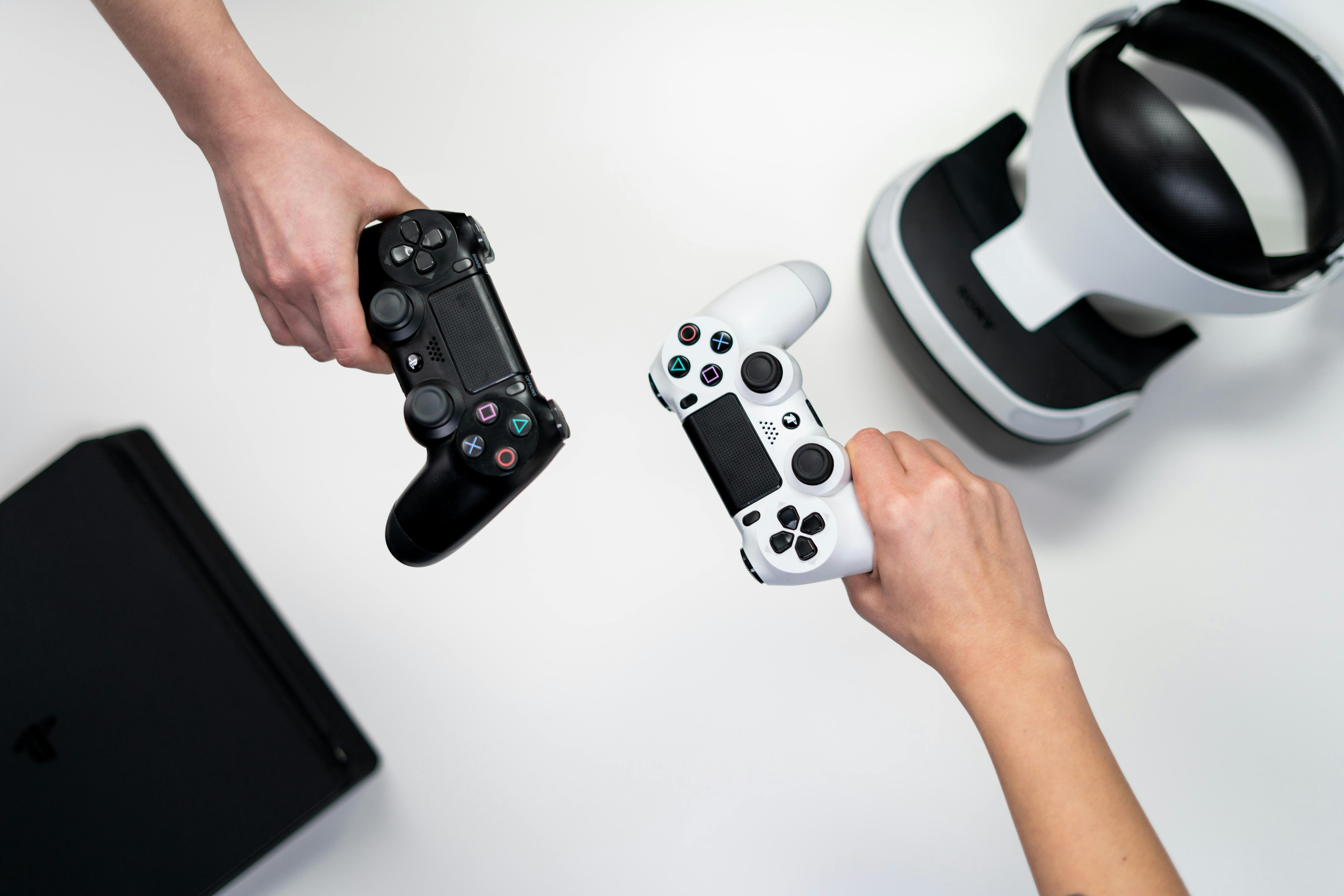
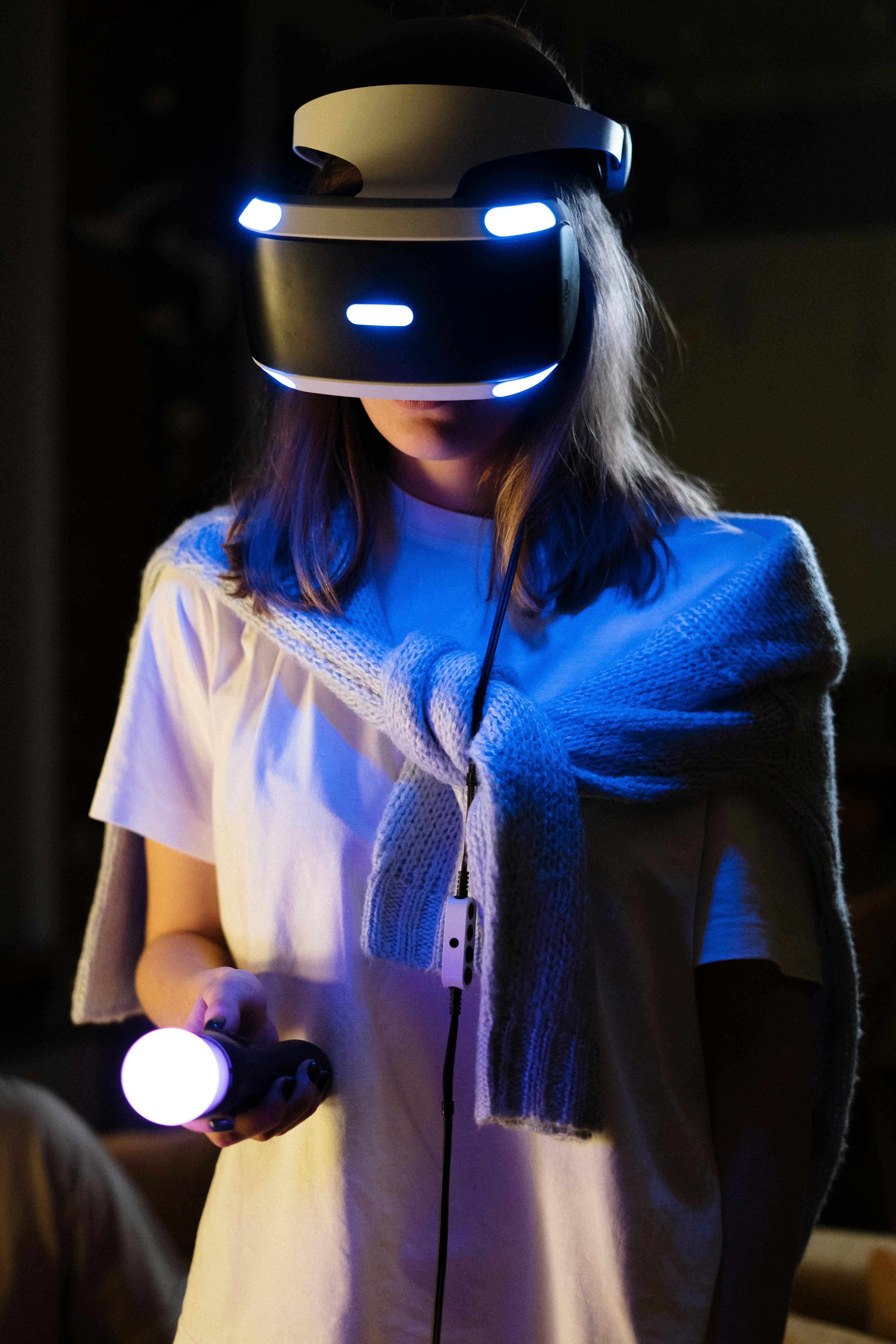
Visualizing the XR Landscape

Technology: Why Headset Fatigue Is Built In
The current wave of XR headsets is defined by impressive core technologies—but those same systems impose ergonomic and cognitive costs that users feel after the initial novelty fades.
Optics, Displays, and Weight
Premium devices such as Apple Vision Pro use high‑resolution micro‑OLED panels and advanced lenses to provide wide field of view and crisp text. However, these components add:
- Front‑loaded weight that strains the neck over time.
- Thermal output that can warm the face and cause discomfort.
- Bulk that makes the device socially conspicuous and incompatible with many physical activities.
Even lighter devices like Meta Quest 3 reduce but do not eliminate these effects. The trade‑off is fundamental: better optics and processing require space and cooling, which conflict with all‑day wearability.
Tracking, Latency, and Motion Sickness
High‑quality XR relies on:
- Inside‑out tracking via multiple cameras and sensors.
- Low‑latency head pose prediction and rendering pipelines.
- Stable reprojection and motion smoothing.
When any of these systems fall short—due to poor lighting, underpowered GPUs, or network latency in cloud‑rendered scenarios—users experience:
- Motion sickness and nausea.
- Eye strain from vergence–accommodation conflicts (focal depth issues).
- Reduced sense of presence, breaking immersion and making discomfort feel less “worth it.”
Battery Life and Tethering
Most standalone headsets provide roughly 2–3 hours of active use. The result is:
- Fragmented work sessions that do not match typical 4–8 hour knowledge‑work blocks.
- Frequent breaks that, while sometimes healthy, also highlight friction compared with simply leaving a laptop open.
- Reliance on external battery packs or tethers for longer use, which introduces cables and further reduces mobility.
“Battery, optics, weight: pick two. Until we break that triangle, XR will remain a ‘sometimes device’ for most people.”
— Common sentiment among XR developers on forums like Hacker News and /r/virtualreality
Scientific Significance: Understanding Headset Fatigue
Headset fatigue is not just annoyance; it combines biomechanics, visual neuroscience, and cognitive load. Understanding these mechanisms is key to designing the next generation of XR hardware and experiences.
Visual and Neurological Load
Human vision evolved for natural environments with consistent focal depth. XR headsets often:
- Fix the focal plane at a single distance (e.g., 1–2 meters) while simulating depth via stereoscopy.
- Present high‑contrast, high‑motion scenes directly in front of the eyes.
- Overlay user interfaces that demand constant micro‑saccades and attention switching.
This creates:
- Vergence–accommodation conflict: eyes converge at simulated distances, but focus at the screen distance.
- Increased cognitive load: the brain must reconcile vestibular signals (body still) with visual motion.
- Eye strain from prolonged fixation on bright, near‑eye displays.
Ergonomics and Musculoskeletal Impact
Continuous front‑heavy load on the head affects:
- Neck muscles, leading to soreness and headaches.
- Upper‑back posture, especially when combined with seated use.
- Skin and facial pressure points, causing marks and discomfort.
Ergonomic best practices emerging from occupational health research for XR suggest:
- Limiting continuous sessions to 20–45 minutes, followed by at least a 5–10 minute break.
- Using balanced strap systems and counterweights when possible.
- Prioritizing seated use for long sessions to minimize injury risk.
Social and Psychological Factors
Fatigue is amplified by social context:
- Users feel isolated from co‑present family or coworkers when fully immersed.
- Wearing a conspicuous device can cause self‑consciousness, reducing the desire to use it in shared spaces.
- In offices, headsets may signal unapproachability, undermining ad‑hoc collaboration.
“Presence in VR often means absence from the room you’re actually in. That trade-off is powerful for some tasks, but it’s a big ask for everyday computing.”
— XR researcher comment summarized from academic and industry panels on spatial computing
Milestones: From Early Hype to Pragmatic XR
The recent XR timeline illustrates a classic technology pattern: hardware breakthroughs followed by a reality check and then targeted refinement.
Key Recent Milestones
- High‑end Mixed Reality Launches – Apple Vision Pro (2024) set a new bar for display quality and hand‑tracking, while Meta Quest 3 pushed affordable mixed reality into the consumer space.
- Media Pivot – After launch reviews, major outlets shifted to “two weeks with…” and “one month later” pieces emphasizing fatigue, social awkwardness, and app gaps.
- Creator Reality Checks – YouTube and TikTok “day in the life” videos show usage narrowing to media consumption, a few games, and occasional professional workflows after the honeymoon period.
- Enterprise Validation – Case studies in manufacturing, surgery planning, and remote assistance demonstrated hard ROI without all‑day wear, attracting investment and TechCrunch coverage.
- Developer Sentiment Shift – Hacker News and specialized forums increasingly discuss XR as a “niche accelerator” rather than an imminent successor to laptops for the majority of users.
Sticky vs. Struggling Use Cases
Patterns emerging across reports, reviews, and user communities:
- Sticky
- Sim racing and flight simulation for enthusiasts.
- Fitness apps and rhythm games (e.g., Beat Saber‑like experiences).
- 3D content creation, CAD, and architecture visualization.
- Training and simulation for hazardous or complex tasks.
- Struggling
- General‑purpose virtual desktops for 6–8 hour work days.
- Always‑on AR for everyday social and productivity use.
- Casual social VR as a mainstream Facebook‑like platform.
Gaming vs. Productivity: Diverging Paths
One of the clearest narratives emerging from TechRadar, The Next Web, and gaming communities is the divergence between VR for entertainment and MR for productivity.
Why Gaming Works
Gaming is naturally session‑based, with:
- Play sessions often 20–60 minutes—aligned with ergonomic comfort windows.
- High tolerance for immersion that fully blocks the outside world.
- Clear value: better presence, stereoscopic depth, and embodiment compared with flat screens.
Genres that shine in XR include:
- Sim racing and flight sims, where cockpit immersion matters.
- Rhythm and fitness games that use full‑body movement.
- Exploratory and puzzle titles designed from the ground up for VR.
Why Productivity Struggles
By contrast, office work emphasizes:
- Comfort over spectacle—users need to work for hours without distraction.
- Seamless access to multiple devices, documents, and quick interpersonal interactions.
- Reliability and low friction: a laptop that wakes instantly and remains usable even when the user is tired or mobile.
Multi‑window “spatial desktop” demos often impress at first, but reviewers frequently report that:
- Text clarity is excellent but not enough to offset discomfort and isolation.
- Keyboard input and mouse emulation feel compromised compared with native setups.
- Collaborating with colleagues who are not in XR introduces asymmetry and friction.
Hybrid Workflows: A Realistic Middle Ground
The most promising near‑term model is hybrid:
- Use laptops and monitors for baseline work.
- Drop into XR for specific tasks—3D reviews, data visualization, client demos.
- Return to conventional tools once the immersive task is done.
“XR doesn’t have to replace your monitor to be valuable. It just has to give you superpowers a few times a day.”
— Perspective shared by many XR product leaders in conference talks and interviews
Mission Overview Reframed: The Rise of Practical XR
As consumer expectations reset, a quieter but more durable XR story is emerging in enterprise and specialized domains, where utility outruns spectacle and headsets are tools, not lifestyle devices.
Enterprise Training and Simulation
TechCrunch and Wired have profiled startups delivering XR for:
- Industrial safety training – Simulated hazardous scenarios that are too risky or expensive to reproduce physically.
- Medical training – Surgical planning, anatomical visualization, and rehearsal in patient‑specific 3D models.
- Soft skills – Role‑play scenarios in sales, negotiation, or diversity and inclusion training.
In these contexts, session‑based use is a feature, not a bug: 20–40 minute modules are pedagogically effective and align with ergonomic limits.
Remote Assistance and Field Work
AR headsets and smart glasses allow:
- Field technicians to share their point of view with remote experts.
- Overlay of checklists, diagrams, and procedural guidance on real equipment.
- Hands‑free documentation and compliance logging.
These solutions align well with headsets’ limitations:
- Short, task‑focused sessions.
- Clear ROI in reduced travel and faster problem resolution.
- Low social friction—headsets are worn in industrial or field environments where specialized gear is expected.
Technology and Tools: Current XR Hardware in Context
For individuals and organizations exploring XR, understanding the current hardware landscape helps align expectations with reality.
Standalone All‑Rounders
Meta Quest 3 is widely viewed as the most balanced consumer XR device in 2025–2026 for entertainment and light productivity:
- Affordable price compared to high‑end mixed‑reality headsets.
- Solid game and fitness ecosystem.
- Mixed reality passthrough that enables room‑scale experiences.
For readers considering entry‑level XR, a product like the Meta Quest 3 128GB delivers a strong blend of performance, content, and price for gaming, fitness, and experimentation with spatial apps.
High‑End Mixed Reality
Devices such as Apple Vision Pro and future “Pro”‑class headsets focus on:
- Exceptional display quality for text and detailed visuals.
- Advanced eye‑ and hand‑tracking for natural interaction.
- Deep integration with existing ecosystems (e.g., macOS, iOS).
These headsets are powerful tools for developers, designers, and early adopters testing the boundaries of spatial computing—but they remain too costly and heavy for mainstream, all‑day use.
Specialized and Industrial Devices
Enterprise XR deployments increasingly use:
- Ruggedized AR headsets for factories and field maintenance.
- Lightweight smart glasses for logistics and pick‑and‑pack workflows.
- Custom hardware–software stacks tuned for a single vertical (e.g., construction, aviation, or energy).
These solutions often sacrifice general‑purpose computing in favor of high reliability, safety certifications, and specialized sensors.
Challenges: What’s Holding XR Back from Everyday Life?
For XR to move from “impressive demo” to “daily essential,” a set of intertwined challenges must be addressed.
1. Human Factors and Comfort
- Reducing weight and heat without sacrificing performance.
- Improving strap systems and fit adjustability for diverse head shapes and hairstyles.
- Integrating prescription lenses or lens inserts cleanly and affordably.
2. Social Acceptance and Design
- Developing less intrusive form factors (e.g., sleek glasses) for light AR.
- Creating interaction patterns that keep users approachable and responsive in shared spaces.
- Addressing privacy concerns around always‑on cameras and sensors in public.
3. Software and Use‑Case Maturity
- Moving beyond ports of flat apps to native spatial experiences with genuine advantages.
- Establishing clear UX patterns for multi‑window, multi‑app spatial workspaces.
- Ensuring accessibility features—subtitles, voice control, haptics—align with WCAG‑like principles for immersion.
4. Economics and Ecosystems
- High upfront hardware costs for consumers and small businesses.
- Fragmentation across platforms, engines, and app stores.
- Uncertain upgrade cycles and long‑term support, which affect enterprise purchasing decisions.
“XR will succeed where it quietly solves a painful problem and then gets out of the way.”
— Common mantra among XR product teams building vertical industry solutions
Emerging Trends: Toward Lightweight, Purpose‑Built XR
Looking ahead to the late 2020s, several technical and market trends are shaping more practical XR.
Lightweight Glasses for Ambient AR
Many Hacker News discussions and industry roadmaps suggest that the most socially acceptable path is:
- Thin, lightweight AR glasses with limited field of view.
- Contextual overlays for navigation, messaging, and notifications.
- Seamless handoff between phone, watch, and glasses, avoiding heavy standalone computing.
Varifocal and Light‑Field Displays
Research prototypes and early products aim to solve vergence–accommodation conflict using:
- Varifocal systems that change focal distance dynamically.
- Light‑field displays that reproduce more realistic depth cues.
- Eye‑tracked foveated rendering to cut compute costs while maintaining clarity where the user is looking.
These could substantially reduce eye strain and enable more comfortable long‑form use.
Vertical XR Platforms
Startups and incumbents are increasingly building “full‑stack” solutions tailored to one sector, such as:
- Construction coordination with site scans, clash detection, and XR walkthroughs.
- Healthcare imaging review in 3D with standardized workflows and compliance support.
- Defense and emergency response training with persistent scenario libraries.
Here, XR does not need to be everything for everyone; it only needs to be dramatically better for a specific, well‑defined job.
Conclusion: XR After the Hype—Powerful, Bounded, and Growing Up
Extended reality is leaving its honeymoon phase. The gap between early marketing—endless virtual desktops, always‑on spatial computing—and actual usage patterns is now impossible to ignore. Headset fatigue, ergonomic constraints, limited app ecosystems, and social friction are real and persistent.
Yet this is not a collapse; it is a correction. XR is proving itself in:
- Gaming and fitness, where immersion and embodiment create unique value.
- Training, simulation, and field work, where short, intense sessions deliver measurable ROI.
- Specialized creative and technical workflows, where 3D presence enhances understanding and collaboration.
The most likely future is not a world where everyone spends eight hours a day in headsets, but one where XR is a powerful, bounded tool—used intentionally and intermittently, alongside phones, laptops, and conventional displays. Success will depend on designers, engineers, and businesses who respect human limits, focus on concrete problems, and accept that “sometimes” can still mean “indispensable.”
Practical Tips for Reducing Headset Fatigue Today
For users and teams already experimenting with XR, a few practical strategies can significantly improve comfort and outcomes.
- Session Design
- Cap continuous sessions at 30–45 minutes when possible.
- Build in structured breaks during training modules or meetings.
- Ergonomic Setup
- Adjust straps carefully to distribute weight on the crown, not just the face.
- Use counterweights or battery packs at the back of the head when available.
- Alternate between seated and standing positions, especially during long sessions.
- Visual Comfort
- Lower brightness to the minimum comfortable level.
- Increase font sizes and contrast in productivity apps.
- Enable motion reduction options and teleport locomotion where possible.
- Use‑Case Selection
- Reserve XR for tasks where immersion clearly helps: visualization, exploration, or embodied learning.
- Avoid forcing XR into workflows that are already efficient with conventional tools.
For a more ergonomic and comfortable experience with existing headsets, accessories such as balanced strap systems and face gaskets can make a noticeable difference. Examples include replacement head straps and comfort kits designed for popular devices like Meta Quest.
References / Sources
Further reading and resources on XR adoption, ergonomics, and real‑world use cases:
- The Verge – Virtual Reality Coverage
- Engadget – VR and AR News
- TechRadar – Virtual Reality
- The Next Web – VR Tag
- TechCrunch – AR and VR Startups
- Wired – Virtual Reality Articles
- Hacker News – Frequent XR Technical Discussions
- YouTube – Long‑Term Vision Pro and XR Reviews
- Microsoft Research – Ergonomics in VR (and related papers)
- Meta / Oculus – Hardware and Experience Design Guidelines
