
Why “AI PCs” Are Changing Laptops Faster Than You Think
In this deep dive, we explore how NPUs, integrated assistants, and new OS features really work, where local AI stops and the cloud begins, and what this shift means for performance, security, and the future of personal computing.
The term “AI PC” has rapidly moved from marketing slideware to shipping hardware. Major vendors such as Microsoft, Intel, AMD, Qualcomm, Lenovo, HP, Dell, and ASUS now promote laptops where neural processing units (NPUs) sit alongside CPUs and GPUs, and system-wide copilots are built directly into Windows, macOS, and soon Linux distributions. Tech media—from The Verge to Ars Technica—cover every new release, while communities on Hacker News and YouTube debate whether this is a genuine platform shift or just another reason to sell new laptops.
Behind the branding, “AI PCs” combine three trends: specialized silicon for machine learning inference, deeper OS-level AI integration, and a new data model that blurs lines between local and cloud intelligence. Understanding these pieces is crucial for anyone buying a next‑generation laptop, building software for it, or setting IT policy in an AI‑driven workplace.
Visualizing the Rise of the AI PC

Product photos and launch events now highlight “AI-accelerated” workflows—live transcription, automatic video framing, generative image tools—rather than traditional benchmarks alone. This reflects a change in what vendors think will sell: not just raw speed, but smarter, context-aware experiences.
Mission Overview: What Is an “AI PC” Really?
An “AI PC” is not a strict technical standard but typically includes three pillars:
- A dedicated NPU on the SoC or motherboard, optimized for matrix operations (e.g., INT8/FP16) and low‑power inference.
- OS‑level AI assistant integration (e.g., Windows Copilot, Recall-style features, macOS-style on-device models), often with deep hooks into system settings and applications.
- Platform APIs for developers, allowing apps to offload ML tasks to the NPU and integrate with the system assistant through standardized interfaces.
Microsoft’s “Copilot+ PC” branding, for example, requires an NPU that achieves a minimum number of TOPS (trillions of operations per second), sufficient RAM, and SSD performance, plus the latest version of Windows with AI features enabled. Competing ecosystems are defining similar baselines.
“We’re moving from PCs that run AI to PCs that are designed around AI.” — Adapted from commentary by Satya Nadella and senior Microsoft engineers in recent launch keynotes.
While the terminology varies, the common goal is a laptop that can run useful models locally, all day, without draining the battery or overheating.
Technology: NPUs, Local Models, and System‑Wide Copilots
Under the hood, AI PCs are the convergence of several maturing hardware and software technologies.
From CPUs and GPUs to NPUs
Traditional CPUs excel at general-purpose tasks, and GPUs at highly parallel workloads such as graphics and deep learning. NPUs (also called neural engines, AI accelerators, or inference engines) are more specialized:
- They execute matrix multiplications and convolutions extremely efficiently.
- They are optimized for low precision (INT8, mixed-precision FP formats), which is ideal for inference.
- They operate at much lower power than a discrete GPU for the same ML workload.
On Qualcomm Snapdragon X, Apple Silicon, and Intel/AMD SoCs, the NPU now sits alongside integrated graphics, accessible via platform SDKs such as:
- DirectML, ONNX Runtime, and Windows ML on Windows.
- Core ML and Metal Performance Shaders on macOS.
- OpenVINO, ROCm, and various vendor‑specific runtimes on Linux.
OS‑Level Assistants and Copilots
The biggest visible change to users is the OS‑level assistant. Rather than a standalone chatbot, the assistant now:
- Reads windows, documents, and notifications (subject to permissions).
- Can change system settings, launch apps, and automate multi‑step workflows.
- Provides inline help—summaries, explanations, code suggestions—across different applications.
For example, Windows Copilot can summarize a PDF, draft a response in Outlook, and then adjust Focus mode, all from one interface. Reviewers at TechRadar and Engadget have shown both productivity gains and edge cases where the assistant overreaches or misinterprets context.
Local vs. Cloud Inference
AI PCs promise more tasks processed locally, but large models still often live in the cloud. The split usually looks like this:
- Local (NPU‑accelerated): real‑time transcription, offline translation, noise suppression, background removal, basic image enhancement, keyboard prediction, and smaller language models (for on‑device summarization or search).
- Cloud: complex code generation, multi‑document reasoning, large‑context chat, and high‑fidelity generative image or video creation.
This hybrid approach reduces latency for frequent tasks while keeping access to state‑of‑the‑art cloud models when needed. However, it complicates privacy, telemetry, and user control.
Inside the Hardware: What an AI PC Looks Like
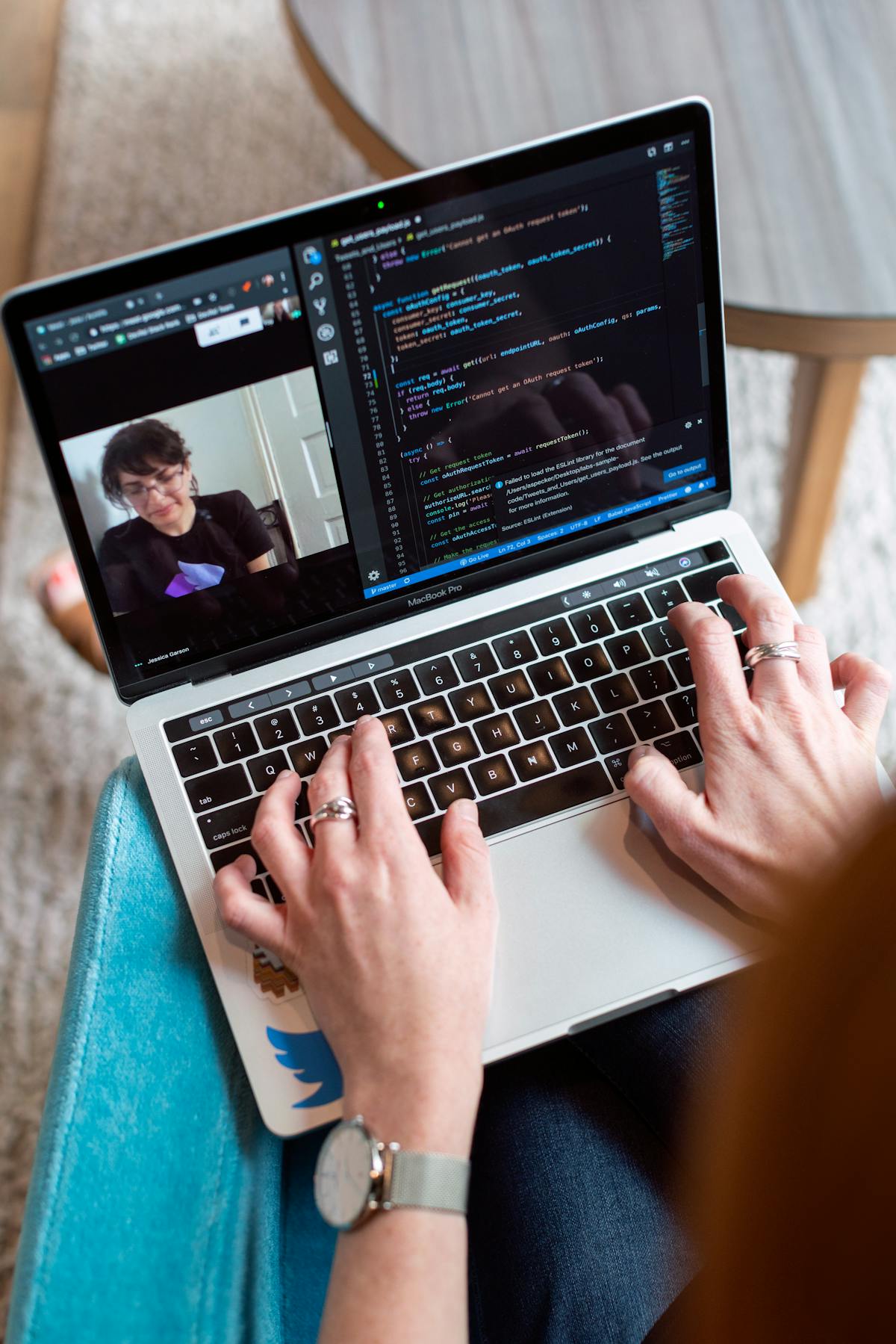
Teardowns of the latest AI-capable laptops show NPUs integrated directly into the SoC die, sharing memory bandwidth and thermal envelopes with CPU and GPU blocks. The overall system design is increasingly tuned for sustained ML inference rather than short CPU bursts alone.
Scientific Significance: A New Human–Computer Interface Layer
Beyond marketing, AI PCs represent a deeper paradigm shift in how humans interact with computers: the assistant becomes a persistent, semi‑autonomous layer between user and system.
From Apps to Intents
Historically, users thought in terms of applications: “Open Word”, “Launch Excel”. AI PCs encourage intent-based interaction:
- “Summarize my last three meetings and draft follow‑up emails.”
- “Find the spreadsheet Sam sent about Q1 revenue and compare it with last year.”
The assistant decomposes these requests into app‑level actions, query executions, and document manipulations. Over time, this can become a rich behavioral dataset about how people actually work.
On‑Device Models as Cognitive Prosthetics
Medium‑sized language models (e.g., 3–20B parameters, possibly quantized) running locally can:
- Act as a personalized memory aid (e.g., local semantic search across files).
- Offer draft writing and coding assistance tightly integrated with your data.
- Reduce cognitive load by generating summaries, action lists, and explanations.
“We are heading toward a world where every device has a built-in, personalized model operating as an always-on cognitive assistant.” — Paraphrased from discussions in OpenAI’s research blog and major ML conferences.
The scientific challenge is balancing assistance with autonomy: how much decision‑making should remain transparently under user control, and how much can be safely delegated to on‑device agents?
Milestones in the AI PC Evolution
While timelines differ by vendor, several recent milestones mark the acceleration of AI-centric laptops:
- First NPUs in mainstream laptops — Early “AI features” for webcams and audio processing started on modest ML accelerators.
- Apple Silicon’s Neural Engine — Demonstrated that high-performance, low‑power on‑device ML could be standard in consumer devices.
- Windows “Copilot+ PC” branding — Codified NPU performance thresholds and tied them directly to new OS capabilities such as enhanced Recall-like features and system‑wide copilots.
- Cross‑platform ML runtimes — ONNX Runtime, TensorRT, Core ML, and others made it easier for developers to target NPUs without rewriting models from scratch.
- Enterprise pilots at scale — Large organizations began structured trials of AI PCs for knowledge workers, testing real ROI against compliance and security requirements.
Each of these milestones moved AI from “optional extra” to “expected capability” in new laptops.
Challenges: Privacy, Bloat, and the Local–Cloud Tension
The transition to AI PCs is not frictionless. Users, reviewers, and regulators highlight several tension points.
1. Privacy and Telemetry
System‑wide assistants necessarily see more of your activity. Key questions include:
- What data is processed strictly on-device, and what is sent to the cloud?
- Are logs retained, and if so, for how long and by whom?
- Are AI features opt‑in, easy to disable, and clearly documented?
Privacy advocates argue for explicit, granular consent and the ability to inspect or delete assistant histories, especially for enterprise and government devices subject to strict regulations.
2. Real‑World Value vs. Hype
Reviews from The Verge and TechCrunch often note that some AI features feel like demos searching for real use cases. Productive, high‑value features tend to share characteristics:
- They save time on repetitive cognitive tasks (summaries, transcription, formatting).
- They integrate cleanly into existing workflows rather than forcing new ones.
- They degrade gracefully when offline or when cloud access is restricted.
3. Performance, Battery Life, and Thermals
Always‑on inference can affect:
- Battery life — poorly tuned models or drivers can burn power even when the user is idle.
- Thermals — thin‑and‑light designs must dissipate NPU heat alongside CPUs/GPUs.
- Component lifespan — sustained, high‑duty workloads may shorten the life of high‑density components if cooling is insufficient.
Reviewers now run AI workloads in benchmark suites to characterize this impact, supplementing the usual CPU/GPU tests.
4. Software Ecosystem and Security Boundaries
When assistants gain broad control over apps, clear boundaries are crucial:
- App‑level permissions should govern which content an assistant can inspect.
- Enterprise policies must define which models and providers are allowed.
- Logs and prompts may contain sensitive data; they must be protected accordingly.
Developers integrating with OS‑level AI APIs must adopt secure‑by‑design patterns, from strong sandboxing to rigorous prompt and output validation.
Enterprise Adoption: Productivity vs. Compliance
In businesses, AI PCs are evaluated less on flashy demos and more on measurable outcomes. Typical enterprise pilots focus on:
- Productivity: time saved in report generation, meeting documentation, ticket triage, and basic coding tasks.
- Accuracy: hallucination rates, policy adherence, and error correction costs.
- Compliance: data residency, audit trails, and adherence to frameworks like GDPR, HIPAA, and SOC 2.
IT teams look for:
- Centralized configuration of AI features (enable/disable by group, role, or device).
- Model choice (e.g., approved providers or on‑premises models for sensitive workloads).
- Detailed logging for forensic analysis without exposing raw user content unnecessarily.
“Enterprises don’t just buy features; they buy control.” — Common theme in Wired’s AI enterprise coverage and analyst reports from major research firms.
For some organizations, hybrid architectures with local NPUs plus private cloud or on‑prem models offer a balance of control and capability.
AI-Accelerated Workflows in Practice
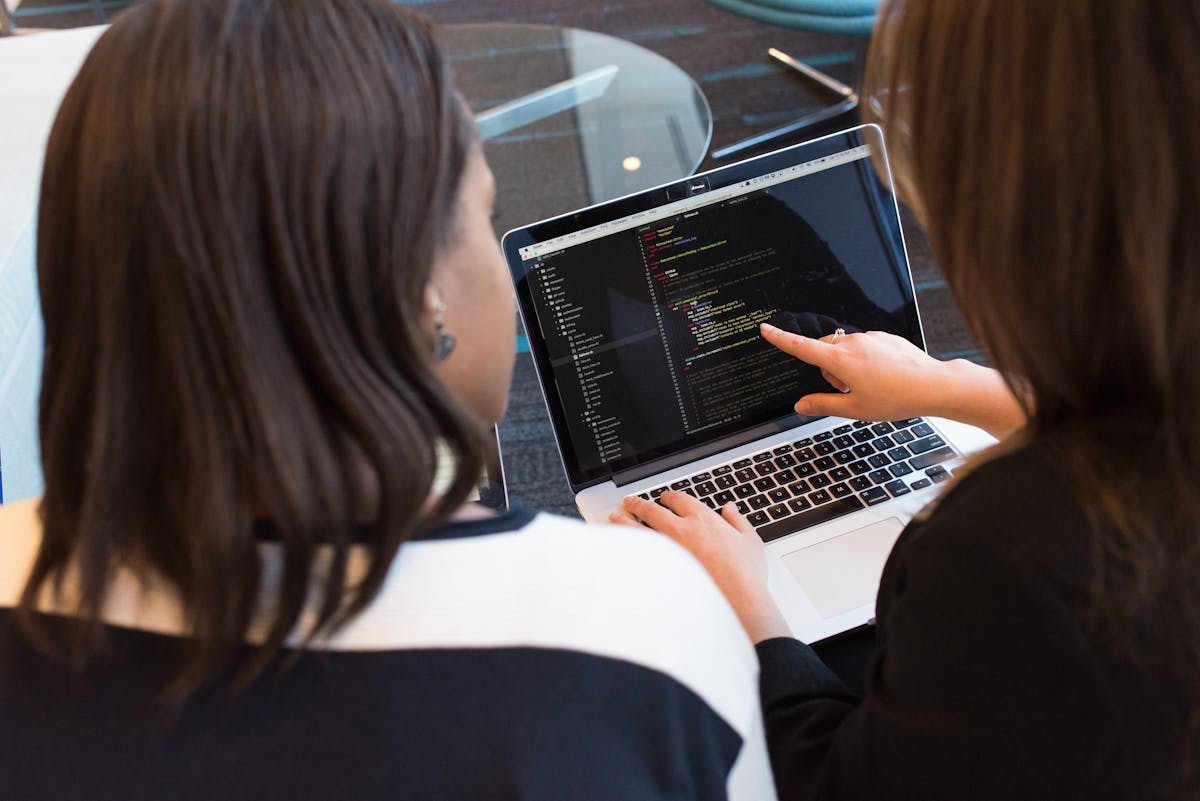
Early field studies show the biggest benefits for knowledge workers who spend large portions of their day in documents, email, and meetings. AI PCs streamline common activities while keeping sensitive material on-device when properly configured.
Practical Buying Guide: Choosing Your First AI PC
For individual buyers and small teams, the AI PC label can be confusing. Focus on concrete criteria instead of slogans.
Key Specs to Evaluate
- NPU Performance: Check TOPS, but also look for real benchmarks in tasks you care about (transcription, local LLMs, image tools).
- RAM: 16 GB should be considered a baseline for AI-heavy workflows; 32 GB is preferable for developers or power users.
- Storage: NVMe SSDs with high read/write speeds are critical for fast local search and dataset handling.
- Battery and Cooling: Look for reviews that test AI workloads, not just video playback.
Example Devices and Tools
While models change rapidly, some categories and product types that have been well‑reviewed in the US include:
- Premium ultrabooks with NPUs, such as recent flagship Windows laptops and MacBooks with strong neural engines, for mobile professionals and creators.
- Developer‑oriented laptops, with higher RAM and better thermals, for running local models and containers.
- External SSDs for local dataset storage. For instance, high-speed portable drives like Samsung T7 Shield are popular among professionals handling large media and ML datasets. See: Samsung T7 Shield Portable SSD (1TB) .
Before purchasing, cross‑reference reviews from outlets like Notebookcheck and PCWorld that now include AI performance and efficiency measurements.
Developer and Open‑Source Ecosystem
For developers and power users, AI PCs open new possibilities for local experimentation and privacy‑preserving applications.
Local Models and Frameworks
Popular tooling includes:
- ONNX Runtime, TensorRT, and DirectML for tapping into NPUs and GPUs on Windows.
- Core ML for Apple devices, with conversion tools from PyTorch and TensorFlow.
- Local inference frontends such as web UIs that allow users to run quantized LLMs and diffusion models on their own machines.
Open‑source communities on GitHub and Reddit are actively benchmarking models for consumer‑grade NPUs and integrated GPUs, helping users understand what is realistic on a laptop.
Security and Permission Models
When building apps that hook into OS‑level AI APIs, developers should:
- Respect user consent and clearly explain what data is being processed.
- Use sandboxing and least‑privilege access for assistant integrations.
- Log actions taken by assistants for traceability, while minimizing exposure of personal data.
This is especially important as assistants gain the ability to trigger side effects—sending messages, modifying files, or changing configurations.
Enhancing AI PC Productivity with Accessories
The AI features of modern laptops shine brightest when paired with ergonomic, productivity‑oriented setups. For example:
- High‑quality webcams and microphones ensure that on-device noise suppression and background effects have good raw input to work with. A popular option is the Logitech C920x HD Pro Webcam , widely used in the US for video calls and streaming.
- Ergonomic keyboards can pair well with AI‑assisted writing and coding sessions. Many professionals favor boards like the Logitech MX Keys Advanced Wireless Keyboard for long, AI‑enhanced editing sessions.
These peripherals do not directly change NPU performance but can significantly improve the quality of AI‑mediated experiences such as transcription and video conferencing.
A Glimpse of the AI-First Laptop Future

As local models get more capable and efficient, we can expect interfaces to become even more conversational and anticipatory, blurring boundaries between typing, speaking, and gesturing as primary input modes.
Conclusion: Will AI PCs Redefine Personal Computing?
The “AI PC” label covers a spectrum—from modest ML enhancements to genuinely transformative, assistant‑driven workflows. The underlying trajectory, however, is clear: personal computers are becoming AI‑native, with NPUs and on-device models as core system capabilities rather than optional extras.
For users, the key questions are:
- Which AI features meaningfully improve my daily workflow?
- How much of my data do I want to keep on-device vs. in the cloud?
- Does this platform give me transparent control over models, permissions, and logs?
For enterprises, AI PCs are both an opportunity and a governance challenge, requiring thoughtful policies around model choice, data access, and regulatory compliance.
As open‑source tools mature and hardware continues to improve, the most compelling use cases are likely to come from a combination of vendor platforms, independent developers, and power users pushing the boundaries of what can be done locally on a laptop. The systems that win will be those that pair intelligence with user agency.
Additional Tips: Getting the Most from an AI PC
To extract real value from an AI‑enabled laptop, consider the following practical steps:
- Audit defaults: On first boot, review AI and telemetry settings; turn off what you do not need.
- Curate your data: Assistants are only as helpful as the content they can access. Organize key documents into well‑labeled folders and libraries.
- Use profiles: Separate work and personal accounts to keep assistants from mixing sensitive contexts.
- Iterate your prompts: Treat the assistant as a collaborator—refine your queries, specify constraints, and review outputs critically.
- Stay updated: Many NPU and assistant improvements arrive via firmware and OS updates; keeping systems current often yields better performance and privacy controls.
For deeper technical perspectives, long‑form explainers on platforms like YouTube and posts by engineers on LinkedIn can provide up‑to‑date benchmarks, architecture breakdowns, and real‑world case studies.
References / Sources
Selected public, reputable sources for further reading:
- The Verge – AI PC and Copilot coverage: https://www.theverge.com/ai-artificial-intelligence
- Ars Technica – PC hardware and AI acceleration: https://arstechnica.com/gadgets/
- Engadget – Laptop reviews with AI features: https://www.engadget.com/tag/laptops/
- TechRadar – Buying guides for AI‑centric laptops: https://www.techradar.com/best/best-laptops
- TechCrunch – Enterprise AI and productivity coverage: https://techcrunch.com/tag/artificial-intelligence/
- Microsoft – Official documentation on Windows AI and NPUs: https://learn.microsoft.com/windows/ai/
- Apple – Machine Learning on Apple Silicon: https://machinelearning.apple.com
