
Why AI PCs and ARM Laptops Are About to Change Your Next Computer Purchase
A new wave of “AI PCs” and ARM-powered laptops is reshaping what we expect from personal computers: instant responsiveness, quiet thermals, and on-device AI capable of real-time transcription, video effects, and even running compact generative models locally. Major outlets such as TechRadar, The Verge, Engadget, Ars Technica, Wired, and Hacker News communities are tracking this shift closely because it is not just another incremental spec bump—it is a convergence of new architectures, dedicated AI accelerators, and AI-enhanced operating systems that could define the next decade of computing.
At the center of this transition are three intertwined trends: the rise of neural processing units (NPUs) in consumer laptops, the ARM vs. x86 competition sparked by Apple’s M‑series success, and a renewed focus on battery life and thermals for genuinely mobile, AI-augmented workflows. Together, they are challenging long-held assumptions about what a laptop should look like, how it should perform, and where your data should be processed.
Mission Overview
The “mission” of the AI PC and ARM laptop wave is to deliver a personal computer that is:
- Powerful enough to run advanced AI workloads locally.
- Efficient enough to last all day—or even multiple days—on a single charge.
- Light and thin enough to be genuinely portable without sacrificing sustained performance.
- Private and secure enough to keep sensitive data and context on-device.
Instead of simply adding more CPU cores or bigger GPUs, chipmakers are integrating specialized NPUs and leaning into high-efficiency architectures like ARM. Operating systems are evolving in parallel, with features such as AI copilots, on-device summarization, and context-aware search that explicitly assume the presence of an NPU with a certain level of TOPS (trillions of operations per second).
“We’re at an inflection point where the PC is no longer just a portal to cloud AI, but a powerful AI device in its own right,” observed a recent analysis on The Verge, highlighting Microsoft and Qualcomm’s push for ‘AI-ready’ Windows laptops.
Technology
Under the hood, AI PCs and ARM laptops combine several hardware and software advances. The most important are NPUs, ARM system-on-chips (SoCs) optimized for performance per watt, and OS-level AI integration.
Neural Processing Units (NPUs): Dedicated AI Accelerators
NPUs are specialized processors designed to accelerate machine-learning workloads—especially matrix multiplications and convolutions common to neural networks. Unlike CPUs, which are optimized for general-purpose tasks, or GPUs, which juggle graphics and parallel computation, NPUs are tuned specifically for AI inference.
- Workloads: Real-time transcription, background blur, super-resolution, eye-contact correction, noise suppression, and small language models for local assistants.
- Metrics: Vendors advertise NPU performance in TOPS; current consumer chips range from roughly 10 to 45+ TOPS for on-device AI.
- Benefits: Lower latency, reduced CPU/GPU load, better battery life, and the ability to keep data on-device.
Tech reviewers increasingly treat NPU performance as a first-class metric. For example, TechRadar and The Verge now include dedicated AI benchmarks and qualitative tests (e.g., “How many AI video filters can we run before fans spin up?”) alongside traditional CPU and GPU numbers.
ARM vs. x86: A New Architecture Battle
Apple’s M‑series chips—built on ARM—demonstrated that laptops could deliver desktop-class performance with tablet-like battery life. This catalyzed renewed interest in ARM architectures beyond smartphones:
- Apple Silicon: M1–M3 chips raised expectations for performance per watt, unified memory, and integrated GPUs.
- Windows on ARM: Qualcomm’s Snapdragon X series and similar SoCs are pushing Windows laptops toward ARM, with emulation layers for legacy x86 apps.
- Linux on ARM: Distros are increasingly offering first-class support for ARM laptops, promising efficient dev machines and portable AI labs.
On communities like Hacker News, debates focus on instruction set design, JIT compilers, and the cost of x86 emulation for performance-critical workflows like development, gaming, and creative work.
AI-Enhanced Operating Systems
Operating systems are being redesigned to assume the presence of AI accelerators:
- Windows: Features such as AI-powered Recall, enhanced Copilot, and Studio Effects increasingly require a minimum NPU spec.
- macOS: On-device transcription, live captions, and Core ML-based apps rely on the Neural Engine in Apple Silicon.
- Linux: Desktop environments are integrating speech-to-text, translation, and assistive AI tools based on open-source models like Whisper and Llama variants.
As TechCrunch notes, “AI features are becoming gating functions for OS upgrades, effectively creating a new baseline for what counts as a modern PC.”
Scientific Significance
The AI PC and ARM laptop wave is scientifically interesting because it pushes cutting-edge research in energy-efficient computation, edge AI, and privacy-preserving machine learning into mass-market devices.
Energy-Efficient Computation and Performance per Watt
ARM architectures and NPUs are direct responses to a core scientific challenge: how to perform more computations per joule of energy. This leads to:
- Novel microarchitectures optimized for parallelism and low-leakage transistors.
- Mixed-precision arithmetic (e.g., INT8, FP16) that maintains acceptable model accuracy with lower energy cost.
- Dynamic voltage and frequency scaling tuned specifically for AI bursts.
Edge and On-Device AI
Moving AI inference from cloud GPUs to personal devices shifts the research focus toward:
- Model compression: Quantization, pruning, and distillation to make models small enough for NPUs.
- Personalization: On-device fine-tuning or adapter layers that adapt models to individual users without sending raw data to servers.
- Federated learning: Training strategies where models learn from distributed devices without centralizing data.
“We’re seeing the frontier of AI move from hyperscale data centers to the edges of the network—phones, laptops, and embedded systems,” writes researchers on arXiv in surveys of edge AI and efficient deep learning.
Battery Life and Thermals
All-day or multi-day battery life is one of the most compelling promises of ARM and AI PCs. Reviewers now prioritize real-world scenarios over synthetic benchmarks, measuring:
- Video conferencing with background blur and noise suppression enabled.
- Code compilation while running multiple browser windows.
- AI-assisted workflows such as local transcription and summarization.
Thermal Design and User Experience
Efficient chips run cooler, enabling:
- Fanless or near-silent designs.
- Thinner chassis without aggressive throttling.
- More consistent performance under sustained loads.
Publications like Ars Technica and Engadget increasingly evaluate “perceived performance” under these conditions—whether laptops feel fast, cool, and quiet during long workdays—rather than solely relying on short, peak benchmarks.
Privacy and Offline Capabilities
A major advantage of on-device AI is the ability to process sensitive information locally. This reduces reliance on cloud APIs and lowers the risk of data exposure.
- Offline transcription: Meetings and lectures can be transcribed without uploading audio to servers.
- Local summarization: Documents, emails, and notes can be summarized without leaving the device.
- Translation and captioning: Real-time translation and captions for accessibility can run offline for greater privacy.
As Wired has highlighted, “Local AI processing offers a rare combination of convenience and control: users get powerful new features without surrendering every snippet of their digital life to the cloud.”
Ecosystem and Developer Impact
For developers, AI PCs and ARM laptops change how software is built, optimized, and distributed.
Tooling and Native ARM Builds
Developers increasingly need to:
- Ship native ARM builds for Windows, macOS, and Linux to avoid emulation penalties.
- Leverage frameworks like ONNX Runtime, Core ML, TensorRT, and DirectML to offload AI workloads to NPUs or integrated GPUs.
- Design applications that detect available accelerators and adapt in real time.
Many open-source projects now include CI pipelines that automatically test on ARM, and GitHub repositories often provide separate binaries for x86_64 and ARM64 architectures.
Democratizing Local AI Experimentation
As consumer laptops gain capable NPUs and GPUs, running open-source models locally becomes practical for a wider audience:
- Small language models (e.g., 3B–13B parameters) can run at usable speeds on-device.
- Open-source speech and vision models can power personal research, hobby projects, or privacy-conscious workflows.
- Students and independent researchers can experiment without always renting cloud GPUs.
“Accessible local AI is as important as cloud AI for innovation,” notes Andrej Karpathy in public talks, emphasizing the value of hackable, personal-scale tools.
Practical Considerations and Buying Guide
If you are considering an AI PC or ARM laptop, focus on more than just CPU model and RAM. Evaluate the whole platform: NPU performance, software ecosystem, and your own workload.
Key Specs to Evaluate
- NPU TOPS rating: Aim for a modern NPU (often 20+ TOPS) if you care about future OS features and local AI.
- Architecture: Decide whether ARM (better efficiency, but compatibility caveats) or x86 (mature compatibility) better suits your needs.
- RAM and storage: 16 GB RAM and fast NVMe SSDs are a practical baseline for AI-enhanced multitasking.
- Battery capacity and charger: Look for USB‑C, PD-compatible fast charging and user-tested battery life.
Representative Devices and Accessories
As of 2025–2026, several classes of devices and accessories are particularly relevant:
- ARM-based productivity laptops: For example, Apple’s MacBook Air with M3 represents the efficiency-first ARM design philosophy. You can see similar design priorities in performant, thin-and-light ARM Windows laptops based on Qualcomm’s latest Snapdragon X series.
- Compact external SSDs: High-speed, portable SSDs greatly improve local dataset and model handling. Products such as the SanDisk 2TB Extreme Portable SSD are popular among developers moving large AI model files.
- High-quality USB‑C hubs: Since many AI laptops prioritize thinness, a robust USB‑C hub like the Anker PowerExpand+ 7-in-1 USB-C Hub helps connect external monitors, Ethernet, and peripherals without sacrificing mobility.
Challenges
Despite the promise, several challenges remain before AI PCs and ARM laptops can satisfy all user segments.
Software Compatibility and Ecosystem Maturity
On Windows and Linux, not all applications are optimized for ARM, and some legacy software depends on x86-specific instructions. Emulation layers help, but:
- Performance-sensitive apps (e.g., some games and professional tools) may run slower under emulation.
- Low-level tools and drivers may not be available out of the box.
- Debugging and profiling cross-architecture issues add complexity for developers.
AI Feature Fragmentation
Because OS vendors set minimum NPU requirements for some features, users may face:
- Different AI experiences on seemingly similar devices.
- “Good, better, best” tiers where only premium hardware enables full AI capabilities.
- Confusion about whether an “AI PC” label guarantees specific features or performance levels.
Ethical and User-Experience Concerns
Even with local processing, AI features raise questions:
- How transparent are laptops about what data is used to personalize models?
- Can users easily disable or audit AI features that touch cameras, microphones, or sensitive documents?
- Will AI-enhanced UIs remain accessible and usable for people with diverse abilities?
Accessibility experts emphasize that “AI should enhance, not complicate, core workflows,” aligning closely with WCAG 2.2 guidelines around perceivability, operability, and understandability.
Milestones
The current landscape is the result of several important milestones over the last few years.
- Apple’s M1 (2020): Demonstrated that ARM laptops can beat many x86 machines in both performance and battery life.
- First-wave Windows on ARM devices: Highlighted both the potential and the early pain points of ARM-based Windows machines.
- NPUs arriving in mainstream x86 chips: Intel and AMD integrating NPUs into consumer laptop CPUs.
- OS-level AI copilots: Microsoft, Apple, and Linux communities adding AI-driven search, summarization, and system assistants.
- Open-source local AI boom: Models like Whisper, LLaMA derivatives, and Stable Diffusion making serious AI workloads accessible to power users on laptops.
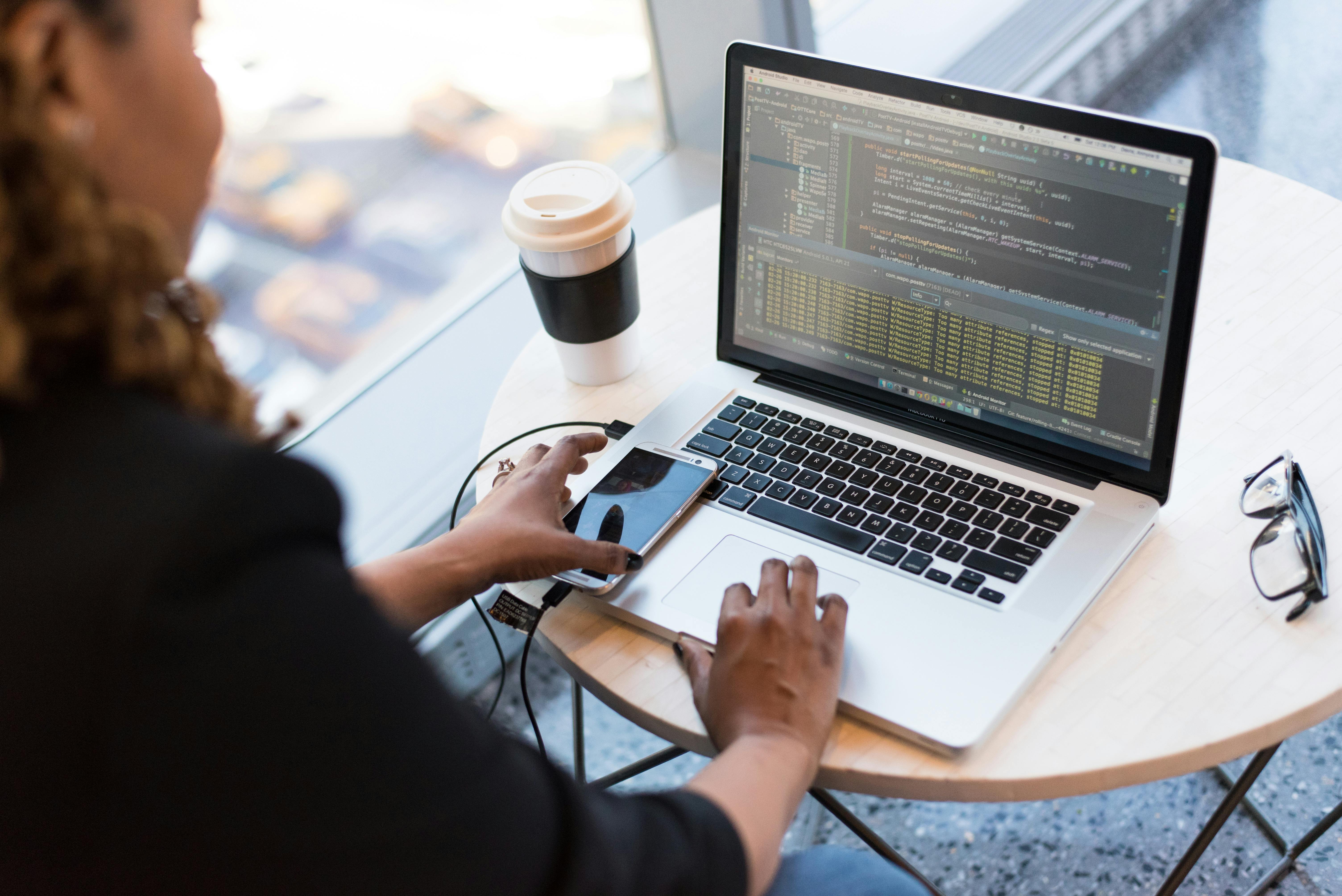
Visualizing the AI PC and ARM Laptop Wave


Conclusion
The AI PC and ARM laptop wave represents a rare, synchronized shift in hardware, operating systems, and application design. Dedicated NPUs bring AI workloads on-device, ARM architectures redefine performance per watt, and OS-level AI features create new expectations for what a “normal” laptop can do.
For users, this means quieter, longer-lasting machines that feel smarter and more responsive—especially for communication, creative work, and knowledge tasks. For developers, it means embracing multi-architecture builds, hardware-aware AI frameworks, and new patterns for privacy-preserving personalization.
Looking ahead, expect clearer standards around AI PC capabilities, more sophisticated on-device models, and tighter integration between cloud and edge AI. The most successful devices will likely be those that balance raw performance with efficiency, privacy, accessibility, and a user experience that makes AI feel like an invisible amplifier rather than a gimmick.
Additional Value and Further Exploration
To dive deeper into AI PCs, ARM laptops, and on-device AI, consider exploring:
- YouTube reviews and teardowns from channels that benchmark battery life, thermals, and NPU performance in real-world workflows.
- Papers With Code for model compression, quantization, and efficient inference techniques applicable to laptops.
- Microsoft’s Windows AI platform docs and Apple’s Core ML documentation for practical guides on targeting NPUs.
- Linux-focused coverage of ARM laptops and local AI setups for open-source enthusiasts.
If you plan a purchase in the next 12–18 months, keep an eye on:
- How OS vendors finalize their NPU requirements for flagship AI features.
- Third-party benchmarks focusing on long-duration tasks and local AI workloads.
- Growing libraries of native ARM and NPU-accelerated applications in your own toolchain.
References / Sources
- The Verge – AI PC and laptop coverage
- TechRadar – Laptop reviews and AI PC analyses
- Ars Technica – ARM vs. x86 and Windows on ARM reports
- Engadget – Hands-on reviews of ARM and AI laptops
- Wired – Artificial Intelligence features and privacy discussions
- TechCrunch – OS-level AI feature coverage
- arXiv – Research on efficient and edge AI
- W3C – Web Content Accessibility Guidelines (WCAG) 2.2
