
The Battle for the Living Room: How Cloud Gaming and Smart TVs Are Rewriting Home Entertainment
As major tech companies race to own the “default” TV experience—from game streaming built into smart TVs to bundles that mix video, music, and interactive content—consumers stand to gain unprecedented convenience, but also face complex trade‑offs around data collection, walled gardens, and long‑term access to what they watch and play.
The living room has quietly become one of the most important strategic frontiers in consumer technology. No longer dominated solely by cable boxes and traditional game consoles, it is now contested by cloud‑gaming platforms, streaming devices, and smart‑TV operating systems that all want to be your default gateway to entertainment. Reports and reviews from outlets like Engadget, TechRadar, The Verge, and TechCrunch document just how quickly this landscape is shifting.
Cloud gaming promises console‑class experiences streamed over the internet. Smart‑TV makers want their operating systems to be the hub for apps, games, and smart‑home controls. Streaming platforms are experimenting with new pricing, ad tiers, and even games to keep users locked into their ecosystems. And under the surface, networking technologies like adaptive bitrate streaming and edge computing are trying to make it all feel instantaneous and seamless.
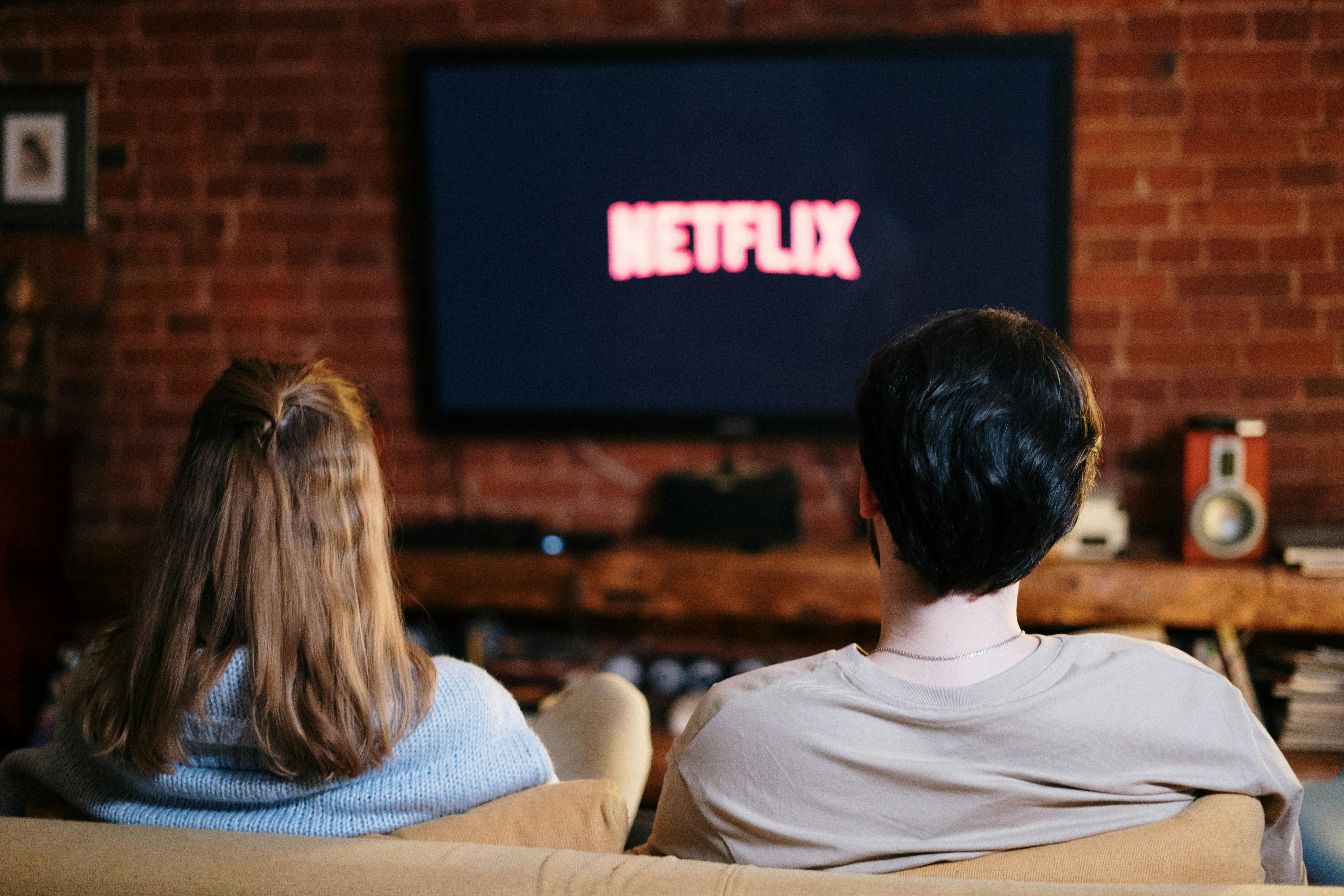
This article unpacks the major fronts in this “battle for the living room,” explaining the core technologies, business strategies, and user impacts—and what they might mean for the next five years of home entertainment.
Mission Overview: Owning the Living‑Room Gateway
The strategic objective for almost every major player—whether a TV manufacturer, cloud‑gaming provider, or streaming platform—is the same: control the primary interface on the biggest screen in the home. Whoever owns that surface effectively:
- Controls what users see first when they turn on the TV (home screen, recommendations, ads).
- Influences which services people subscribe to and stay loyal to.
- Collects critical behavioral data (viewing, gaming, and interaction patterns).
- Can bundle additional services such as music, games, cloud storage, or smart‑home integrations.
“The TV home screen is the new homepage of the household. If you control that, you don’t have to own everything else—you just need to be the first place people land.” — Commentary paraphrased from coverage in The Verge.
This mindset explains why we see:
- Console‑grade cloud‑gaming apps appearing on mid‑range and premium TVs.
- Streaming sticks and boxes adding game streaming and faster SoCs designed for low latency.
- Smart‑TV operating systems opening (or closing) their app ecosystems to certain competitors.
- Streaming video platforms experimenting with interactive content and casual games.
From a consumer perspective, this can be a win: more choice and fewer dedicated boxes crowding the TV stand. But it can also mean fragmented user interfaces and a growing dependence on services rather than owned media.
Technology: Cloud Gaming Turns Any Screen into a Console
Cloud gaming aims to shift most of the heavy lifting—graphics rendering, game logic, and updates—to powerful servers in the cloud. The local device becomes a thin client that decodes a video stream and sends back your inputs with minimal latency.
How Cloud Gaming Works Under the Hood
A typical cloud‑gaming workflow looks like this:
- You launch a game from a smart‑TV app, streaming stick, or browser.
- A nearby data center spins up a virtual gaming instance (often GPU‑accelerated).
- The game renders frames at 30–120 fps, encodes them using codecs like H.264, HEVC, or AV1, and streams them to your device.
- Your controller inputs are sent back to the server over low‑latency channels (often UDP‑based protocols).
- Adaptive bitrate algorithms adjust resolution and quality in real time to avoid buffering.
Technical communities on platforms like Hacker News regularly dissect how improvements in:
- Edge computing reduce the physical distance between players and servers.
- Network QoS and peering shave milliseconds off round‑trip times.
- Codecs (especially AV1) deliver higher visual quality at lower bitrates.
Latency, Visual Quality, and Genre Suitability
Reviews on TechRadar and Engadget Gaming show a converging consensus:
- Latency‑sensitive genres (competitive shooters, high‑level fighting games) still perform best on local hardware, although edge‑cloud setups are narrowing the gap in some regions.
- Single‑player adventures, RPGs, strategy games, and casual titles are already highly playable on modern cloud‑gaming services with a stable 30–50 Mbps connection.
- 4K HDR streaming at 60 fps is feasible, but data caps and home Wi‑Fi congestion remain practical constraints for many households.
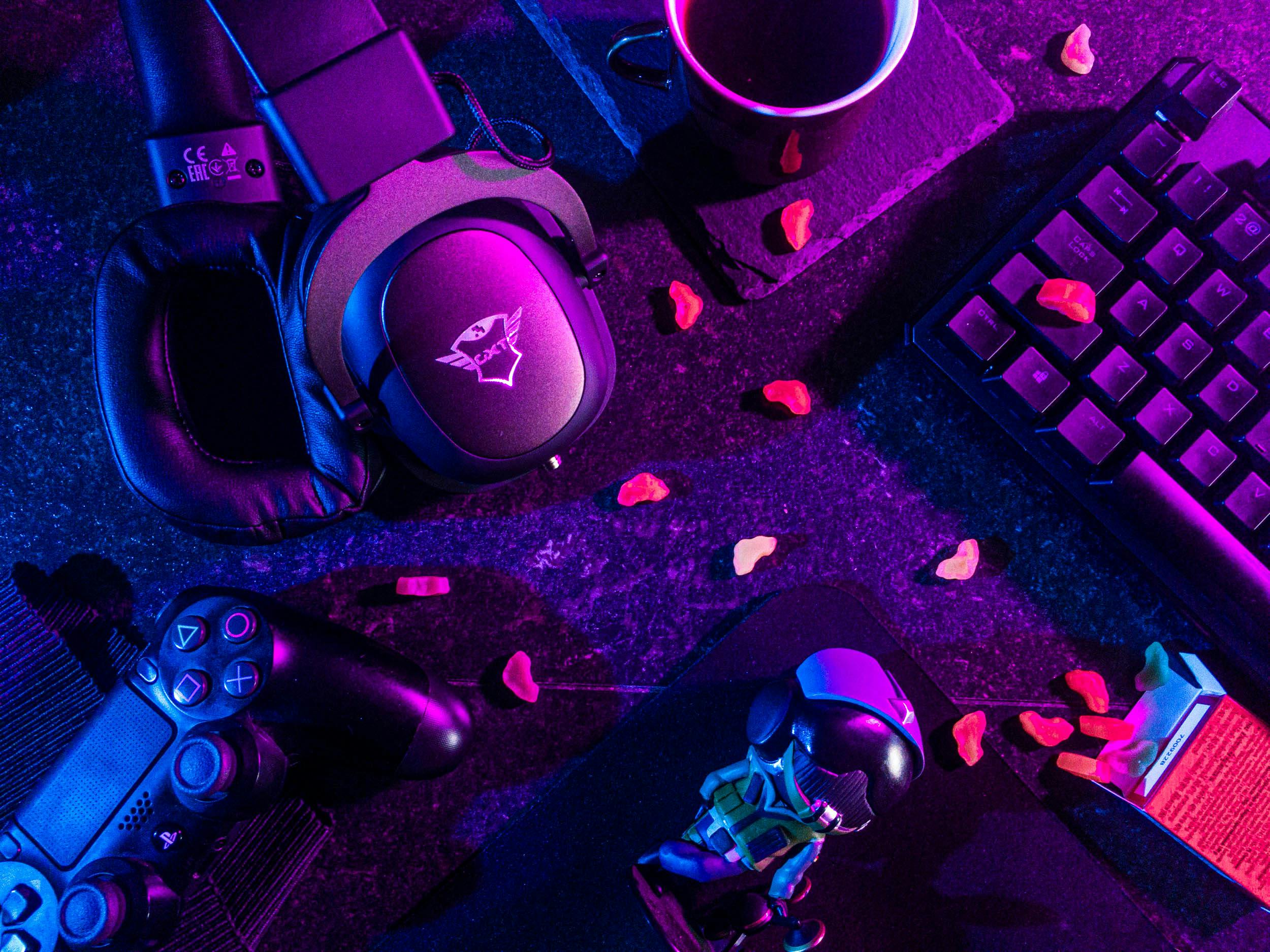
Smart TVs and Streaming Sticks as Cloud‑Gaming Clients
Smart TVs from major brands now ship with:
- Native cloud‑gaming apps preinstalled or prominently featured on the home screen.
- Bluetooth LE support for low‑latency controllers.
- Support for Variable Refresh Rate (VRR) and Auto Low Latency Mode (ALLM) on HDMI 2.1 ports, reducing perceived input lag.
For users who want a simple one‑box setup, this trend is significant: the TV itself becomes a quasi‑console, especially when paired with a fast fiber connection.
Recommended Living‑Room Hardware for Cloud Gaming
To get the most out of cloud gaming in the living room, many enthusiasts pair a capable smart TV with a high‑quality controller. For example:
- A well‑reviewed 4K TV with low input lag and strong HDR support, such as the Samsung 55-Inch Class Neo QLED 4K QN90D , offers excellent motion handling and VRR support ideal for both cloud gaming and native apps.
- A comfortable wireless controller like the Xbox Wireless Controller – Carbon Black , which works well over Bluetooth with many smart TVs, PCs, and mobile devices.
Technology: Smart‑TV Operating Systems as App Ecosystems
Smart‑TV operating systems have evolved from simple app launchers into full‑fledged platforms with their own UX paradigms, app stores, and monetization strategies. Today’s competition spans:
- Manufacturer platforms (e.g., Tizen, webOS, proprietary Android forks).
- Third‑party OSes (e.g., Google TV / Android TV, Roku OS, Fire TV OS).
- Regional or operator‑specific platforms bundled by ISPs or cable providers.
Fragmentation and User Experience
Coverage in The Verge and The Next Web highlights a few recurrent pain points:
- Inconsistent app availability: A new streaming or gaming app might arrive first on a single OS, frustrating users on competing platforms.
- Different update cadences: Firmware and app updates can lag on some brands, delaying feature rollouts like HDR formats or game‑mode optimizations.
- UI clutter and ads: Some home screens now include sponsored rows and autoplaying promos, effectively turning the TV UI into an ad surface.
“TVs are becoming less like appliances and more like smartphones, complete with bloatware, app stores, and background data collection.” — Synthesis of commentary from Wired.
Integration with Voice Assistants and Smart Homes
Modern TV OSes increasingly serve as hubs for:
- Voice assistants (Google Assistant, Alexa, Siri integrations).
- Smart‑home dashboards controlling lights, thermostats, and security cameras.
- Multi‑room audio systems via protocols like Chromecast built‑in or AirPlay.
This convergence is strategically important: once the TV becomes the natural place to access all your media and smart‑home controls, switching ecosystems (for example, from one smart‑home platform to another) becomes more costly.

When to Use a Dedicated Streaming Device
Even with powerful TV OSes, many enthusiasts still rely on external devices like Roku, Fire TV, and Apple TV for:
- More frequent updates and better long‑term support.
- Superior app performance or codec support.
- Cleaner, more consistent user interfaces without manufacturer‑level bloat.
For instance, a 4K streaming player such as the Amazon Fire TV Stick 4K Max offers Wi‑Fi 6E support and strong app availability, making it a good option when the built‑in TV OS feels sluggish or outdated.
Scientific Significance & Economics: Streaming, Bundles, and User Behavior
While this battle is largely commercial, it also touches on research questions in human–computer interaction, network engineering, and behavioral economics. How people respond to bundles, pricing changes, and friction in switching services shapes the strategies of all major players.
Subscription Fatigue and Churn
Industry analysts and business‑oriented tech outlets have documented:
- A growing sense of “subscription fatigue” as households juggle multiple streaming and gaming services.
- Increased churn, with users rotating subscriptions to binge specific shows, then canceling.
- Platform responses such as annual discounts, ad‑supported tiers, and cross‑service bundles.
Studies of consumer behavior show that:
- Even small amounts of friction (cancellation steps, limited free trials) can materially reduce churn.
- Pre‑installed apps and default placements on the TV home screen strongly bias which services people use.
- Perceived “value density” (how many shows/games someone cares about in a single month) drives willingness to keep a subscription during price hikes.
Network and Display Science in the Living Room
From a more technical lens, living‑room devices are practical testbeds for:
- Adaptive streaming protocols (HLS, DASH, low‑latency HLS) and their performance under real‑world Wi‑Fi congestion.
- HDR standards (HDR10, HDR10+, Dolby Vision) and human perception of contrast, brightness, and color volume at typical viewing distances.
- Variable Refresh Rate and input lag as they affect motion clarity and user comfort during long gaming sessions.
“User perception of latency is non‑linear—once below a certain threshold, improvements yield diminishing returns, but above it, small delays dramatically reduce engagement.” — Summary of findings from HCI and networking research published via the ACM Digital Library.
These insights feed back into product design: for example, deciding whether to prioritize 4K resolution or lower latency at 1080p for a given class of games.
Milestones: Key Developments in the Battle for the Living Room
Since the late 2010s, several milestones have accelerated this competition:
Convergence of Gaming and Streaming
- Cloud‑gaming clients pre‑installed on select smart TVs and set‑top boxes, effectively turning them into instant consoles.
- Streaming services experimenting with interactive content, live events, and casual games to increase engagement.
- Console platforms integrating streaming apps deeply, positioning themselves as all‑in‑one entertainment hubs.
Hardware and Network Advances
- Widespread adoption of Wi‑Fi 6 and Wi‑Fi 6E, improving in‑home wireless capacity for concurrent 4K streams and cloud gaming.
- Broad availability of HDMI 2.1 with VRR, ALLM, and eARC, aligning TVs more closely with gaming requirements.
- The growth of fiber‑to‑the‑home and low‑latency broadband in urban and suburban regions.
Content and Licensing Milestones
The economics of content licensing also shape the battlefield:
- High‑profile shows and sports rights driving subscribers to or away from specific streaming services.
- Timed exclusives for cloud‑gaming catalogs that encourage players to try platforms they otherwise would ignore.
- Emergence of regional content champions that complicate global licensing but diversify offerings.
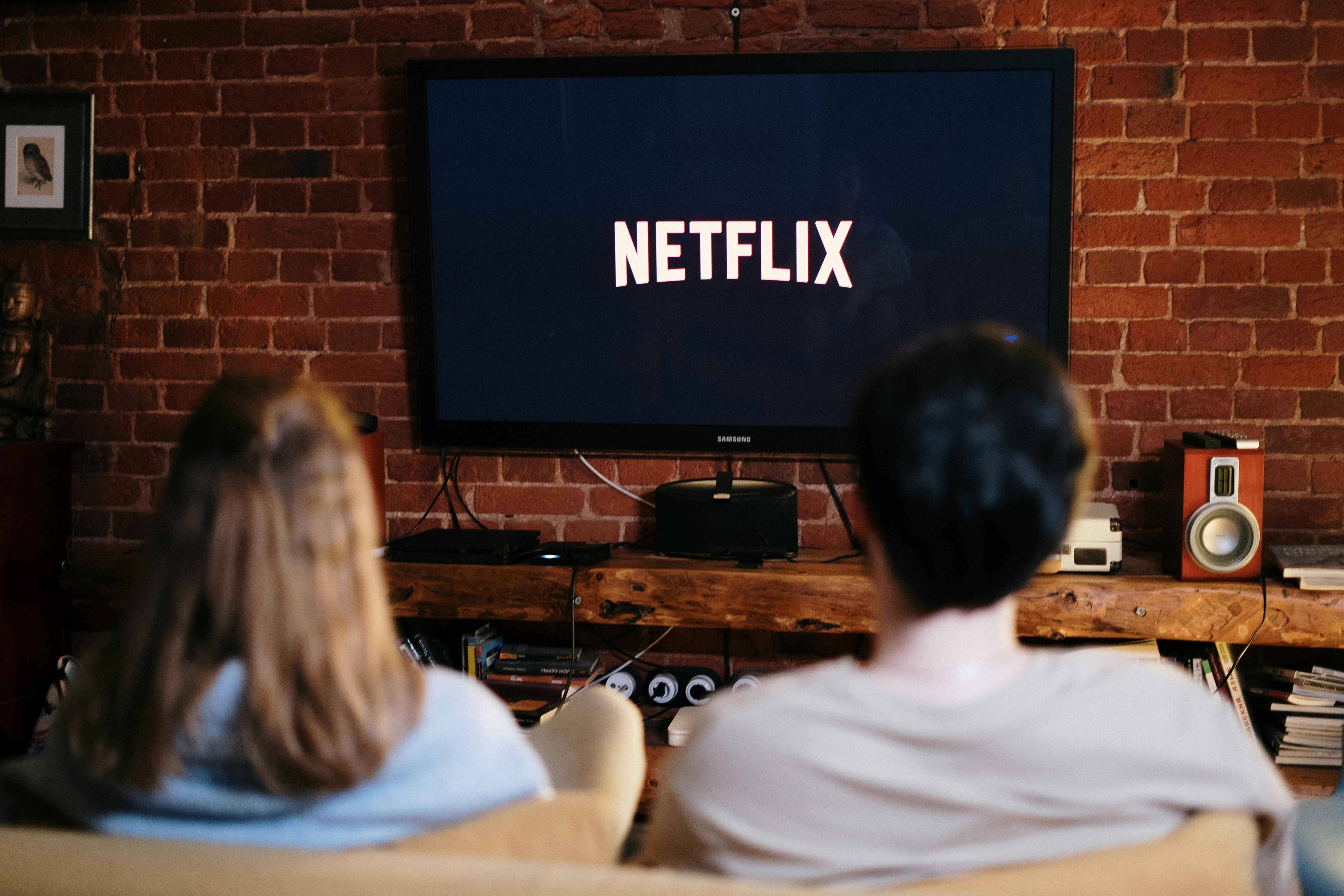
Challenges: Fragmentation, Bandwidth, and Privacy
Despite rapid progress, significant challenges remain before the living‑room experience becomes as seamless as many companies promise.
Technical and Infrastructure Challenges
- ISP data caps and throttling: High‑bitrate 4K streams and cloud gaming can easily consume hundreds of gigabytes per month. In regions where ISPs cap data or throttle certain traffic, the experience can suffer.
- Wi‑Fi congestion: Older routers, apartment buildings with many overlapping networks, and sub‑optimal hardware placement can all introduce jitter and packet loss that cloud services cannot fully hide.
- Codec and standard fragmentation: Not all TVs or streaming sticks support the same codecs or HDR formats, leading to inconsistent quality and user confusion.
Platform Lock‑In and App Fragmentation
With each vendor trying to differentiate its ecosystem, users often face:
- Exclusive apps or features tied to one OS.
- Different login systems and account management UIs.
- Inconsistent parental controls and accessibility settings across platforms.
“What should be a simple goal—watch what you want, play what you want—turns into a maze of logins, subscriptions, and compatibility gotchas.” — Paraphrasing commentary in Ars Technica.
Privacy and Data Collection
Investigations from outlets such as Wired and Ars Technica have revealed the extent to which smart TVs and streaming devices:
- Track viewing habits via Automatic Content Recognition (ACR) technologies.
- Associate device identifiers with profiles for targeted advertising.
- Share anonymized (and sometimes de‑anonymizable) data with analytics and advertising firms.
For users, this means taking extra steps to:
- Disable ACR and personalized ads in TV and streaming‑device settings where possible.
- Regularly review app permissions and privacy dashboards.
- Consider isolating TVs on guest networks or using DNS‑based blocking for known tracking domains.
Accessibility and Inclusivity
Adhering to accessibility guidelines such as WCAG 2.2 is essential but unevenly implemented across devices. Some platforms offer:
- Robust screen‑reader support and voice navigation.
- Customizable captioning and audio descriptions.
- Color‑blind‑friendly UI modes and high‑contrast themes.
Others lag behind, making it harder for users with visual or motor impairments to fully participate in the new living‑room ecosystem. As more gaming and streaming functions converge on the TV, inclusive design becomes even more critical.
Practical Strategy: Optimizing Your Living‑Room Setup
In the middle of this competition, households still need to make concrete decisions about what to buy and how to configure it. A simple, structured approach can help.
Step 1: Prioritize Use Cases
Ask what matters most for your household:
- Competitive gaming: Favor low‑input‑lag TVs, local consoles/PCs, and wired Ethernet.
- Casual gaming + streaming: A strong smart TV + cloud‑gaming app + good controller may suffice.
- Movies and TV: Focus on panel quality, HDR support, and a clean streaming UI.
Step 2: Choose the Right Network Setup
For cloud gaming and 4K HDR streaming, consider:
- Upgrading to at least a mid‑range Wi‑Fi 6 router and placing it centrally.
- Using Ethernet where feasible (e.g., from router to console or streaming box).
- Configuring QoS rules to prioritize gaming and streaming traffic if your router supports it.
Step 3: Rationalize Subscriptions
To manage subscription fatigue:
- Create a simple spreadsheet or note listing all subscriptions, renewal dates, and approximate monthly costs.
- Align subscriptions with viewing habits (e.g., keep one “anchor” service year‑round, rotate others quarterly).
- Take advantage of annual plans or bundles only if they match realistic usage.
Step 4: Protect Privacy
On new TVs and devices:
- Opt out of data sharing and ACR during initial setup when prompted.
- Review privacy settings annually as firmware updates can add new options.
- Consider using a separate, privacy‑focused streaming device if the built‑in OS feels too invasive.

Conclusion: The Future Default Living‑Room Setup
All the current trends—cloud‑gaming maturity, smarter TV OSes, streaming‑service experimentation, and growing privacy scrutiny—converge on one central question: what will the “default” living‑room setup look like a few years from now?
A plausible near‑term scenario is:
- A high‑quality 4K HDR smart TV acting as the primary hub.
- At least one major cloud‑gaming app integrated directly into the TV OS.
- A compact external streaming device for users who want cleaner interfaces or faster updates.
- A handful of video and game subscriptions that rotate over time as families chase specific shows and titles.
For gamers, this means less dependence on expensive local hardware and more emphasis on network quality and subscription choices. For cord‑cutters and casual viewers, it means more flexibility—but also more complexity in navigating fragmented catalogs and pricing tactics.
Ultimately, the “winner” in the battle for the living room may not be a single device or platform, but the setups that best respect users’ time, budgets, and privacy while delivering high‑quality, low‑friction experiences.
Staying informed—through in‑depth reviews on sites like TechRadar, investigative reporting from Wired, and technical discussions on Hacker News—remains the best way to make smart, future‑proof living‑room decisions.
Additional Resources and Further Reading
To dive deeper into specific aspects of this topic, consider exploring:
- YouTube comparisons of cloud‑gaming latency vs. native console play
- LinkedIn thought‑leadership posts on edge computing and game streaming
- Academic work on low‑latency streaming and QoE (Quality of Experience)
- Ars Technica’s coverage of smart‑TV privacy and firmware practices
- TechRadar’s “Best gaming TV” guides for up‑to‑date buying advice
Keeping an eye on these sources will help you anticipate shifts—like new codecs, regulatory changes around data collection, or emerging subscription models—before they hit your living room.
References / Sources
- Engadget – Cloud gaming coverage
- TechRadar – Cloud gaming news and reviews
- The Verge – Smart‑TV and streaming platform coverage
- TechCrunch – Streaming service business analysis
- Ars Technica – Smart‑TV privacy and technical reports
- Wired – Streaming and data‑collection investigations
- ACM Digital Library – Research on latency, streaming, and QoE
- Hacker News – Technical discussions on cloud infrastructure
