
Why Mixed Reality Headsets Like Apple Vision Pro Are Kicking Off the Spatial Computing Era
Mixed reality (MR) and spatial computing blend digital content with the physical world, anchoring apps, windows, and 3D objects to real space. Unlike classic virtual reality (VR), which fully replaces your surroundings, MR lets you see your environment while layering digital information with precise depth, lighting, and occlusion.
The current wave, led by Apple Vision Pro and Meta’s Quest headsets, aims to move computing from flat screens to three-dimensional environments. Instead of a laptop on a desk, imagine a constellation of floating, resizable screens; 3D models you can walk around; or colleagues appearing life-size in your living room during a meeting.
Tech media such as The Verge, Wired, Engadget, and TechRadar are closely tracking this transition, running long-term reviews, ergonomics experiments, and productivity trials to see whether people can actually live and work inside headsets for hours at a time.
Mission Overview: From Screens to Spatial Computing
The core mission of spatial computing is to liberate digital experiences from rectangular displays and integrate them directly into our physical environment. This is more than a visual trick; it is a shift in how we model data, interact with information, and collaborate with others.
Strategic goals of the headset era
- Replace or augment traditional monitors with virtually unlimited, high-resolution virtual displays.
- Enable new collaboration modes, such as shared 3D workspaces and co-present avatars (“telepresence”).
- Offer deeply immersive media consumption—cinema-scale movies, volumetric video, and interactive experiences.
- Provide new tools for design, engineering, and scientific visualization in full 3D.
- Create a new software ecosystem where apps are spatial by default, not locked into 2D windows.
“Spatial computing is about making the world your screen and your interface.”
— Paraphrased from research discussions in human–computer interaction and mixed reality labs
Apple Vision Pro and the Spatial Computing Pitch
Apple’s Vision Pro, released in early 2024 in the U.S. and rolling out to additional markets afterwards, reframes mixed reality as “spatial computing.” Instead of marketing it primarily as a gaming or entertainment device, Apple emphasizes productivity, communication, and premium media.

Key strengths highlighted in reviews
- Best-in-class displays: Dual high-density micro‑OLED panels deliver extremely sharp text and cinema-quality video.
- Eye and hand tracking: Vision Pro uses your gaze as a pointing device and subtle finger taps as clicks, removing the need for controllers in most apps.
- Passthrough and spatial anchoring: High-quality color passthrough lets you see your surroundings with low latency, making virtual windows feel anchored in your room.
- Ecosystem integration: Tight coupling with macOS, iOS, and iPadOS enables features like using the headset as a giant wireless monitor for a Mac.
Current limitations and debates
- Comfort over long sessions: Many long-term testers report weight and strap comfort as barriers to all‑day use.
- App availability: Not all iPad/iPhone apps are optimized for spatial use, and native “spatial-first” apps are still emerging.
- Cost: The price point positions Vision Pro as a high-end early adopter and professional tool, not a mass-market device—yet.
In deep dives by outlets such as The Verge’s Vision Pro review and Wired’s long-term usage reports, journalists describe Vision Pro as both astonishing and clearly first-generation—analogous to the original iPhone or Apple Watch in its ambitions and trade-offs.
Meta’s More Affordable Ecosystem
While Apple targets the high end, Meta follows a contrasting strategy: relatively affordable, mass-market headsets such as the Meta Quest 3 and enterprise-focused devices like Quest for Business. Meta heavily subsidizes hardware to build a large installed base, hoping this will attract developers and foster network effects.
Meta’s strengths and trade-offs
- Price accessibility: Quest devices are priced closer to gaming consoles than high-end workstations.
- Controller and hand tracking: Accurate 6DoF controllers plus improving hand tracking make them versatile for games and productivity.
- Rich content library: A strong catalog of VR games, fitness apps, and social experiences.
- Compromises: Lower resolution displays and more visible artifacts compared to Apple’s premium optics; heavier reliance on Meta’s account ecosystem.
Tech outlets frequently compare Meta’s and Apple’s approaches, with TechRadar and Engadget examining trade-offs in price, tracking fidelity, passthrough quality, and app selection.
“You can think of this era as a fork: one path optimizes for accessibility and fun, the other for a no‑compromise spatial computing experience.”
— Paraphrased from commentary by tech reviewers analyzing Apple vs. Meta strategies
Technology: How Mixed Reality and Spatial Computing Actually Work
Under the hood, spatial computing headsets integrate optics, sensors, chipsets, and software stacks that must operate in tight real-time loops. Latency, tracking precision, and visual fidelity all directly affect comfort and usability.

Core hardware components
- Optics and displays
- High-density micro‑OLED or LCD panels for each eye, often exceeding 4K‑equivalent combined resolution.
- Complex lens systems (pancake lenses, aspheric optics) to reduce optical distortion and shorten the optical path.
- Variable refresh rates and low persistence to minimize motion blur and discomfort.
- Inside-out tracking sensors
- Array of cameras and depth sensors to map the environment and track head position (6 degrees of freedom).
- Eye-tracking cameras to measure gaze vectors, enabling foveated rendering and gaze-based selection.
- Hand-tracking cameras to detect gestures without dedicated controllers.
- On-device compute
- Mobile SoCs (e.g., Apple’s M2 + R1 combo or Qualcomm XR platforms) for graphics, sensor fusion, and AI inference.
- Dedicated coprocessors for ultra-low-latency sensor processing and passthrough video.
Key software and UX technologies
- Spatial operating systems: Systems like visionOS or Meta’s Horizon OS manage windows, 3D objects, and spatial anchors rather than flat desktops.
- Foveated rendering: Using eye tracking to render only the region you’re looking at in full detail, saving power and compute.
- Scene understanding: Real-time reconstruction of walls, surfaces, and objects so digital content can realistically occlude or bounce off real-world geometry.
- Passthrough compositing: Capturing and re-rendering the real world from cameras, then compositing virtual elements with correct depth and lighting.
For developers, platforms such as Unity, Unreal Engine, and native SDKs provide spatial APIs, hand and eye tracking input, physics engines, and tools to integrate cloud services and generative AI into MR experiences.
App Ecosystems, Productivity, and Remote Work
One of the most scrutinized questions is whether headsets can function as serious productivity tools, not just entertainment devices. Journalists at The Verge and Wired have attempted to work full-time in mixed reality, running writing, coding, and research workflows entirely within headsets.
What works well today
- Virtual monitors: Replace one or more physical monitors with large, curved, or multi-window virtual screens.
- Focused environments: Immersive backdrops that block visual distractions, potentially improving focus for some users.
- 3D collaboration: Co-annotating 3D models, data visualizations, or whiteboards in shared spaces.
What still needs improvement
- Ergonomics: Wearing a headset for 6–8 hours can be tiring; pressure points and heat build-up are non-trivial issues.
- Text clarity and input: While text is crisp on premium headsets, extended reading and typing (especially on virtual keyboards) still lag behind laptops.
- Software maturity: Many productivity apps are ports of 2D experiences, not true spatial tools designed from the ground up.
For power users interested in experimenting with multi-monitor setups or XR development, consumer gear like the Meta Quest 3 128GB can be a practical entry point into spatial computing workflows.
Scientific and Industrial Significance
Beyond consumer use, spatial computing has significant implications for science, engineering, healthcare, and education. Here, the ability to embed data in 3D context is not just immersive—it can change how problems are understood and solved.
Key application domains
- Scientific visualization: Researchers can explore volumetric datasets—such as MRI scans, fluid simulations, or astronomical data—by walking around them or slicing through them in real time.
- Engineering and design: CAD models can be inspected at scale, enabling teams to spot interference issues or ergonomic problems earlier in the design cycle.
- Medical training and surgery planning: Surgeons can rehearse complex procedures with patient-specific anatomical models, while trainees practice in risk-free simulations.
- Field service and manufacturing: Technicians can see step-by-step instructions overlaid on machinery, reducing error rates and training time.
“Extended reality tools are rapidly becoming integral to how we teach, plan, and deliver complex medical interventions.”
— Summarizing conclusions from recent digital health and XR research literature
Organizations like NASA, leading universities, and major automotive and aerospace companies already use XR tools in design reviews, simulations, and remote expert support. Spatial computing extends these capabilities with richer sensing, better passthrough, and tighter integration with existing software stacks.
Content, Social Presence, and Cultural Impact
Mixed reality is not only a technical story; it is also a cultural one. Spatial video capture, immersive cinema modes, and social VR experiences are widely shared on YouTube, TikTok, and other platforms, driving both hype and skepticism.
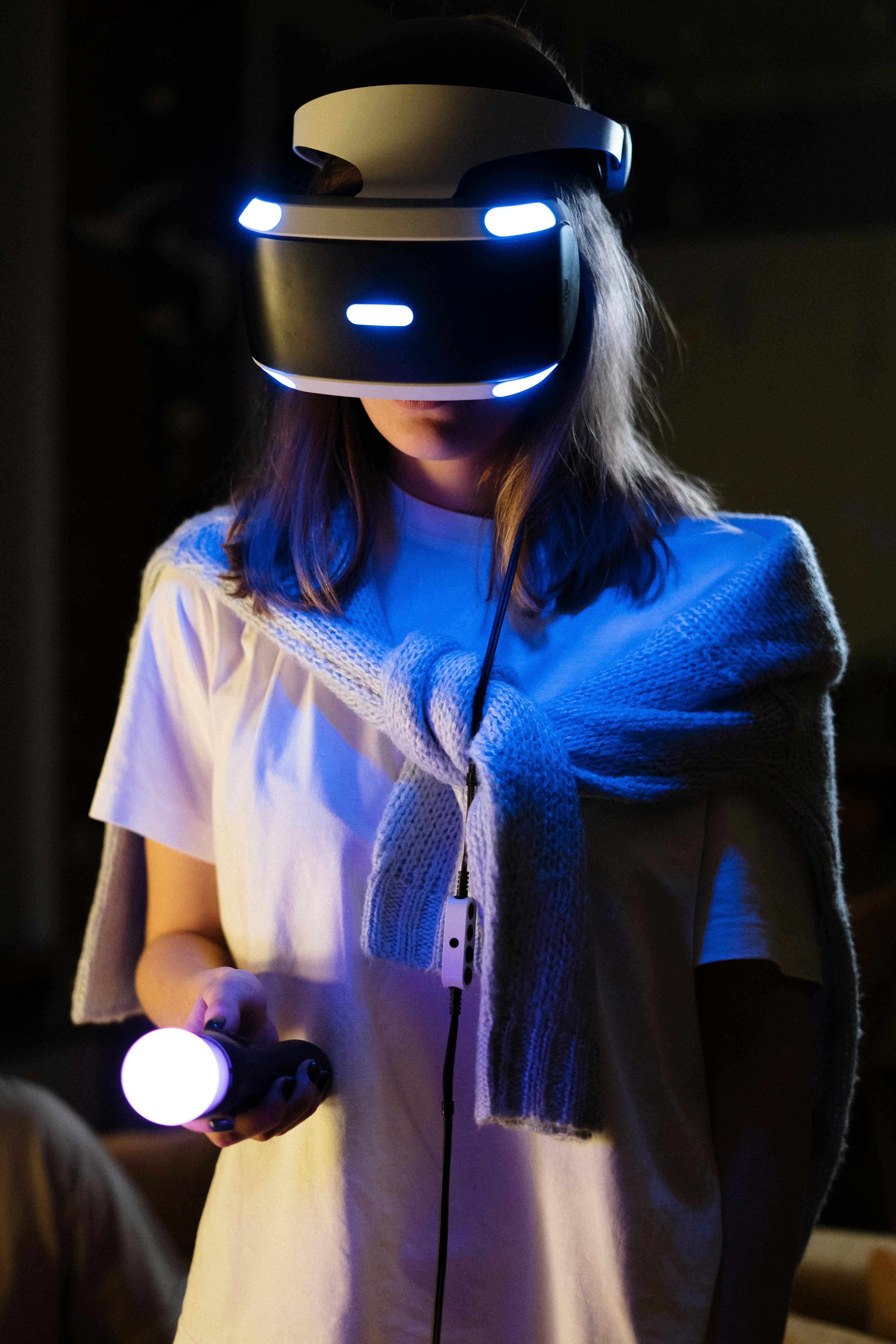
Emerging content types
- Spatial video and volumetric capture: 3D recordings of real scenes that preserve depth and parallax, viewable from multiple angles.
- Immersive cinema: Large virtual theaters and environments where users watch traditional or 3D content in a controlled “perfect” setting.
- Social MR / VR: Rooms where people appear as avatars, photo-realistic telepresence, or hybrid setups where remote participants appear in your physical space.
At the same time, always-on cameras, eye tracking, and detailed sensor data raise privacy and ethics questions. Outlets like Wired and The Verge have discussed how passthrough video and gaze tracking create new types of data that must be handled responsibly.
Meanwhile, venture coverage on platforms like TechCrunch shows ongoing funding for spatial computing startups focused on remote collaboration, 3D creation tools, and novel content formats.
Milestones: How We Got to the Current Headset Wave
Today’s devices build on decades of progress in VR, AR, and human–computer interaction. Several milestones set the stage for Apple Vision Pro and Meta’s latest headsets.
Selected milestones in mixed reality and spatial computing
- Early VR and AR research (1960s–1990s): Foundational work on head-mounted displays and tracking in labs and defense projects.
- Smartphone sensor revolution (2000s–2010s): Commodity accelerometers, gyroscopes, and high-density displays made mass-market XR possible.
- Consumer VR re-emergence (2012–2016): Oculus Rift, HTC Vive, and PlayStation VR revived interest in immersive experiences.
- Enterprise AR and mixed reality (2015–2020): Microsoft HoloLens and Magic Leap pioneered see-through AR for industrial and professional use.
- Standalone headsets (2019–2023): Meta Quest eliminated the need for PCs or consoles, enabling room-scale VR in a self-contained device.
- Premium spatial computing platforms (2024–): Apple Vision Pro and next-gen Meta headsets integrate advanced optics, eye tracking, and spatial OSs.
These milestones show a clear trajectory: from tethered, research-grade prototypes to standalone, consumer-ready devices that attempt to replace or augment everyday computers.
Challenges: Why Headsets Are Not Yet the New Smartphones
Despite spectacular demos, several hard problems must be solved before mixed reality can rival smartphones as the default computing interface.
Technical challenges
- Weight and comfort: Achieving all-day wearability requires lighter optics, better weight distribution, and heat management.
- Battery life: Balancing performance with multi-hour use remains difficult, especially for high-end displays and processors.
- Visual comfort: Vergence–accommodation conflict, motion sickness, and eye strain need further mitigation through better optics and rendering techniques.
Social and ethical challenges
- Social acceptability: Wearing conspicuous headsets in public or during meetings carries a social stigma and can impede face-to-face interaction.
- Privacy: Bystanders may not be comfortable being recorded by cameras or captured in spatial video without explicit consent.
- Data governance: Eye tracking, biometric signals, and room scans are highly sensitive; robust policies and technical safeguards are necessary.
Economic and ecosystem challenges
- Price and accessibility: Premium devices remain expensive, limiting adoption to enthusiasts and professionals.
- Developer incentives: Developers must be convinced that spatial apps can reach large enough audiences to justify investment.
- Standards: Lack of cross-platform standards for spatial content and avatars fragments the ecosystem.
Getting Started with Mixed Reality Today
For individuals and organizations curious about spatial computing, it is possible to begin experimenting without fully committing to a high-end device.
For enthusiasts and developers
- Affordable headsets: Devices like Meta Quest 3 provide a well-supported entry point for gaming, fitness, and early productivity experiments.
- Development tools: Unity, Unreal Engine, and vendor SDKs (visionOS SDK, Meta XR SDK) all provide tutorials and sample projects. Many developers share walkthroughs on YouTube channels such as visionOS development and Meta Quest Unity tutorials.
- Reading and research: White papers from companies and academic labs (e.g., ACM CHI, IEEE VR) provide deeper insight into interaction techniques and ergonomics.
For professionals and teams
- Start with narrow, high-value use cases: design reviews, remote assistance, or data visualization pilots.
- Engage IT and security teams early to address data protection and device management.
- Collect structured feedback on comfort, usability, and productivity impacts to inform future investments.
Conclusion: Are Mixed Reality Headsets the Next Major Platform?
Mixed reality and spatial computing currently occupy an in-between space: more powerful than smartphones for certain tasks, but not yet convenient or comfortable enough to replace them universally. Apple’s Vision Pro showcases what a no‑compromise premium experience can look like, while Meta’s ecosystem demonstrates how scale and accessible pricing can grow a user base.
The most likely near-term future is hybrid: we will keep using phones, laptops, and tablets while bringing headsets into workflows where three-dimensional context or extreme screen real estate deliver clear value. Over the next decade, progress in optics, wearability, and AI-assisted interfaces could make spatial computing far more ubiquitous, turning the physical world into a continuous, context-aware display.
For now, spatial computing is both a fascinating laboratory for new interaction paradigms and a serious tool in domains such as design, medicine, and scientific research. Whether it becomes the primary computing platform will depend not only on technical breakthroughs but also on how thoughtfully we address comfort, privacy, and societal impact.
Additional Resources and Further Reading
To explore mixed reality and spatial computing in more depth, consider the following types of resources:
- Long-form reviews and analysis:
- Developer and design guidance:
- Academic and industry research:
- Books and talks: Look for talks from researchers and practitioners on platforms like YouTube and recent books on XR design, human–computer interaction, and immersive media.
References / Sources
Selected sources and further reading:
