
How Deeply Integrated AI Assistants Are Rewiring Your Everyday Computing
As Microsoft, Google, Apple, and a wave of startups race to build the default “AI layer” for work, users must understand not only what these tools can do, but how they affect data governance, hardware choices, workplace skills, and long‑term digital autonomy.
AI is no longer a separate chatbot tab in your browser—it is woven into your word processor, spreadsheet, email client, browser, and even your operating system’s start menu and keyboard shortcuts. This deep integration is transforming everyday computing: drafting emails, summarizing documents, generating slides, and surfacing context‑aware suggestions across apps. At the same time, it raises serious questions about who controls your data, how reliable AI‑generated content really is, and how much of your workflow gets locked into one vendor.
Tech media such as Engadget, The Verge, Ars Technica, Wired, and others now routinely benchmark AI‑enhanced features in Windows, macOS, iOS, Android, Google Workspace, and Microsoft 365. Their verdict is nuanced: AI does accelerate routine tasks, but it still demands human oversight for accuracy, tone, and ethics—and it fundamentally changes how we interact with our devices.
Mission Overview: Why AI Assistants Are Moving Into the OS
The “mission” behind embedding AI into productivity suites and operating systems is straightforward: remove friction from knowledge work. Rather than forcing users to copy‑paste between apps or craft perfect prompts, vendors want AI to be omnipresent—acting as a context‑aware copilot that understands what you are doing and offers help before you ask.
Modern AI assistants in this space typically aim to:
- Reduce time spent on repetitive digital tasks (drafting, summarizing, formatting, scheduling).
- Lower the skill barrier for complex tools like spreadsheets, slide decks, and code editors.
- Turn unstructured data (notes, chats, recordings) into structured, searchable knowledge.
- Provide a natural‑language interface to system‑wide actions and automations.
“We’re moving from a world where you learn the computer, to a world where the computer learns you.” — Satya Nadella, CEO of Microsoft
The Current Landscape: Who Is Shipping What?
By early 2026, most major computing platforms feature some form of embedded AI assistant:
- Microsoft Copilot integrated into Windows, Edge, and Microsoft 365 apps (Word, Excel, PowerPoint, Outlook, Teams).
- Google Gemini (and previously Duet AI) woven into Chrome, Android, Google Docs, Sheets, Slides, Gmail, and Meet.
- Apple Intelligence gradually integrating into macOS and iOS with system‑level writing tools, image generation, and enhanced Siri (initially on newer Apple Silicon devices).
- Third‑party copilots such as Notion AI, Adobe Firefly, and GitHub Copilot embedded into specialized tools for note‑taking, creative work, and software development.
Tech reviewers focus on three recurring questions:
- Usability: Does the assistant appear where users naturally work, with minimal friction?
- Reliability: How often does it hallucinate, misinterpret context, or produce low‑quality output?
- Value: Do the time savings justify the subscription cost and potential privacy trade‑offs?
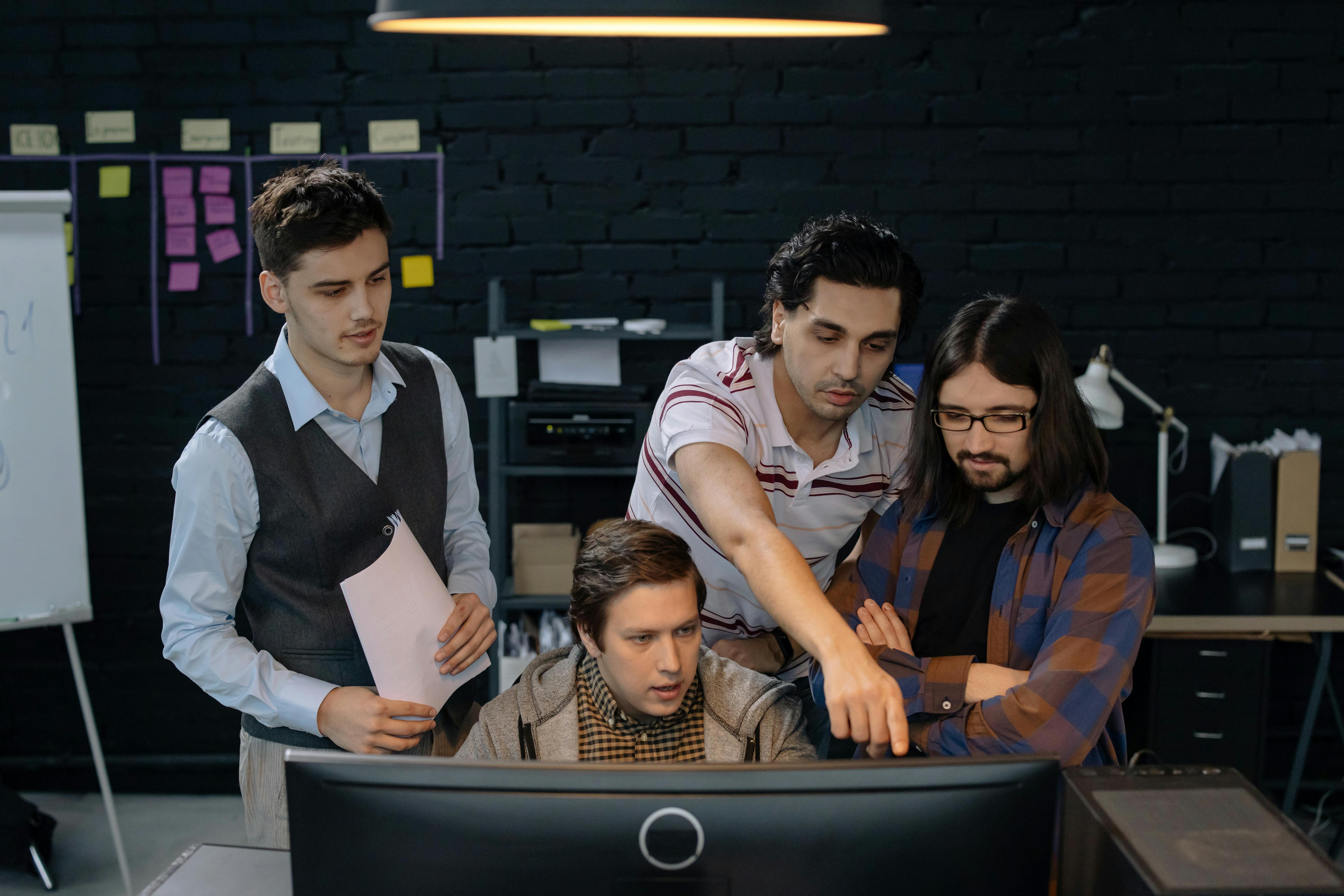
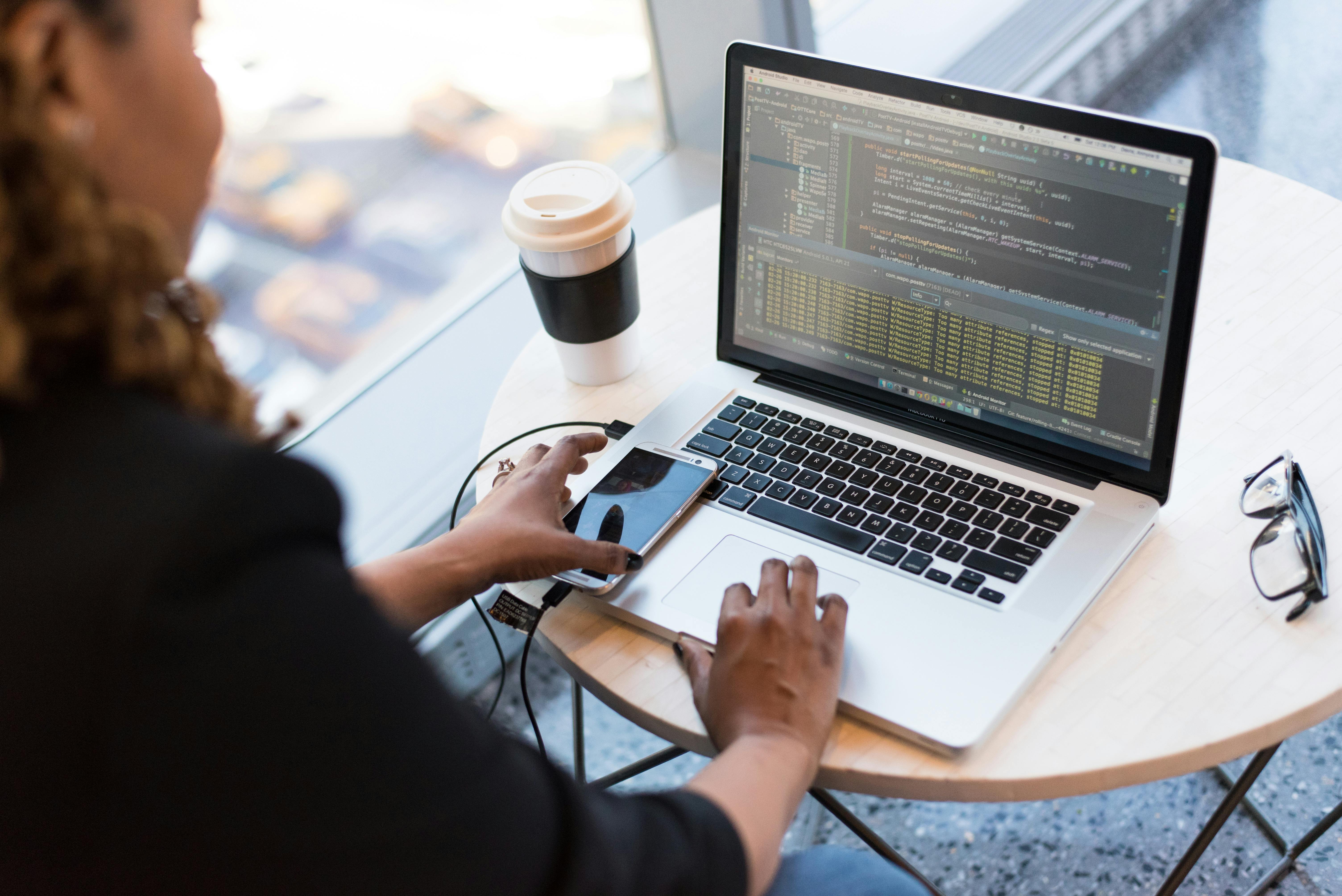
Visualizing AI in Productivity and Operating Systems


Technology: How Deep Integration Works Under the Hood
Embedding AI assistants into productivity suites and operating systems requires more than just calling an API. Vendors are building a “context engine” that continuously gathers relevant signals while trying to respect security boundaries.
Context Collection and Orchestration
Modern assistants typically maintain a rolling window of context that may include:
- The current document, spreadsheet, or slide you are editing.
- Recent emails, chats, and calendar events relevant to the task.
- System‑level state, such as which app is active and what text is selected.
- Enterprise knowledge bases, wikis, and policy documents.
This context is pre‑processed with techniques like retrieval‑augmented generation (RAG) so that only the most relevant snippets are sent to the language model. The model then generates an answer, draft, or action plan, which the UI renders as suggestions, inline edits, or automation flows.
Local vs. Cloud Inference
A central question in 2024–2026 is whether AI reasoning happens on‑device or in the cloud:
- On‑device models (running on NPUs or GPUs) offer lower latency and better privacy but are smaller and less capable.
- Cloud models are more powerful and easier to update, but they raise concerns about data exposure and dependency on network connectivity.
Many platforms now adopt a hybrid strategy: lightweight on‑device models handle quick, sensitive tasks (like text correction or autocomplete), while heavier cloud models tackle complex reasoning, code generation, or cross‑document synthesis.
“The real innovation isn’t just the model—it’s the orchestration layer that decides what to send where, under what privacy constraints.” — Paraphrased from multiple Ars Technica analyses of OS‑level AI features
AI‑Ready Hardware: NPUs and New Buying Criteria
As AI features become core to productivity, hardware requirements are shifting. New generations of laptops and smartphones advertise dedicated Neural Processing Units (NPUs) capable of trillions of operations per second (TOPS), optimized for transformer workloads.
For professionals, this changes how devices are evaluated:
- Battery life: NPUs offer orders‑of‑magnitude better performance per watt for AI workloads compared to CPUs.
- On‑device privacy: More AI tasks can run locally, reducing the need to upload sensitive text, audio, or images.
- Longevity: Systems with strong NPU capabilities are more likely to support future OS‑level AI features.
For example, many reviewers recommend modern “Copilot+ PC” class laptops or recent Apple Silicon MacBooks to professionals who rely heavily on AI‑enhanced workflows.
If you are shopping with AI workloads in mind, reading in‑depth reviews on outlets like The Verge and TechRadar is essential, and pairing your device with fast storage and memory helps AI assistants handle large documents and multi‑app contexts smoothly.
Scientific and Societal Significance
Deep OS‑level AI integration is not just a convenience feature; it is a live experiment in human‑computer interaction, cognitive offloading, and socio‑technical systems.
Cognitive Offloading and Knowledge Work
Cognitive scientists study how humans offload memory and reasoning to external artifacts. Calendar apps, notebooks, and search engines already changed how we remember and plan. AI assistants extend this by offloading:
- First drafts of emails, reports, and briefs.
- Summarization of long documents, meetings, and message threads.
- Pattern detection in data that non‑experts would struggle to analyze.
“When tools take over generative tasks, we must ask not just what is easier, but what skills erode over time.” — Paraphrased from HCI research discussions in journals like Nature Human Behaviour
Human‑AI Collaboration
Studies of AI‑augmented workflows consistently show a “centaur” pattern: the best outcomes arise when humans and AI specialize and coordinate, rather than when either acts alone. For example:
- AI drafts and proposes; humans edit, verify, and contextualize.
- AI flags anomalies in data; humans interpret business implications.
- AI suggests workflows; humans evaluate risk, ethics, and compliance.
Privacy, Security, and Data Governance
Privacy is the most contested dimension of deeply integrated AI assistants. To be useful, these systems need access to sensitive content: emails, contracts, HR documents, internal chats, and browsing histories. Enterprises want the benefits of AI without exposing trade secrets or personal data.
Key Data Governance Questions
Organizations evaluating AI assistants typically ask:
- Where is data processed (region, cloud provider, and on‑device vs. cloud)?
- Is customer data used to train shared models, or are there strict isolation guarantees?
- How are prompts, outputs, and logs stored, retained, and audited?
- What controls exist for role‑based access and data loss prevention?
Responding to these concerns, vendors now market “enterprise‑grade” AI assistants with contractual guarantees that:
- Your data is not used to train models that serve other customers.
- Administrators can define retention policies and access controls.
- Compliance certifications (e.g., SOC 2, ISO 27001, HIPAA where applicable) are in place.
“In the age of AI, your word processor may know more about your business than your ERP system does.” — Wired security analysis, on the data footprint of AI‑enhanced productivity tools
Practical Steps for Users and Teams
To use embedded AI assistants safely:
- Review your vendor’s AI data policy and admin controls in detail.
- Disable AI access to the most sensitive repositories until you have clear governance.
- Educate staff about what should and should not be pasted or uploaded into prompts.
- Use on‑device or “private cloud” options when working with highly regulated data.
Workflow Transformation and Job Design
The integration of AI into everyday tools is changing not just tasks but roles and expectations. Conversations on Hacker News, X (Twitter), and LinkedIn highlight both impressive productivity gains and emerging risks.
Where AI Assistants Already Shine
Across industries, the clearest wins so far include:
- Drafting and rewriting: emails, client updates, meeting notes, and simple reports.
- Summarization: turning hour‑long meetings or 40‑page PDFs into digestible bullet points.
- Data wrangling: generating formulas in Excel/Sheets, writing SQL, or building visuals from natural language prompts.
- Task automation: natural‑language commands that trigger workflows (e.g., “summarize this thread and schedule a follow‑up call next week”).
Risks: De‑Skilling and Over‑Reliance
However, researchers and practitioners also warn about:
- De‑skilling: junior employees may learn less if AI always writes the first draft or generates formulas.
- Homogenization: AI‑authored text tends to sound similar across organizations, weakening differentiation.
- Complacency: users may over‑trust outputs, failing to catch subtle factual or logical errors.
“Treat AI as a calculator for ideas—not a replacement for your critical thinking.” — Often echoed by AI practitioners and leaders on LinkedIn
Ecosystem Lock‑In and Platform Strategy
As more workflows are encoded into vendor‑specific AI tools, concerns about long‑term lock‑in grow. Your assistant‑generated workflows—email templates, prompt libraries, meeting‑summary formats, and custom automations—often live inside a single ecosystem.
How Lock‑In Happens Subtly
Lock‑in rarely appears as an explicit barrier. Instead, it emerges via:
- Integrated knowledge graphs that only work fully inside one suite.
- Proprietary prompt formats or automations that are hard to port to competitors.
- Bundle discounts that make it financially painful to mix multiple ecosystems.
For organizations, a practical mitigation is to:
- Favor open standards for documents, emails, and data storage.
- Document key AI workflows in neutral formats (wikis, internal playbooks).
- Pilot more than one assistant for critical use cases to avoid single‑vendor dependency.
Key Milestones in AI Assistant Integration
The journey from standalone chatbots to fully integrated assistants has been rapid. Some important milestones include:
- 2022: Large language models demonstrate reliable text generation and summarization at consumer scale.
- 2023: Mainstream productivity suites begin shipping AI features in beta—smart compose, auto‑summary, draft generation.
- 2024: OS‑level copilots appear in Windows and Android; enterprise offerings introduce stronger data isolation promises.
- 2025–2026: NPUs become standard in mid‑range laptops and phones; hybrid local‑cloud assistants become a default expectation, not a novelty.
Each milestone has triggered new conversations about pricing, regulation, and ethical use, keeping the topic continuously in the public eye.
Challenges: Reliability, Regulation, and Responsible Use
Despite rapid progress, deeply integrated AI assistants still face serious technical, ethical, and regulatory challenges.
1. Reliability and Hallucinations
Even state‑of‑the‑art models occasionally fabricate facts, misinterpret ambiguous instructions, or miss subtle domain constraints. In a tightly integrated environment, these errors can propagate quickly—into codebases, legal drafts, or financial models.
Mitigations include:
- Restricting AI to tasks where human review is mandatory (e.g., content suggestions rather than automatic sends).
- Using RAG to ground responses in verifiable internal documents.
- Building user interfaces that highlight uncertainty or allow quick verification of sources.
2. Regulatory Compliance
Regulators worldwide are considering or enacting AI‑specific rules. For enterprises, this intersects with existing frameworks such as GDPR, data localization laws, and industry‑specific regulations in healthcare, finance, and government.
Teams must collaborate across legal, security, and engineering functions to design AI usage policies, including:
- Explicit risk assessments for different AI use cases.
- Model and vendor selection based on data residency and auditability.
- Employee training and clear escalation paths for AI‑related incidents.
3. UX and Accessibility
With AI woven into every surface, there is a risk of cluttered interfaces and notification overload. Designing accessible, WCAG‑compliant interactions—keyboard navigable, screen‑reader friendly, and respectful of cognitive load—is an active challenge for UX teams.
When well executed, however, AI can dramatically improve accessibility, for example by:
- Providing live captioning and summarization of meetings.
- Offering natural‑language interfaces for users who struggle with complex UIs.
- Automatically suggesting accessible document structures and alt text.
Practical Playbook: Using Integrated AI Assistants Wisely
To get the most value from AI assistants in productivity suites and operating systems, while managing risk, consider a staged approach.
Stage 1: Low‑Risk, High‑Leverage Tasks
- Use AI to summarize long emails, chats, or documents before deep dives.
- Draft first versions of routine communications (status updates, internal memos).
- Generate slide outlines from existing documents or meeting notes.
Stage 2: Assisted Analysis and Planning
- Have AI propose formulas or pivot tables, then verify logic manually.
- Ask for alternative scenarios or risk lists for projects you already understand.
- Use AI to transcribe and tag meetings, then spot‑check for accuracy.
Stage 3: Integrated Workflows and Automation
- Design multi‑step automations (e.g., “After each weekly meeting, summarize action items, email stakeholders, and update the tracker”).
- Connect AI to internal knowledge bases with carefully defined permissions.
- Monitor outcomes, track error rates, and adjust prompts and policies accordingly.
Staying Skilled in an AI‑First Workplace
As AI assistants absorb more routine tasks, the value of human skills shifts upward—from execution to judgment, abstraction, and communication. Professionals can future‑proof themselves by deliberately investing in complementary capabilities.
Skills That Age Well with AI
- Critical thinking and verification: the ability to quickly assess whether AI outputs are plausible and well‑reasoned.
- Prompt design and workflow engineering: structuring instructions and processes so that AI tools are both effective and auditable.
- Domain expertise: deep knowledge of your industry that allows you to spot subtle errors algorithms might miss.
- Communication and stakeholder management: explaining AI‑assisted decisions to non‑technical colleagues, clients, or regulators.
Many professionals now treat AI as a “junior analyst” or “intern” that works quickly but needs supervision. Framed this way, your value comes from asking the right questions, not from typing every line yourself.
Conclusion: The New Normal of Everyday AI
Deeply integrated AI assistants in productivity suites and operating systems are no longer speculative—they are a defining feature of modern computing. They promise significant time savings and new capabilities, but also demand new literacies in privacy, verification, and digital autonomy.
Over the next few years, the most effective organizations will be those that:
- Adopt AI assistants strategically, starting with low‑risk, high‑leverage use cases.
- Invest in governance, training, and technical infrastructure that make AI safe and reliable.
- Continuously evaluate vendor ecosystems to avoid unhealthy lock‑in.
For individual users, the path forward is to embrace AI as a powerful collaborator—while staying firmly in the loop. The tools will keep evolving, but the responsibility to think clearly, act ethically, and protect our data remains ours.
Additional Resources and Further Reading
To deepen your understanding of AI assistants in productivity and OS environments, consider exploring:
- The Verge AI coverage for hands‑on reviews of OS‑level copilots and productivity features.
- Ars Technica’s machine learning articles for technical deep dives on local vs. cloud inference and hardware trends.
- Wired’s AI reporting for privacy, security, and societal impact analysis.
- YouTube tutorials on AI productivity workflows for practical demonstrations of integrated assistants.
On the research side, look for:
- ACM IMWUT and CHI proceedings for human‑AI interaction studies.
- Nature Human Behaviour’s AI and cognition collection for work on cognitive offloading.
