
AI Assistants Everywhere: How OS‑Level Copilots Are Quietly Rewiring Work and the Web
Over just a few product cycles, AI assistants have shifted from novelty chatbots to always‑on infrastructure embedded into Windows, macOS, Android, iOS, web browsers, and enterprise suites like Microsoft 365 and Google Workspace. This new layer of “ambient intelligence” drafts emails, summarizes long reports, automates workflows, and sits one keyboard shortcut away from almost any text box or document.
Tech media from The Verge to Wired now treat AI copilots as core platform features rather than experimental add‑ons. At the same time, developers, lawyers, researchers, and creatives are wrestling with reliability, copyright, labor impacts, and vendor lock‑in as AI becomes the default way to interact with software.
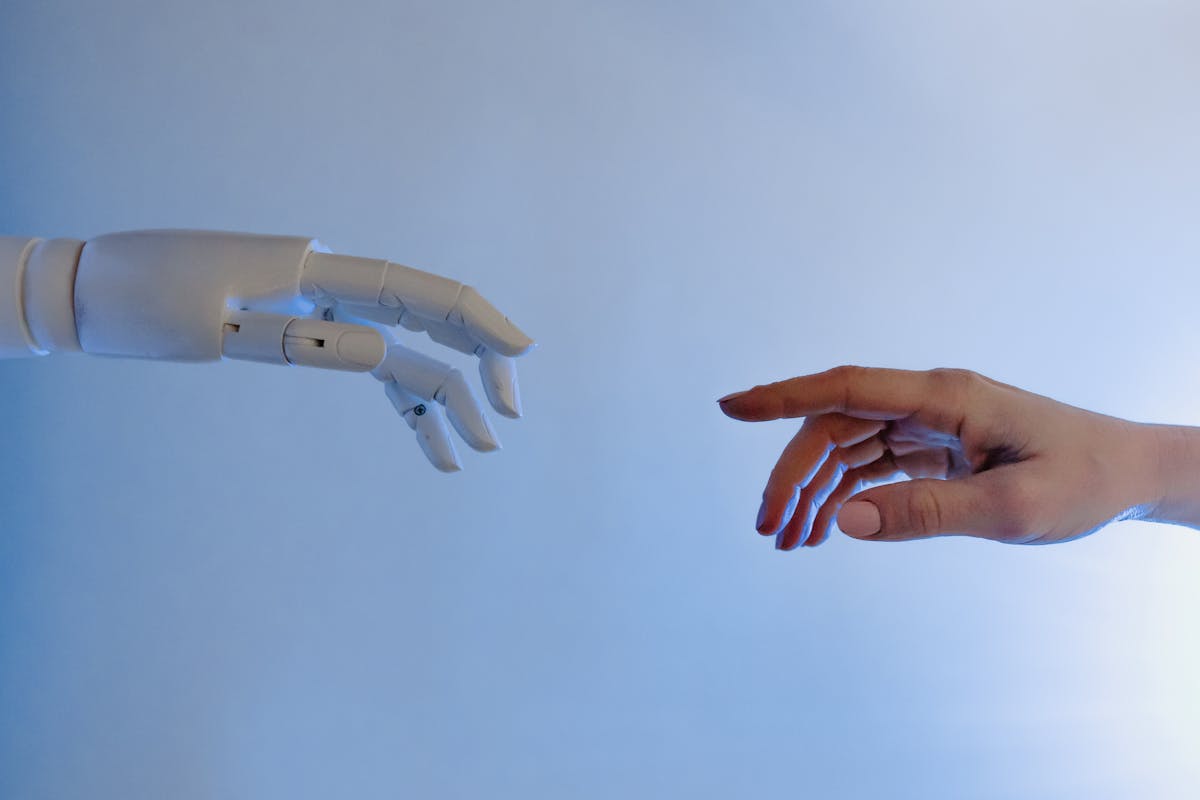
Mission Overview: From Chatbots to OS‑Level Copilots
The “mission” of this new generation of AI assistants is to dissolve the boundary between applications and automation. Instead of opening a separate chatbot tab, users can:
- Press a system‑wide shortcut to ask questions about whatever is on screen.
- Highlight text and invoke “summarize,” “translate,” or “rewrite” via context menus.
- Use natural language to trigger multi‑step workflows across apps and services.
Microsoft’s Windows Copilot and Copilot for Microsoft 365, Apple’s upcoming Apple Intelligence features in macOS and iOS, and Google’s Gemini integration in Android and Workspace all follow this pattern: AI becomes a shared capability that spans the file system, browser, email, calendar, and collaboration tools.
“The assistant isn’t just another app. It’s on track to become the primary interface to your apps.” — Paraphrased from ongoing analysis in Wired
This shift moves AI from the periphery to the center of everyday computing, with profound implications for how people search, write, code, and make decisions.
Technology: How Modern AI Copilots Actually Work
Beneath the friendly chat interface, modern AI assistants rely on a stacked architecture that combines large language models (LLMs), retrieval systems, tool use, and tight OS integration.
1. Foundation and Large Language Models
At the core are foundation models such as OpenAI’s GPT‑4‑class models, Anthropic’s Claude 3 family, Google’s Gemini, or Meta’s Llama‑based systems. These LLMs are trained on trillions of tokens of text and code using transformer architectures and large‑scale GPU or custom accelerator clusters.
- Strengths: Natural language generation, code synthesis, pattern recognition, reasoning over structured prompts.
- Weaknesses: Hallucinations, sensitivity to prompt phrasing, limited awareness of up‑to‑date or local data unless augmented.
2. Retrieval‑Augmented Generation (RAG)
To ground responses in real documents, many assistants employ retrieval‑augmented generation:
- Index local or cloud documents using embeddings stored in vector databases.
- At query time, retrieve the most relevant passages based on semantic similarity.
- Provide those passages to the LLM as context, asking it to answer using only that evidence.
This lets an assistant accurately answer questions about specific SharePoint folders, Google Drive documents, or an internal codebase with far less hallucination.
3. Tool Use, APIs, and “Agents”
OS‑level assistants increasingly act as orchestrators that call external tools:
- Calendar APIs to schedule or reschedule meetings.
- Email APIs to draft, categorize, and prioritize messages.
- Code execution sandboxes or IDE APIs to run snippets and refactor code.
- Browser or search APIs to fetch real‑time information.
Research in “tool‑augmented agents” lets models dynamically decide which tools to call, in what order, to complete multi‑step tasks like “summarize this 40‑page PDF and draft a follow‑up email with three actionable next steps.”
4. OS and Application Integration
The final layer is integration with the operating system and application ecosystem:
- System‑wide hotkeys and sidebars accessible from any screen.
- Context menus (“Ask AI”, “Rewrite”, “Explain this code”).
- Inline suggestions inside editors, IDEs, and email clients.
- Accessibility hooks to ensure assistive technologies can coexist and users can control AI features.

This layered design turns LLMs from generic text predictors into context‑aware copilots tailored to each user’s data and workflows.
Scientific Significance: Human–AI Interaction at Scale
Deeply integrated AI assistants create a unique, large‑scale laboratory for studying human–AI interaction, cognition, and productivity.
1. Changing Mental Models of Computing
For decades, the dominant model was command‑driven computing: users learned an app’s menus, shortcuts, and file formats. Copilots introduce intent‑driven computing, where users express goals in natural language and let the system map them to actions.
“The interface shift is from ‘How do I do this?’ to ‘What do I want?’” — Paraphrasing discussions among researchers at Stanford HAI
This shift has deep ties to cognitive science and HCI research: how do people form trust in opaque systems? When do they over‑delegate? How do explanations and uncertainty estimates change behavior?
2. Empirical Evidence on Productivity
Early controlled studies offer a nuanced picture:
- Software engineers using tools like GitHub Copilot often complete routine tasks faster but can introduce subtle bugs if they over‑trust suggestions.
- Professionals drafting emails, FAQs, or simple contracts see large time savings, but still need to review text for factual and legal accuracy.
- Novices are helped more than experts, potentially narrowing skill gaps for some tasks while deepening them for others.
The scientific challenge is quantifying both the short‑term gains and long‑term effects on expertise, error patterns, and team dynamics.
3. Ethics, Alignment, and Social Impact
Copilots also intersect with AI alignment research. When assistants summarize news, prioritize notifications, or suggest next actions, they shape attention and values. Questions once limited to search ranking are now front‑and‑center:
- How are models fine‑tuned to avoid harmful outputs while preserving critical discussion?
- Whose norms and policies govern default behavior?
- How do we audit large‑scale effects on public discourse and workplace culture?

Milestones: Key Developments in AI Assistant Integration
The path from isolated chatbots to OS‑level copilots has unfolded through a series of visible milestones across consumer and enterprise software.
Timeline of Notable Milestones
- 2018–2020: Early code assistants. Tools like Kite and early GitHub suggestions apply ML to autocomplete but aren’t conversational.
- 2022: General‑purpose chatbots. Public releases of GPT‑3.5/4‑class interfaces spark widespread experimentation in browsers.
- 2023: IDE and productivity copilots. GitHub Copilot, Notion AI, and others integrate LLMs directly into apps and IDEs.
- 2023–2024: OS‑level assistants. Microsoft announces Windows Copilot and deep integration into Microsoft 365; Google introduces Gemini in Workspace and Android; Apple unveils Apple Intelligence for iOS and macOS with system‑wide writing tools and app actions.
- 2024–2025: Multi‑agent and workflow automation. Emerging tools can chain multiple AI “agents” to handle complex, multi‑step workflows across SaaS platforms.
Adoption Across Sectors
Adoption has been especially rapid in:
- Software development: AI pair‑programming is becoming a default in many IDEs.
- Customer support: AI triage, summarization of tickets, and draft responses.
- Legal and compliance: First‑pass contract analysis, clause comparison, and research support (with heavy human oversight).
- Marketing and design: Content ideation, copy variants, and asset generation.
Each of these milestones accelerates expectations: as soon as one major platform offers integrated AI features, competitors follow to avoid perceived stagnation.
Challenges: Trust, Privacy, Jobs, and Lock‑In
The same properties that make AI copilots powerful—broad access to data, persuasive language, and deep integration—also create serious risks.
1. Reliability and Hallucinations
Even state‑of‑the‑art models can confidently generate incorrect answers, fabricated citations, or misinterpret requirements. Embedded inside critical workflows, these errors may be:
- Hard to detect when users assume system‑level features are highly vetted.
- Costly in domains like law, finance, healthcare, or safety‑critical engineering.
Best practice is to treat AI suggestions as assisted drafting, not final truth—especially where regulatory liability is high.
2. Data Privacy and Security
OS‑level assistants often need broad permissions to be useful: reading on‑screen content, indexing documents, or accessing email. That creates several concerns:
- How is sensitive data encrypted, stored, and processed?
- Is data used to train or fine‑tune shared models by default?
- What happens if an attacker compromises the assistant’s permissions?
Enterprise deployments increasingly demand strong guarantees about data residency, tenant isolation, and opt‑out controls for training.
3. Labor, Skills, and Over‑Reliance
Workers report a mix of enthusiasm and anxiety:
- Routine drudge work is offloaded, freeing time for higher‑level tasks.
- Employers may expect higher throughput, using AI‑instrumented tools to track productivity.
- New hires risk learning “around” foundational skills, delegating too early to AI.
“AI can be like a calculator for everything—great for speed, but dangerous if you never learned the math.” — Common sentiment in Hacker News discussions
4. Business Models and Platform Lock‑In
Cloud providers now bundle AI with:
- Proprietary models tightly integrated with their productivity suites.
- Custom silicon for cheaper inference at scale.
- Licensing terms that favor staying within a single stack.
As more workflows depend on vendor‑specific AI features, switching costs rise. Organizations must balance short‑term gains against long‑term dependency and interoperability risks.
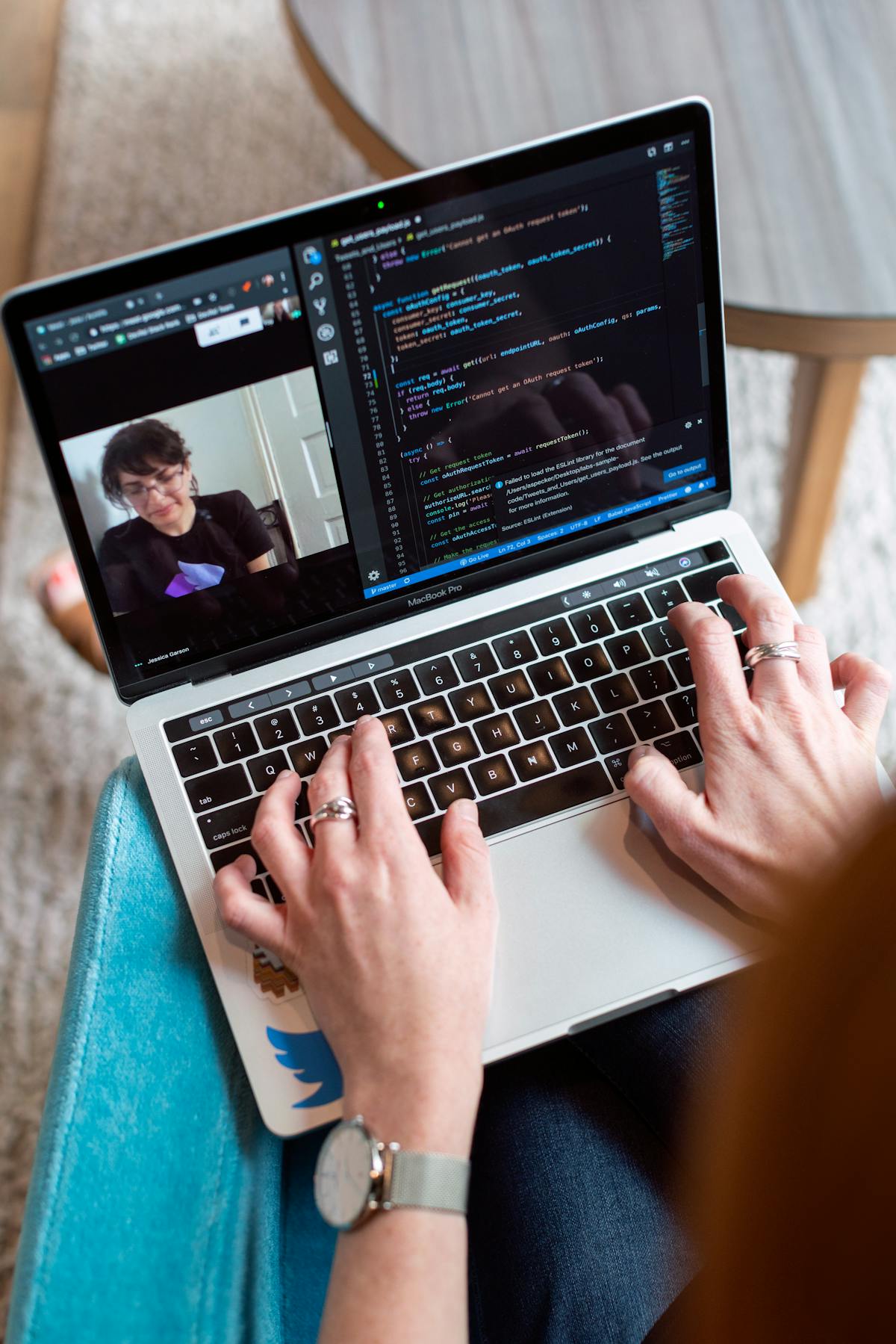
Practical Adoption: How Organizations Can Use AI Assistants Responsibly
For teams rolling out AI copilots, thoughtful governance and workflow design matter as much as raw model capability.
1. Define Clear Use Cases
Start with domains where error tolerance is relatively high and oversight is easy:
- Summarizing meeting notes, long threads, or support tickets.
- Drafting internal documentation, FAQs, or first‑pass reports.
- Generating alternative phrasings, translations, or tone adjustments.
Avoid deploying unvetted AI for final medical advice, binding contracts, or safety‑critical decisions.
2. Establish Human‑in‑the‑Loop Review
For higher‑stakes domains:
- Require human review before outputs leave the organization or reach customers.
- Document which steps are AI‑assisted in the workflow.
- Train staff to recognize common failure patterns, such as hallucinated sources.
3. Train People, Not Just Models
Upskilling users is crucial. Encourage:
- Prompting techniques that request citations, uncertainty, or alternative options.
- Critical reading habits, treating AI as a collaborator rather than oracle.
- Awareness of data handling policies and what should never be pasted into external tools.
4. Example Tools and Learning Resources
For individuals who want to deepen their skills, there are accessible resources and devices designed for AI‑enhanced work:
- Books like “The Power of Artificial Intelligence for Organizations” (MIT Press) provide a strategic lens on AI deployment.
- Modern laptops optimized for AI workflows, such as the Microsoft Surface Laptop 7 (Copilot+ PC), include NPUs aimed at running on‑device AI features more efficiently.
These choices can make everyday experimentation with copilots smoother while helping organizations stay aligned with privacy and governance goals.
Looking Ahead: The Next Phase of AI Assistants
As of early 2026, several trends are shaping the next phase of AI assistant evolution.
1. More On‑Device Intelligence
With specialized NPUs shipping in mainstream laptops and smartphones, more inference is moving on‑device. This promises:
- Lower latency and better responsiveness.
- Improved privacy for personal data that never leaves the device.
- New offline capabilities for travel or low‑connectivity environments.
2. Richer Multimodal Assistants
Newer models can handle images, screenshots, audio, and video alongside text. In practice, this means:
- Explaining a confusing user interface from a screenshot.
- Summarizing a recorded meeting with action items and owners.
- Describing charts and visuals for users with visual impairments.
3. Regulation and Standardization
Governments and standards bodies are starting to define expectations around:
- Transparency (e.g., when users are interacting with AI).
- Data protection and retention limits for assistant logs.
- Safety requirements for high‑risk domains.
Organizations that anticipate these frameworks—by logging AI usage, documenting risk assessments, and aligning with guidelines from bodies like NIST and the EU—will be better prepared for compliance.
Conclusion: Designing a Trustworthy AI Layer for Everyday Work
AI assistants are moving from optional add‑ons to default features of modern computing. Their integration into operating systems, browsers, and productivity suites is transforming how people search, write, code, and collaborate, often in ways that feel seamless and invisible.
The key challenge for the next few years is not simply building more powerful models, but designing trustworthy human–AI systems: assistants that respect privacy, explain their reasoning, expose uncertainty, and remain under meaningful human control. Individuals and organizations that treat AI as a partner—rather than a replacement—will be best positioned to benefit from this transition while managing its risks.
For deeper dives, consider following researchers and practitioners who publish regularly on these topics, such as:
References / Sources
Selected sources for further reading:
- The Verge – Artificial Intelligence coverage
- Engadget – AI Features and Product Announcements
- TechCrunch – Generative AI News
- Ars Technica – In‑Depth Tech Analysis
- Wired – How AI Chatbots and Copilots Are Changing Work
- Stanford HAI – Research on Human‑Centered AI
- OpenAI – Research Publications
- Microsoft 365 Blog – Copilot and AI in Productivity
- Google Workspace Blog – Gemini and Workspace Features
As this landscape evolves, it is worth periodically revisiting both technical sources (research papers, developer docs) and critical commentary (tech journalism, policy analysis) to maintain a balanced, up‑to‑date view of how AI assistants are reshaping software—and the societies that rely on it.
