
How AI-First Operating Systems from Apple, Google, and Microsoft Are Rewriting Personal Computing
Major OS vendors are treating generative AI as a core operating‑system primitive rather than “just another app.” Apple’s Apple Intelligence, Microsoft’s Copilot+ PCs and Windows 11/12 updates, and Google’s Gemini‑integrated Android and ChromeOS builds are all converging on the same idea: your computer should understand goals expressed in natural language and orchestrate apps, data, and services on your behalf.
Tech outlets like The Verge, Engadget, TechRadar, and Ars Technica are covering these launches as the beginning of a new platform era—one where the primary UI is conversation, not clicking through nested menus.
Mission Overview: What “AI‑First OS” Really Means
At a high level, Apple, Google, and Microsoft share a similar mission for AI‑first OS updates:
- Turn the assistant (Siri, Gemini, Copilot) into a system‑wide orchestrator rather than a standalone app.
- Expose AI capabilities as OS‑level services that any app can tap into via APIs.
- Exploit new hardware (NPUs, GPUs, secure enclaves) to run powerful models efficiently and privately.
- Redesign UX so intent, not navigation, becomes the primary way users interface with their devices.
“We are entering a new era where the PC is not just a tool, but a companion that understands you and can act on your behalf.”
Visualizing the AI‑First OS Landscape
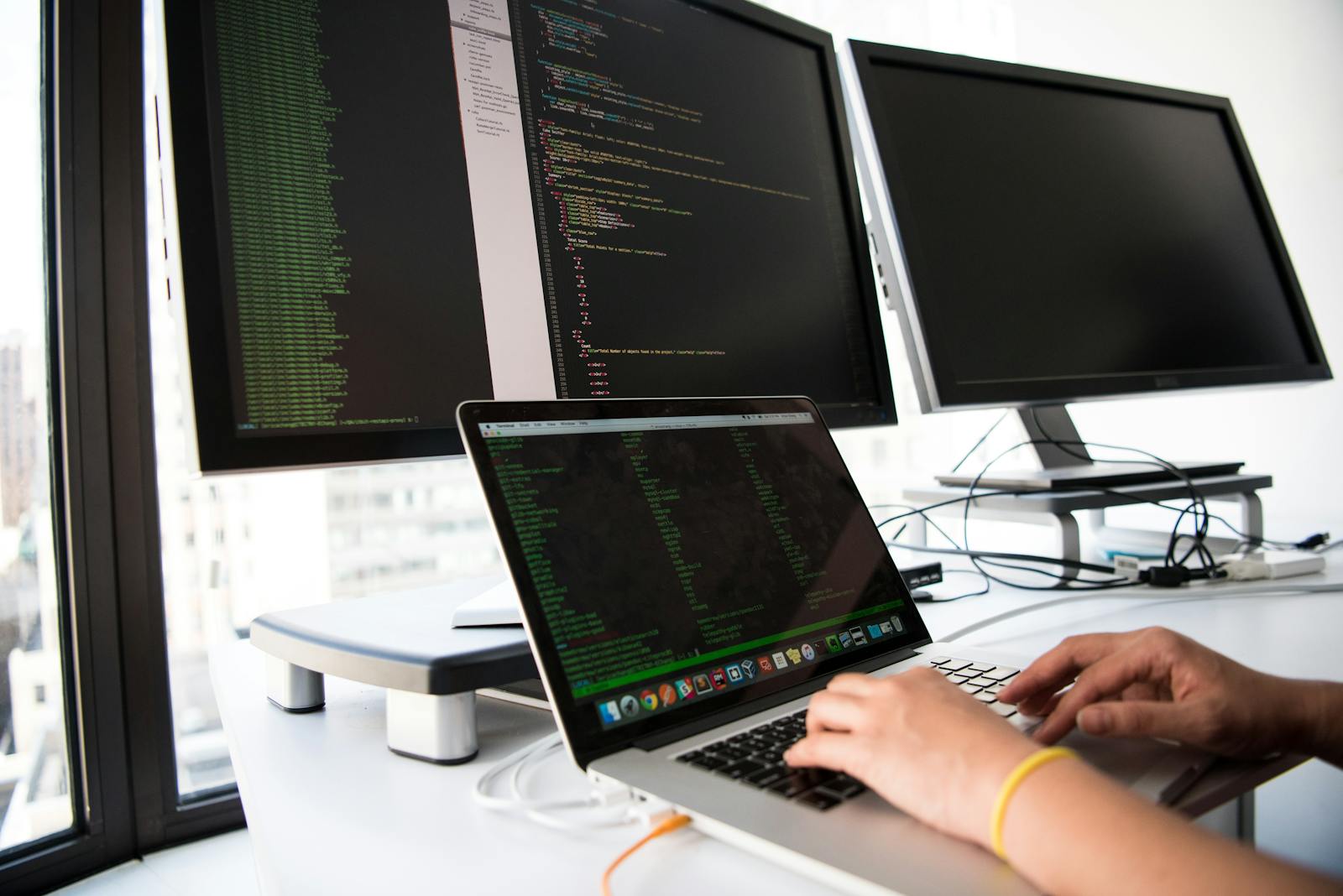
From a user’s perspective, AI‑first updates manifest as subtle but profound shifts: fewer manual steps, more context‑aware suggestions, and an OS that feels less like a static environment and more like a collaborative agent.
System‑Wide Assistants: From App to Operating Principle
The most visible change is the emergence of system‑wide AI agents that can “see” across apps, windows, and data silos.
Apple: Apple Intelligence and Siri’s Reinvention
Apple’s Apple Intelligence, announced for recent versions of iOS, iPadOS, and macOS and rolling out starting in 2024–2025, weaves generative AI into:
- Rewrite and summarize in Mail, Notes, Pages, and third‑party apps via system text tools.
- Image Playground for on‑device image generation tuned to personal photos and contacts.
- A more context‑aware Siri that understands what’s on screen and follows multi‑step requests.
When on‑device models are insufficient, Apple can optionally route requests to cloud‑hosted models running in its “Private Cloud Compute” infrastructure, designed so that even Apple cannot access user payloads, according to its technical whitepaper.
Microsoft: Copilot+ PCs and Windows Integration
Microsoft’s Copilot has evolved from a browser helper into an OS‑level service on Windows. On Copilot+ PCs with Snapdragon X Elite or high‑end Intel/AMD silicon:
- The assistant can summarize your screen, including PDFs, web pages, and documents.
- New features like Recall (controversially) index on‑device activity for semantic search, though launch plans have been revised and delayed after privacy backlash.
- Developers can call Copilot via Windows APIs for features like text generation and smart actions inside their apps.
Google: Gemini Deeply Embedded in Android and ChromeOS
Google’s Gemini models are being integrated as:
- Gemini Assistant replacing or augmenting the legacy Google Assistant.
- Circle to Search, allowing users to invoke multimodal search on anything on screen.
- Context‑aware Smart Reply, email drafting, and document summarization across Workspace and Android.
“We’re building an AI agent that can truly be helpful in your everyday life and work, grounded in an understanding of you, your context, and the world.”
Technology: On‑Device vs Cloud AI and the Rise of NPUs
Under the hood, the most contentious design decision is where inference runs: locally on the device, in the cloud, or a hybrid of both.
Why On‑Device AI Matters
Running models locally offers:
- Lower latency – near‑instant responses without network round‑trips.
- Better privacy – sensitive data may never leave the device.
- Offline robustness – AI features keep working during travel, outages, or spotty mobile coverage.
This is driving an arms race around NPUs (Neural Processing Units) and AI accelerators in consumer hardware:
- Apple Silicon chips (M‑series and A‑series) ship with increasingly powerful Neural Engines.
- Microsoft’s Copilot+ branding requires a baseline NPU throughput (e.g., ≥40 TOPS) for local AI features.
- Qualcomm, Intel, and AMD are marketing AI‑optimized mobile and laptop chips, frequently benchmarked by outlets like Ars Technica and AnandTech.
Hybrid Architectures
All three vendors use hybrid architectures:
- Small and medium models run locally for speed and privacy.
- Larger foundation models in the cloud are invoked for complex, open‑ended tasks.
- Policy engines decide, per request, where to execute based on content, resource constraints, and user settings.
This poses new engineering challenges around consistency, caching, and user consent for when data can be sent off‑device.
Redesigning UX Paradigms: Intent over Navigation
Traditional GUIs rely on users knowing where to click. AI‑first OS design assumes users instead describe what they want in natural language.
From Menus to Prompts
New UX patterns highlighted by The Verge and TechRadar include:
- Universal command palettes that accept natural‑language instructions.
- Contextual AI buttons inside text fields, images, and file explorers.
- Proactive suggestions based on time, location, and recent activity.
Instead of:
Open PowerPoint → Find file → Edit charts → Export to PDF → Email
You might say:
“Find last quarter’s sales deck, update charts with the latest spreadsheet, export as PDF, and draft an email to the regional managers.”
Accessibility and Learning Curves
For many users, especially those with motor or visual impairments, an intent‑driven interface can be a major accessibility win:
- Voice‑first workflows reduce dependence on precise pointer control.
- Dynamic summarization makes dense content more navigable for screen‑reader users.
- AI‑driven captions and translations broaden access to multimedia.
But there are legitimate concerns:
- Over‑abstraction: if everything is handled by an assistant, users may not learn how their systems work.
- Discoverability: features become “hidden” behind prompts unless surfaced by good guidance.
- Prompt literacy: users must learn how to phrase effective instructions.
“We’re moving from a world of ‘find and click’ to ‘ask and receive,’ and that completely changes the mental model of computing.”
Privacy, Telemetry, and Emerging Regulation
Embedding AI at the OS level inevitably means deeper access to sensitive data: emails, messages, photos, browsing history, and documents. Regulators in the EU, US, and elsewhere are scrutinizing:
- Consent – Were users clearly informed? Is opt‑in vs. opt‑out respectful?
- Data retention – How long are logs stored? Can users delete them?
- Training practices – Are personal or behavioral traces used to train models?
- Cross‑service profiling – Does data from OS‑level assistants feed targeted ads or unrelated products?
Contrasting Approaches
Broadly, the vendors position themselves as follows:
- Apple: “Privacy first,” with heavy emphasis on on‑device processing and cryptographic assurances around Private Cloud Compute. Their messaging stresses that user data is not used to build generalized ad profiles.
- Microsoft: Enterprise‑grade compliance (GDPR, SOC, etc.), with granular admin controls and audit trails for Copilot in business contexts. Consumer features like Recall have seen multiple revisions after privacy critiques by outlets including Ars Technica and the Electronic Frontier Foundation.
- Google: Detailed privacy dashboards and account‑level controls, but ongoing scrutiny due to its ad‑driven business model and cross‑product telemetry.
Regulatory Headwinds
Legislators and regulators (for example, under the EU’s AI Act and data‑protection frameworks) are investigating:
- Whether AI‑first OS features constitute high‑risk systems.
- Requirements for transparency and explanations of automated assistance.
- Safeguards against dark patterns that nudge users into over‑sharing data.
Expect OS‑level AI features to remain at the center of tech‑policy debates for years.
Competitive Lock‑In and App Ecosystems
AI‑first OS design isn’t just a UX or engineering story; it’s a strategic play for platform control.
The New Lock‑In
When your assistant is deeply wired into:
- Your native calendar, contacts, and messages
- Proprietary cloud storage and note‑taking apps
- Cross‑device continuity features (phone ↔ laptop ↔ tablet)
switching ecosystems becomes more painful. You lose not just your apps but your AI‑tuned workflows and context.
Developers: New Opportunities, New Risks
For third‑party developers:
- Vendor APIs (Apple’s App Intents, Windows Copilot APIs, Google’s Gemini extensions) offer new ways to reach users through assistant‑driven invocations.
- However, there’s a risk of commoditization if assistants fulfill requests via built‑in tools first and third‑party apps only get “leftover” or niche workflows.
TechCrunch and The Next Web have noted that some startups now pitch themselves explicitly as “Copilot‑native” or “Gemini‑native” apps, banking on distribution through these AI surfaces.
Example Ecosystem Scenario
Consider a user asking:
“Plan a three‑day trip to Tokyo within a $1,500 budget.”
Depending on the platform, the assistant might:
- First surface native calendar and map integrations.
- Then call registered travel‑app APIs for bookings.
- Quietly prioritize ecosystem‑aligned services (e.g., Microsoft’s partners via Bing, Google’s via Search/Maps, Apple’s via Apple Maps and Wallet integrations).
For regulators, this blend of assistant UX and platform economics raises fresh antitrust questions.
Scientific Significance: Personal Devices as Everyday AI Labs
Beyond consumer convenience, AI‑first OS design has meaningful scientific and engineering implications.
- Model evaluation at scale: Billions of users effectively become a massive, real‑world evaluation harness for generative models, revealing edge cases not seen in lab tests.
- Human‑computer interaction research: Researchers can study how conversational interfaces change task decomposition, error tolerance, and mental models of computation.
- Energy and efficiency research: Running inference on battery‑powered devices pushes advances in model compression, quantization, and specialized silicon.
- Safety studies: With OS‑level integration, guardrails, content filters, and on‑device classifiers for harmful or abusive content become critical research areas.
“Deploying AI systems widely is itself a form of research. We learn how they behave and how people use them—and misuse them—in the real world.”
Key Milestones in AI‑First OS Evolution
While timelines continue to evolve, we can map a few major milestones in the shift toward AI‑first personal computing:
- 2011–2016: Voice assistants as apps – Siri, Google Now/Assistant, and Cortana debut as voice‑controlled helpers with limited scope.
- 2018–2022: AI‑enhanced features – Smart replies, automatic photo tagging, and document suggestions seed ML into OS UX.
- 2023: Generative models go mainstream – ChatGPT, Bard (now Gemini), and Bing Chat popularize large‑language‑model interactions.
- 2023–2024: Copilot & Gemini everywhere – Microsoft Copilot and Google Gemini begin appearing across Windows, Office, Android, and ChromeOS.
- 2024–2025: Apple Intelligence and Copilot+ PCs – Apple announces Apple Intelligence; Microsoft introduces Copilot+ PCs focused on on‑device AI; Google deepens Gemini integrations.
- 2025–2027 (projected) – Broader hardware adoption of NPUs, maturing developer ecosystems, and more standardized assistant APIs.
Each step reduces the friction between user intent and system action, drawing us closer to “ambient computing” where the OS fades into the background.
Challenges: Reliability, Safety, and User Trust
Despite impressive demos, AI‑first OS features face serious challenges before they are universally trusted.
1. Hallucinations and Reliability
Generative models can fabricate plausible‑sounding but incorrect information. In an OS context, this is more dangerous than in a chat app:
- Mis‑summarizing legal or financial documents could mislead users.
- Incorrect system explanations might lead to misconfigurations.
- Inconsistent behavior across updates can erode predictability.
2. Security and Abuse
Attackers can:
- Craft prompt injection attacks via malicious documents or web content that subvert assistant instructions.
- Abuse automation to mass‑generate phishing content or social‑engineering scripts.
- Exploit OS‑level privileges if guardrails and sandboxing are weak.
Vendors are layering:
- On‑device safety filters and classifiers.
- Permission prompts for high‑risk actions (e.g., sending money, deleting files).
- Robust logging so users can audit what the assistant did and why.
3. Cognitive Off‑loading and Skill Atrophy
As assistants automate more tasks, users may become less adept at:
- Understanding file and folder structures.
- Troubleshooting system problems.
- Evaluating information quality critically.
Educators and digital‑literacy advocates argue that OS vendors should:
- Expose “show your work” views so users can inspect steps taken by assistants.
- Offer guided modes that teach underlying skills rather than hiding complexity entirely.
Practical Usage: How to Prepare for AI‑First OS Upgrades
If you’re planning to adopt AI‑centric OS updates in the next 12–24 months, a few pragmatic steps can ease the transition.
1. Choose Hardware That’s Truly “AI‑Ready”
Look for devices with strong NPUs and sufficient RAM. For Windows users, for example, a Copilot+‑class machine or an AI‑optimized laptop such as the ASUS Vivobook S 14 OLED (AI‑ready configuration) can future‑proof everyday workflows while keeping power consumption in check.
2. Audit Your Privacy and Data Settings
- Review OS‑level privacy dashboards after major updates.
- Decide which categories of data assistants may access (emails, messages, photos, etc.).
- Regularly clear histories and revoke permissions you no longer need.
3. Develop “Prompt Hygiene”
Effective use of AI‑first features requires:
- Being specific about goals, constraints, and formats (e.g., “three‑bullet summary,” “table,” “step‑by‑step plan”).
- Fact‑checking outputs, especially for high‑stakes decisions.
- Avoiding inclusion of unnecessary sensitive data in prompts.
4. Blend Automation with Manual Control
A healthy pattern is:
- Let the assistant draft or orchestrate.
- Manually review and edit.
- Use version history so you can revert if something goes wrong.
AI‑First Computing Across Devices
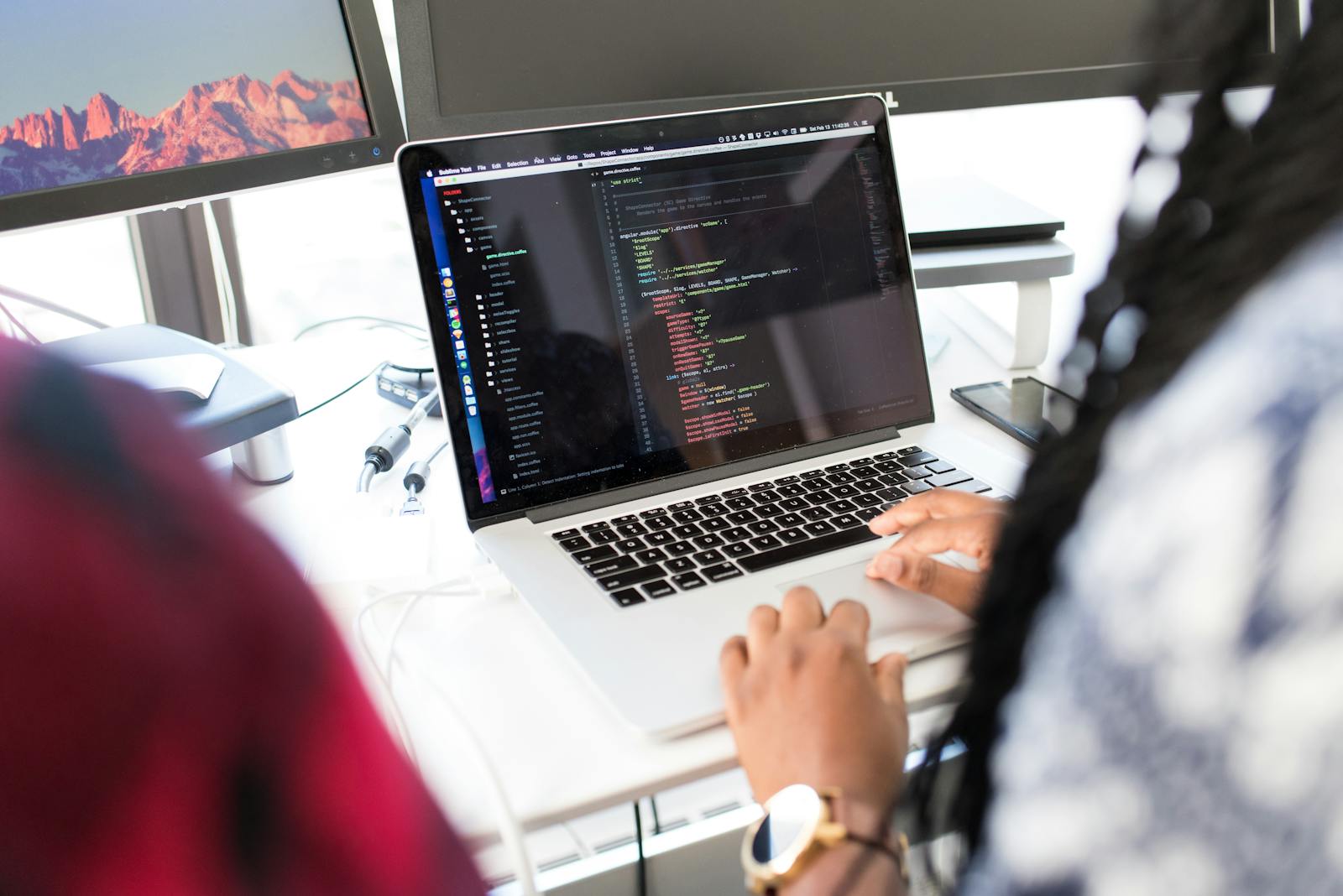
Apple’s Continuity features, Microsoft’s cross‑device Copilot integrations, and Google’s multi‑device Gemini experience all aim to make the assistant a persistent presence that follows you between screens.
Developers and Power Users in the AI‑First Era
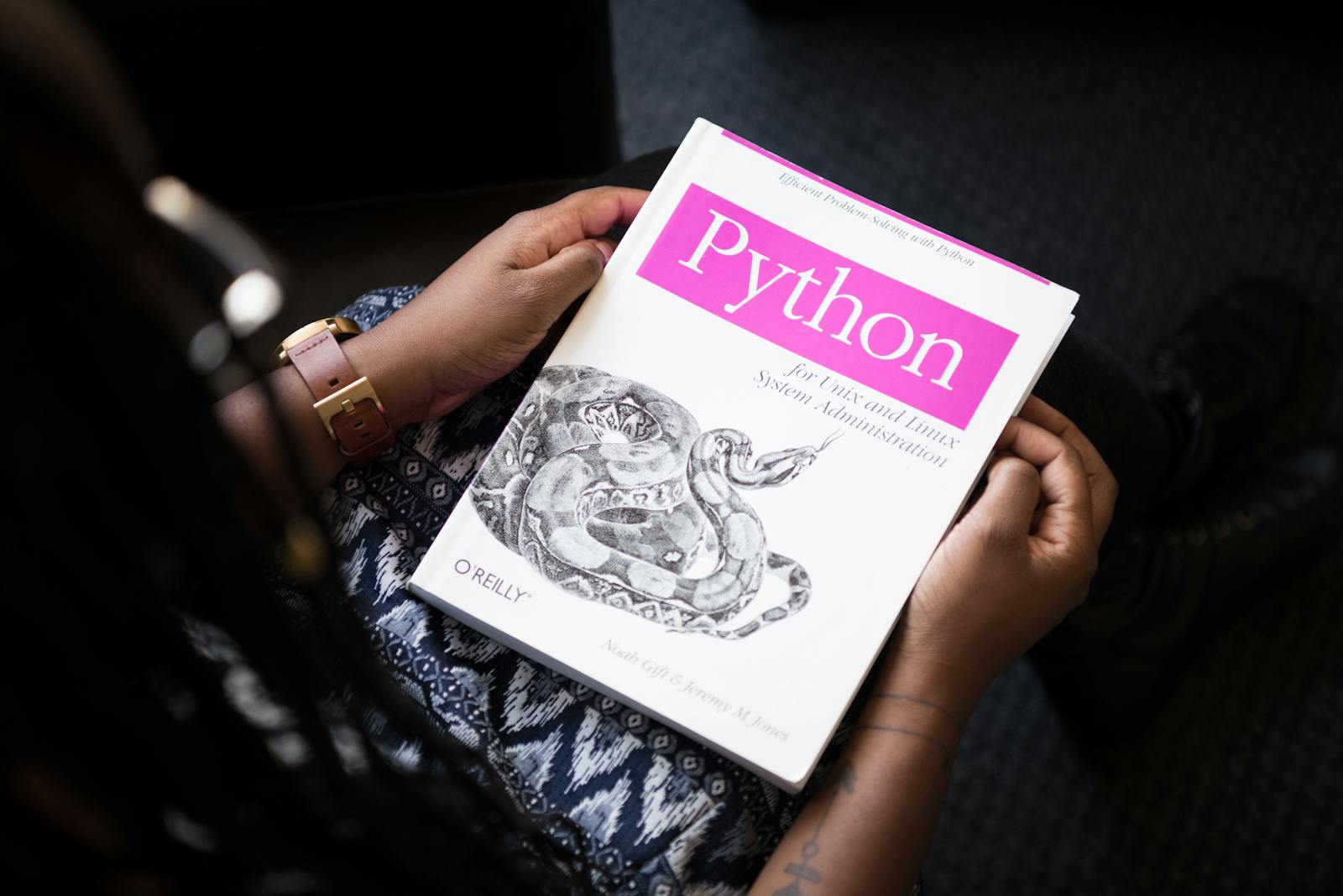
For engineers, AI‑first OS environments blur the lines between local apps and cloud services. Many workflows now involve:
- Calling OS‑exposed AI endpoints (text, vision, speech) alongside traditional system APIs.
- Designing UIs that gracefully co‑pilot with assistants rather than competing for attention.
- Building plugins and extensions for Gemini, Copilot, and Siri rather than standalone, isolated apps.
Conclusion: Toward Ambient, AI‑Mediated Personal Computing
AI‑first OS updates mark a genuine inflection point in personal computing. For the first time, mainstream operating systems treat generative models as foundational services, not optional extras.
The benefits are compelling:
- Faster, more natural ways to accomplish complex tasks.
- Deeper accessibility and personalization.
- New creative and analytical capabilities embedded across everyday tools.
But they come bundled with:
- Heightened privacy and security stakes.
- New forms of platform lock‑in and ecosystem dependence.
- Societal questions about autonomy, digital literacy, and trust in machine‑mediated decisions.
Over the next decade, the central question will not be whether our OS includes AI but how that AI is governed, audited, and aligned with human values.
Additional Resources and Further Reading
To dive deeper into AI‑first operating systems and their implications, consider exploring:
- Microsoft Copilot and Copilot+ PCs overview
- Apple Intelligence product page and technical notes
- Google’s latest Gemini updates and Android integrations
- Ars Technica coverage of AI PCs and OS‑level AI roll‑outs
- YouTube deep‑dive reviews of AI PCs and AI‑first OS builds
If you work in IT, security, or product design, it’s worth setting up a small test environment—perhaps a dedicated AI‑ready laptop or VM fleet—to systematically evaluate:
- Assistant behavior under your organization’s data‑governance policies.
- Impact on employee workflows and training needs.
- Risks associated with sensitive data and regulatory requirements.
Treat AI‑first OS adoption as you would any other critical infrastructure change: planned, measured, and continuously reviewed.
References / Sources
Selected sources and further reading:
