
AI Coding Assistants and the Future of Software Work: Copilot, Claude, and Beyond
AI coding assistants such as GitHub Copilot, Claude, and open-source tools built on models like Code Llama have moved from novelty to critical infrastructure in software teams. Embedded directly into IDEs and workflows, they now draft functions, refactor legacy code, generate tests, and even support architecture exploration. This article unpacks how these tools work, where they add the most value, how they change developer skills and hiring, and what practices organizations can adopt to leverage them safely and effectively.

From Side Project to Standard Tool: The Rise of AI Coding Assistants
Since the launch of GitHub Copilot’s technical preview in 2021 and the rapid evolution of large language models (LLMs), AI-powered coding assistants have become mainstream. By 2025, GitHub reported that Copilot was used by over a million developers, and internal telemetry suggested that in certain languages more than 30–40% of newly written code lines were AI-suggested. Competing tools—from Claude’s code-focused chat workflows to IDE-native assistants based on Code Llama and other open models—have followed a similar adoption curve.
These assistants are now tightly integrated into:
- VS Code and JetBrains IDEs via official and third-party extensions.
- Cloud IDEs and browser-based editors used in education and interviews.
- Command-line tools and Git hooks for refactoring, commit message generation, and code review assistance.
“Developers are moving from typing every line of code to supervising and steering generated code. The unit of work is shifting from keystrokes to intent.” — Industry commentary based on GitHub engineering blog analyses.
The net effect is a structural change in how software is written: developers increasingly specify intent in natural language, while the assistant translates that intent into code that must then be validated, integrated, and maintained.
How AI Coding Assistants Actually Work
Modern AI coding assistants combine large language models with IDE context, project semantics, and sometimes runtime information. At a high level:
- Context collection: The extension gathers visible code, file paths, comments, and sometimes project configuration or test files.
- Prompt construction: This context is transformed into a structured prompt (e.g., “Complete this function,” “Suggest tests for this method”) that is sent to the model.
- Model inference: The LLM generates candidate completions or edits token-by-token, conditioned on the prompt and its training.
- Ranking and filtering: Some assistants rank multiple candidates or filter low-confidence suggestions before presenting them.
- Human-in-the-loop validation: The developer accepts, edits, or discards the suggestions, and the cycle continues.
Tools like Claude and Copilot Chat add conversational layers: you can ask, “Explain this function,” “Refactor this into a strategy pattern,” or “Generate a migration plan for this monolith.” This blends documentation search, architectural reasoning, and code generation into a single interface.

GitHub Copilot vs Claude vs Open-Source Assistants
The AI coding assistant landscape spans commercial SaaS products and self-hosted, open-source stacks. While capabilities converge, trade-offs in privacy, customization, and ecosystem fit remain significant.
| Assistant | Core Strengths | Typical Integration | Privacy Model |
|---|---|---|---|
| GitHub Copilot | Deep IDE integration, strong autocomplete, GitHub ecosystem awareness. | VS Code, JetBrains, Neovim, GitHub.com. | Cloud-based with enterprise options and policy controls. |
| Claude (coding workflows) | Strong reasoning, long-context understanding, conversational refactoring and reviews. | Browser-based chats, API, editor plug-ins, CLI wrappers. | Cloud-based with enterprise data controls and retention policies. |
| Code Llama–based assistants | Open-source, customizable, can be fine-tuned for company codebases. | Self-hosted backends + IDE extensions, Git hooks, internal portals. | On-prem or VPC deployment; code never leaves controlled environment. |
Organizations increasingly deploy a hybrid model: a commercial assistant for general-purpose coding and documentation, paired with a self-hosted model fine-tuned on proprietary systems for sensitive work.
Measuring Productivity: Beyond Lines of Code
Studies run by vendors and independent teams generally report substantial time savings on boilerplate, routine tasks, and exploratory coding. Internal experiments in large organizations often show 20–50% time reductions for well-scoped tasks like:
- Implementing standard CRUD endpoints.
- Writing unit tests for existing functions.
- Porting code between languages or frameworks.
- Drafting infrastructure-as-code templates.
However, raw “speed” is an incomplete metric. What matters more is the balance between acceleration and error risk.

A practical framework for assessing impact includes:
- Task suitability: Use assistants heavily for low-risk, repeatable patterns; curb use in security-critical or compliance-heavy paths.
- Review rigor: Require human review for all AI-generated code, with stricter review for core modules.
- Defect tracking: Tag AI-assisted commits and track defect rates versus manually written code over time.
- Developer sentiment: Survey developers about cognitive load, satisfaction, and perceived code quality.
How AI Assistants Reshape Daily Developer Workflows
AI coding assistants touch nearly every phase of the software lifecycle. Common workflow transformations include:
1. From Blank Files to Prompt-Driven Scaffolding
Developers increasingly start from a natural-language specification: “Set up an Express API with JWT auth and two endpoints.” The assistant generates a starting scaffold, which the engineer then customizes. This reduces time-to-first-commit in new services or prototypes.
2. Inline Explanations and Code Comprehension
When working in unfamiliar codebases, developers can ask the assistant to explain functions, trace data flows, or summarize dependencies. This is particularly valuable in legacy monoliths where formal documentation is sparse.
3. Automated Test Generation
AI tools can draft unit and integration tests in bulk, especially effective when combined with existing coverage metrics. Teams use this to raise baseline coverage faster, then refine assertions and edge cases manually.
4. Refactoring and Modernization
For large-scale refactors (framework upgrades, API migrations), assistants can propose migration maps, rewrite repetitive patterns, and highlight risky areas. Human architects still own the design, but machine-generated suggestions accelerate execution.
Security, Privacy, and Legal Considerations
As AI coding assistants permeate professional workflows, risk management becomes as important as productivity gains. Key concerns include:
1. Data Leakage and Confidentiality
Cloud-hosted assistants may send snippets of proprietary code to remote servers for inference. Even when providers offer strong contractual and technical safeguards, some organizations require that sensitive code stays on-premise.
- Evaluate whether the vendor uses data for training and how retention works.
- Consider self-hosted or VPC deployments for highly regulated sectors.
- Implement allow/deny lists for projects where AI assistance is permitted.
2. Vulnerabilities in Generated Code
AI-generated code can appear plausible yet be insecure. Common pitfalls include missing input validation, insecure defaults, or hard-coded secrets. Integrating code scanning tools (SAST, dependency checks) and security reviews is non-negotiable.
3. Licensing and Copyright
Ongoing legal debates concern whether training on public code repositories (including GPL and other restrictive licenses) is permissible, and whether generated code may inadvertently reproduce copyrighted snippets. Even as courts clarify boundaries, organizations are:
- Scanning codebases for suspiciously similar public snippets.
- Updating open-source policies to cover AI-generated code.
- Maintaining attribution where required by licenses or internal policy.
Developer Skills, Careers, and Education in the Age of AI Assistants
The rise of AI coding assistants raises questions about the future of developer roles, especially at the junior level. Fears that “AI will replace entry-level developers” coexist with the view that software demand will keep climbing and that AI acts as a force multiplier.
In practice, responsibilities shift rather than vanish:
- Junior developers increasingly focus on understanding system behavior, debugging, and validation rather than hand-writing every boilerplate construct.
- Mid-level engineers orchestrate AI-assisted implementation, maintain code quality, and design robust interfaces.
- Senior engineers and architects emphasize system design, constraints, trade-offs, and organization-wide standards for AI use.
Educational programs are adapting accordingly:
- Bootcamps teach students how to prompt effectively and critique AI output while still grounding them in core algorithms, data structures, and debugging.
- Universities experiment with assignments that allow AI tools for some tasks but restrict them for foundational exercises.
- Professional training focuses on “AI literacy” alongside traditional software engineering practices.
Case Study: Introducing AI Coding Assistants in a Mid-Sized Engineering Team
Consider a 200-developer product organization rolling out AI coding assistants. A structured adoption plan might look like this:
- Pilot Phase (4–6 weeks)
- Select 2–3 teams with different tech stacks (e.g., backend, frontend, data).
- Enable assistants in non-critical services first.
- Track metrics: cycle time, code review comments, defect rates, developer satisfaction.
- Policy and Guardrails
- Define where AI can and cannot be used (e.g., secure auth flows, payment systems).
- Update contribution guidelines to label AI-assisted changes when appropriate.
- Integrate automated security and license scanning into CI/CD.
- Training and Enablement
- Run workshops on effective prompting and AI-assisted debugging.
- Share internal “prompt recipes” for common tasks.
- Encourage pairing sessions: one developer drives, another evaluates AI output.
- Scale-Up and Continuous Improvement
- Scale access to more teams, adjusting policies based on real-world findings.
- Experiment with self-hosted models for sensitive repositories.
- Periodically review metrics to ensure quality does not erode as velocity increases.
What’s Next: From Code Generation to Full Lifecycle Co-Pilots
Over the next few years, AI coding assistants are on track to evolve from “smart autocomplete” to full lifecycle companions integrated with documentation, issue trackers, observability systems, and CI/CD pipelines. Likely developments include:
- Richer context: Assistants that understand not just files but tickets, design docs, runbooks, and production telemetry.
- Proactive insights: Tools that suggest refactors, performance optimizations, or reliability improvements based on real usage.
- End-to-end flows: From ticket creation to code change, tests, and deployment approvals with AI support at each step.
- Stronger guarantees: Integration with formal verification, property-based testing, and typed APIs to constrain model outputs.
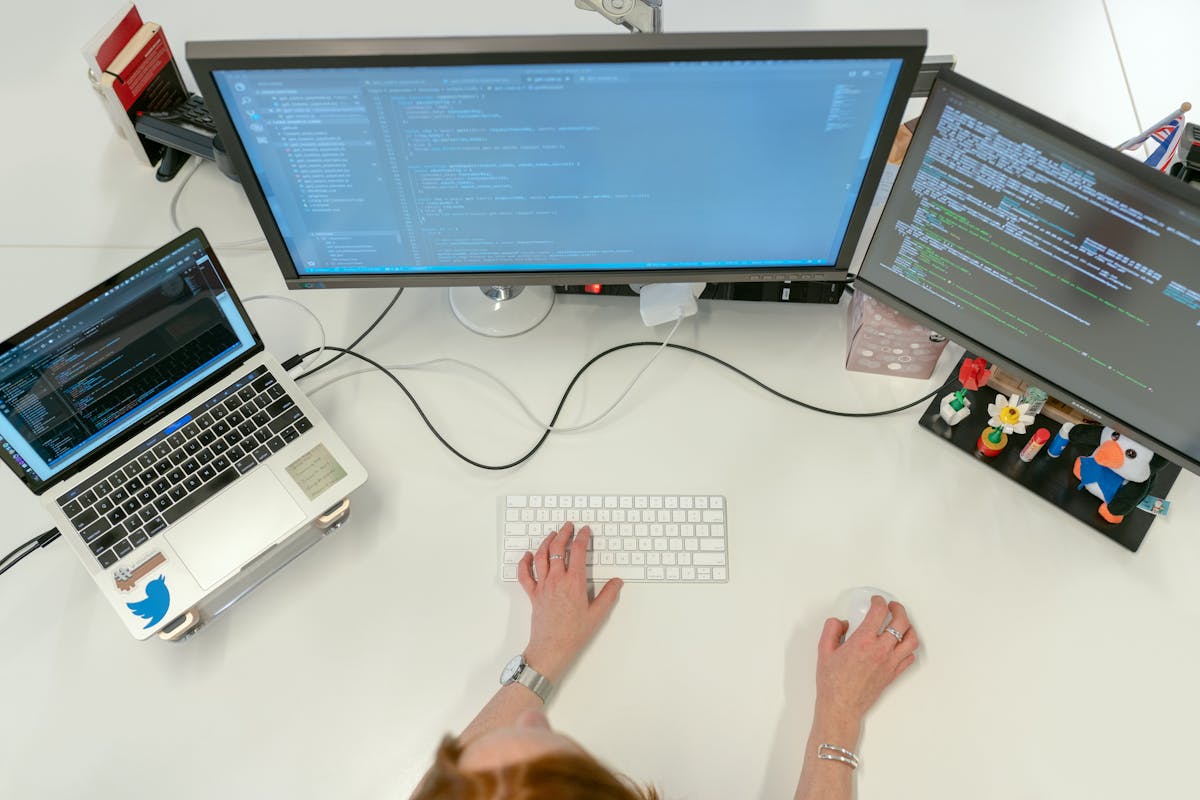
For individual developers and organizations alike, the strategic question is not whether AI coding assistants will matter—they already do—but how to use them thoughtfully. Teams that master prompt design, guardrail engineering, and AI-augmented architecture will be positioned to ship faster without sacrificing reliability or security.
Actionable Next Steps for Teams and Developers
To responsibly embrace AI coding assistants today:
- Run a structured trial: Select clear candidate projects and baseline metrics before enabling assistants.
- Define policies: Clarify acceptable use, data handling, and review requirements, especially for sensitive components.
- Invest in training: Teach developers how to prompt effectively, validate outputs, and collaborate with AI without losing architectural understanding.
- Harden your toolchain: Pair AI assistants with strong testing, observability, and security scanning.
- Iterate continuously: Treat AI adoption as a product: collect feedback, revisit assumptions, and adjust tooling and policies regularly.
By treating AI coding assistants as powerful but fallible collaborators—rather than infallible or forbidden oracles—engineering teams can capture their benefits while preserving code quality, developer growth, and long-term maintainability.
