
Digital Minimalism 2.0: How to Rebuild Your Screen Time, Notifications, and Feeds for a Saner Online Life
A new wave of digital minimalism is emerging that goes beyond temporary “digital detoxes.” Instead of just deleting a few apps or logging off for a weekend, creators and professionals are systematically redesigning how their phones, notifications, and feeds are structured. The goal is not to be anti-technology, but to make every digital element justify its presence: fewer apps, quieter notifications, curated feeds, and clearer boundaries between work, rest, and social time.
Powered by TikTok, YouTube vlogs, and long-form commentary, this “Digital Minimalism 2.0” movement is data-aware, highly actionable, and focused on sustainable behavior change. Below, we break down what’s driving the trend, how people are restructuring their digital environments, and a practical framework you can follow to tame notifications, reclaim attention, and use your devices with far more intention.
What Is “Digital Minimalism 2.0” and Why Now?
Earlier phases of digital minimalism revolved around quick fixes: deleting social media for a month, putting the phone in another room, or trying a short “dopamine detox.” The current wave is different. It emphasizes systemic redesign — changing the underlying structure of your apps, notifications, and feeds so you need less willpower every day.
On TikTok and Instagram Reels, creators share home-screen makeovers, time-lapse declutters, and before/after screen-time reports. On YouTube, longer vlogs document 30–90 day experiments: shutting down social media after 9 p.m., limiting the phone to a single clean home screen, or enforcing “one major app open at a time” rules.
“Digital minimalism today is less about escape and more about architecture. You don’t just run from distractions — you rebuild your environment so they have fewer ways to reach you.”
Long-form blogs, newsletters, and X (Twitter) threads provide the conceptual backbone, describing algorithmic feeds as “attention casinos” and promoting alternatives like RSS, email digests, and tightly curated creator lists. The key narrative: use fewer tools, more deeply, aligned with your values instead of the algorithm’s incentives.
Why Digital Minimalism Is Surging Again
Several structural trends are converging to make Digital Minimalism 2.0 feel urgent rather than optional.
- Escalating screen time: Global mobile usage data from analytics providers consistently shows 4–6 hours of daily smartphone use is common in many demographics, with social media and short-form video dominating.
- Remote and hybrid work: The blending of home, office, and online spaces means notifications arrive across time zones, often with no clear shutoff point.
- Emotional fatigue: Years of news overload, constant alerts, and algorithm-driven outrage cycles have contributed to anxiety, doomscrolling, and reduced sleep quality.
- Wellness and productivity convergence: Digital minimalism now sits alongside journaling, breathwork, and focused deep work in many people’s routines.
The renewed interest is not about abandoning technology, but about regaining negotiating power with it. People are asking: which notifications, feeds, and apps truly deserve a place in my daily life?
From Detox to Design: What People Are Actually Changing
The current wave of digital minimalism is defined by visible, structural changes that creators can demonstrate on camera and followers can replicate instantly.
1. Home-Screen Architecture
Creators post screen recordings of their home screens before and after a digital declutter. Common patterns:
- Only 1–2 pages of apps, often with a neutral or monochrome wallpaper.
- All non-essential apps inside a single “Folder of Everything” or grouped by function (Finance, Learning, Tools).
- Dock reserved strictly for high-value apps (calendar, notes, task manager, maps).
2. Notification Governance
Instead of muting one or two noisy apps, people are redesigning notification rules from the ground up:
- Default: all notifications off, then selectively re-enabling only what’s essential.
- Using scheduled summaries for social and shopping notifications.
- Enforcing “Focus” or “Do Not Disturb” modes with strict start and end times.
3. Feed Replacement and Curation
Algorithmic feeds are increasingly treated as optional, not default:
- Replacing “infinite scroll” apps with RSS readers or newsletters.
- Unfollowing large numbers of accounts to create quieter timelines.
- Creating “intentional consumption windows” instead of always-on scrolling.
Visualizing the Shift: Screen Time and Notification Load
Many creators share weekly or monthly analytics screenshots from iOS Screen Time or Android Digital Wellbeing dashboards to quantify their progress. These visuals help distinguish meaningful structural change from short-lived detoxes.
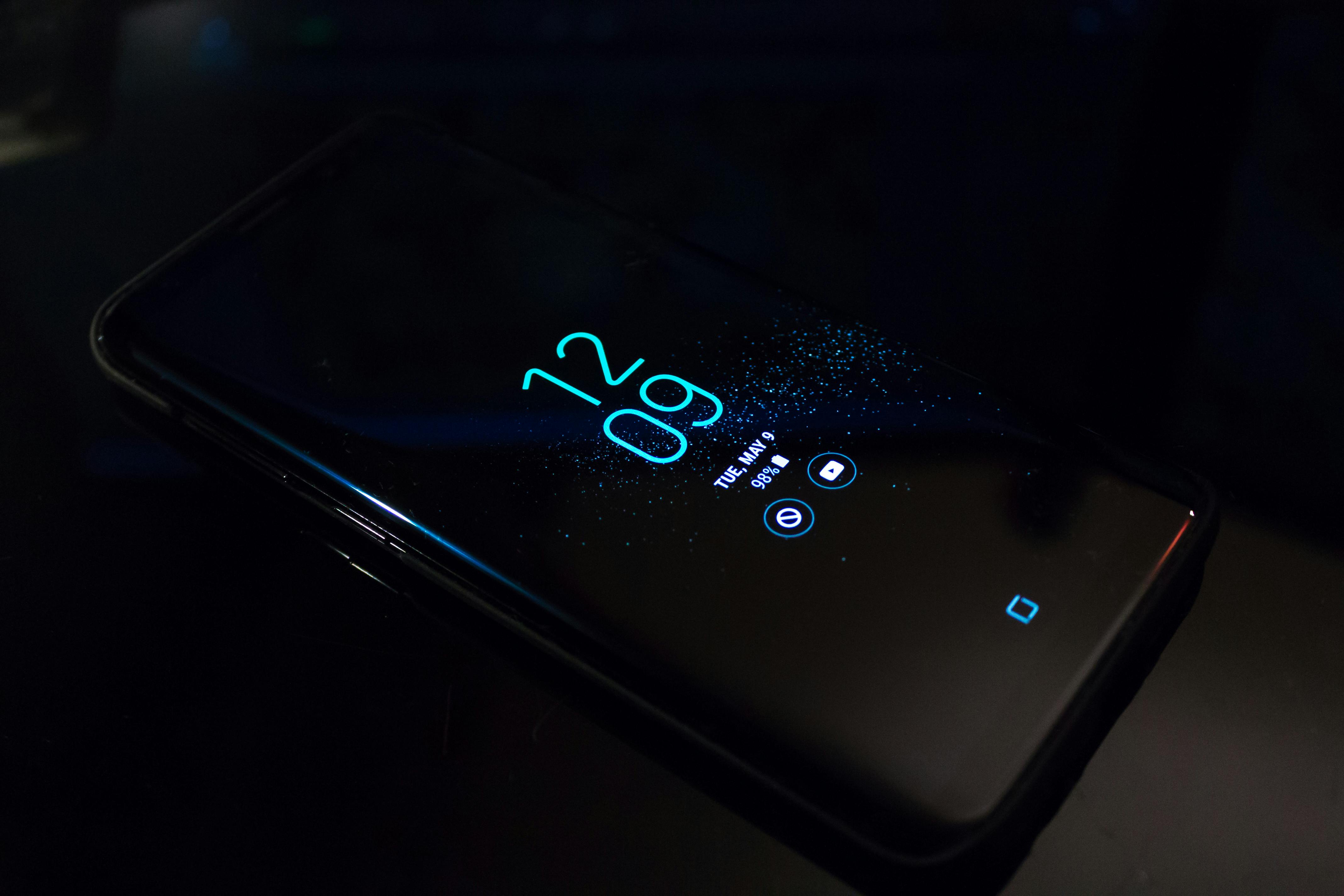
A typical “before and after” pattern reported in digital minimalism experiments:
| Metric | Before Redesign | After 30–60 Days |
|---|---|---|
| Daily screen time | 5–7 hours | 3–4 hours |
| Daily pickups | 70–100+ | 30–50 |
| Notifications per day | 150–300 | 30–80 |
| Social media time share | 40–60% of screen time | 15–30% of screen time |
Note: Values are illustrative aggregates based on self-reported creator experiments; individual results vary.
Algorithmic Feeds as “Attention Casinos”
A recurring metaphor in current commentary frames algorithmic feeds — especially TikTok, Instagram Reels, YouTube Shorts, and For You timelines — as “attention casinos.” Like casinos, these feeds:
- Run on variable rewards: you never know when the next clip will be amazing, so you keep pulling the lever.
- Use bright visuals, sound cues, and haptics to keep you in the loop.
- Continuously optimize for engagement, not user-defined outcomes like rest, learning, or creative output.
“You are not the customer; you are the data stream. The more time you spend, the richer the behavioral dataset. Digital minimalism is the art of saying: this is not the game I want to play.”
In response, many users are:
- Moving from passive algorithmic discovery to active, list-based following.
- Replacing random scroll with scheduled, goal-based sessions (e.g., “30 minutes to learn about photography”).
- Shifting from short-form to long-form content (podcasts, essays, books) with clearer informational value.
A Practical Framework for Digital Minimalism 2.0
To translate the trend into concrete action, think of digital minimalism as a four-stage system: Audit → Reduce → Rebuild → Maintain. Each stage is designed to be repeatable and measurable.
Stage 1: Audit – Make the Invisible Visible
- Open your device’s digital wellbeing or screen time dashboard.
- Record weekly averages for:
- Total screen time.
- Top 5 apps by time.
- Daily pickups and notifications.
- Tag each top app as Value, Neutral, or Drain depending on how you feel after using it.
Stage 2: Reduce – Remove Frictionless Distraction
Focus on structural changes that don’t rely on constant willpower:
- Uninstall or offload apps tagged as mostly Drain.
- Turn off non-essential notifications globally, then re-enable selectively.
- Enable grayscale mode during focus hours to reduce visual reward.
- Move all entertainment apps off the first home screen or into a single folder.
Stage 3: Rebuild – Design for Your Values
Now, intentionally choose what comes back in:
- Create a “Daily Essentials” home screen: calendar, notes, tasks, maps, health.
- Set time-bound windows for social media or news checks.
- Subscribe to a few high-quality newsletters or RSS feeds to replace random scrolling.
- Define explicit rules, e.g., “No phone in bed,” or “No social apps before 10 a.m.”
Stage 4: Maintain – Review, Iterate, and Protect
Digital minimalism is not a one-time event; it’s a discipline.
- Schedule a monthly 30-minute review of screen time analytics.
- Remove any new apps that have become time sinks.
- Update notification rules as your work and life context changes.
Strategy Comparison: Old vs. New Digital Minimalism
The new wave differs from earlier, one-off detox approaches in several important ways:
| Dimension | Old Digital Detox | Digital Minimalism 2.0 |
|---|---|---|
| Time horizon | Days to a few weeks | Months to long-term lifestyle |
| Focus | Temporary abstinence | System and environment design |
| Primary tool | Willpower | Default settings, rules, automation |
| Measurement | Binary (on/off social media) | Continuous (screen time, pickups, notifications) |
| Narrative | “I need a break from tech.” | “I want tech to serve my goals, not override them.” |
Case Patterns from TikTok and YouTube Creators
While individual experiences vary, creator content over the last year reveals several repeatable patterns.
Pattern 1: The 30-Day Notification Reset
- Day 1–3: Turn off nearly all notifications, keep only calls and messages from close contacts.
- Week 1: Notice withdrawal behaviors — frequent phone checking despite no alerts.
- Week 2–3: Anxiety and FOMO often decline; focus and sleep quality improve.
- Week 4: Reintroduce a small set of “functional notifications” (e.g., banking alerts, ride-share updates).
Pattern 2: The Single-Screen Work Setup
Often seen in productivity vlogs, this approach:
- Uses a single monitor or laptop screen configured for one main task.
- Keeps communication tools (email, messaging) on scheduled checks instead of constant presence.
- Pairs deep work blocks with strict no-phone rules.

Pattern 3: Night-Time Social Media Curfew
Many vloggers report that the single highest-impact change is banning social media during late-night hours:
- Setting app limits or using focus modes after a defined time (e.g., 9 p.m.).
- Replacing scrolling with analog activities: reading, journaling, stretching.
- Reporting better sleep latency and fewer middle-of-the-night wakeups.
Step-by-Step Implementation Guide (7 Days)
Use this simple, actionable sequence to implement your own Digital Minimalism 2.0 reset. Adjust timing as needed.
- Day 1 – Baseline Snapshot
- Capture screenshots of your Screen Time/Digital Wellbeing dashboards.
- Write down the top 5 apps by time use and how each makes you feel.
- Day 2 – Notification Hard Reset
- Turn off all non-critical notifications (keep calls and key messages).
- Set up a focused mode for work or study blocks.
- Day 3 – Home Screen Rebuild
- Move all apps off page one into folders.
- Reintroduce only essential tools to the main screen.
- Day 4 – Social Media Boundaries
- Set app time limits or define two daily windows for social media use.
- Remove social apps from the dock or first screen.
- Day 5 – Feed Curation
- Unfollow or mute accounts that consistently drain energy.
- Subscribe to a small number of high-signal newsletters or podcasts.
- Day 6 – Night Routine Redesign
- Set a phone curfew and keep the device outside the bedroom if possible.
- Choose a replacement activity for late-night scrolling.
- Day 7 – Review and Adjust
- Compare new screen time metrics to Day 1.
- Note which changes felt easiest and which need refining.
Risks, Limitations, and Realistic Expectations
Digital minimalism is powerful but not a cure-all. It works best when paired with broader lifestyle choices and realistic expectations.
- Social and professional obligations: Some roles require real-time responsiveness. For these, define clearly communicated “availability windows” rather than going fully asynchronous.
- Substitution effects: Removing one attention sink can inadvertently increase time on another. Track overall screen time, not just app-specific use.
- Emotional processing: Reduced distraction can surface unprocessed thoughts or anxieties. Supportive habits (journaling, therapy, physical activity) can help.
- Relapse risk: Algorithms adapt quickly; apps may reintroduce features or nudges. Periodic audits are essential to maintain your preferred environment.

Key Metrics to Track for Ongoing Progress
Sustainable digital minimalism is quantitative as well as qualitative. Track a few simple metrics weekly:
| Metric | Why It Matters | Target Trend |
|---|---|---|
| Total daily screen time | High-level exposure to digital stimuli. | Gradual, sustainable reduction. |
| Pickups/unlocks per day | Measures compulsive checking behavior. | Fewer but more intentional checks. |
| Notifications received | Direct indicator of external interruptions. | Low, stable, highly relevant alerts only. |
| Evening social media minutes | Strongly linked with sleep and mood. | Marked reduction or strict time window. |
Conclusion: Designing a Sustainable Relationship with Your Devices
Digital Minimalism 2.0 is less a retreat from technology than a renegotiation of terms. It recognizes that apps, feeds, and notifications are not neutral — they embody design choices and business models that often compete with your long-term wellbeing.
By combining data (screen time metrics), visible structural changes (home screen redesigns, notification rules), and supportive offline habits, you can build a digital environment that respects your attention instead of exploiting it. The most effective practitioners treat this not as a one-time purge but as an ongoing craft: a monthly opportunity to ask, Is my digital life aligned with the person I’m trying to become?
Your next steps:
- Take a 7-day baseline and reset using the framework above.
- Share your own before/after metrics or home-screen redesign to contribute to the broader conversation.
- Revisit your setup monthly, treating digital minimalism as a living system rather than a finished project.
